Vuframe® Cloud v1.51.15
Vuframe® Cloud v1.51.15 brings the command palette (Cmd+K), one trash for the whole workspace and the languages of each file on its card. Sign-in now always uses a code sent to your email address.
New
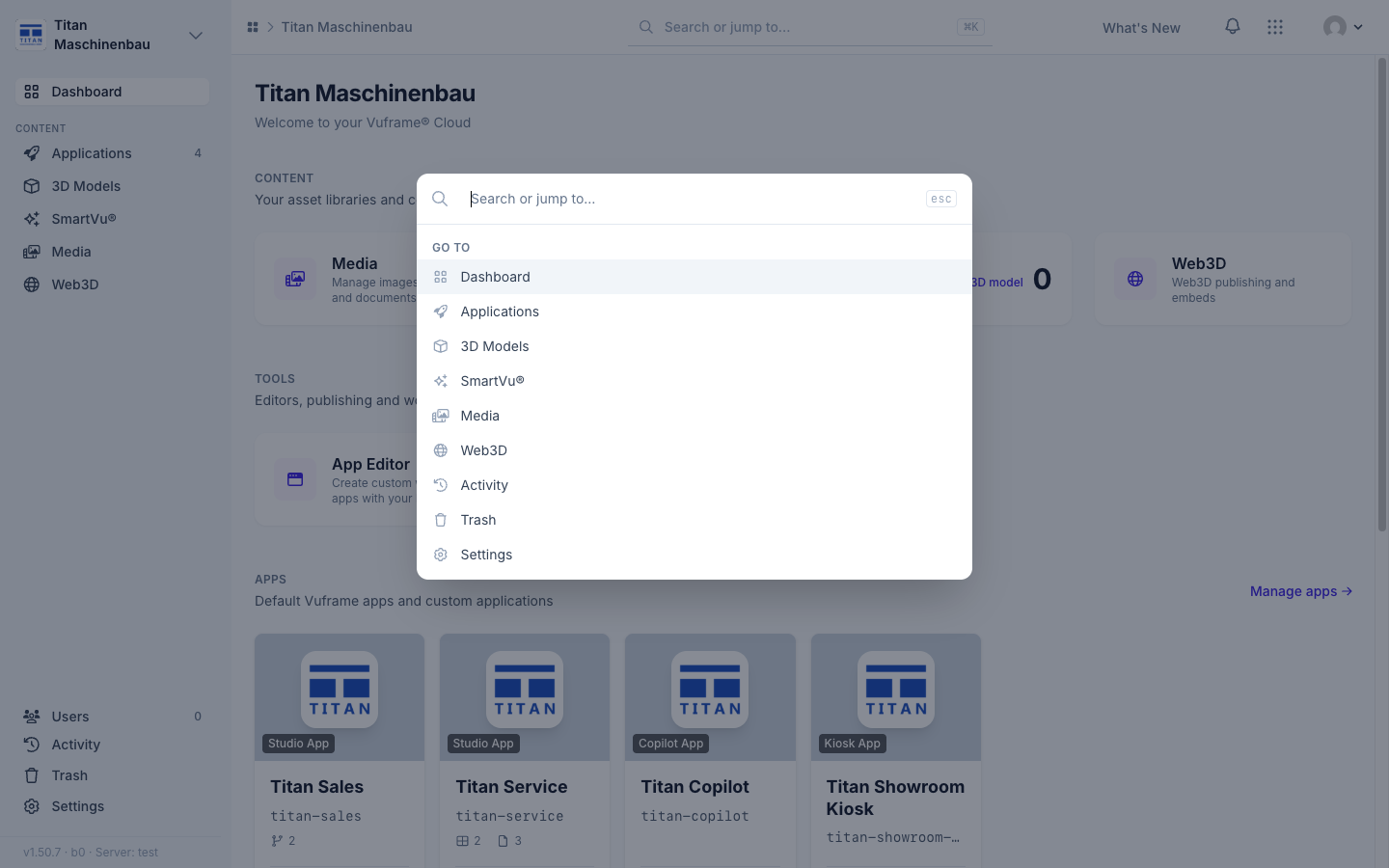
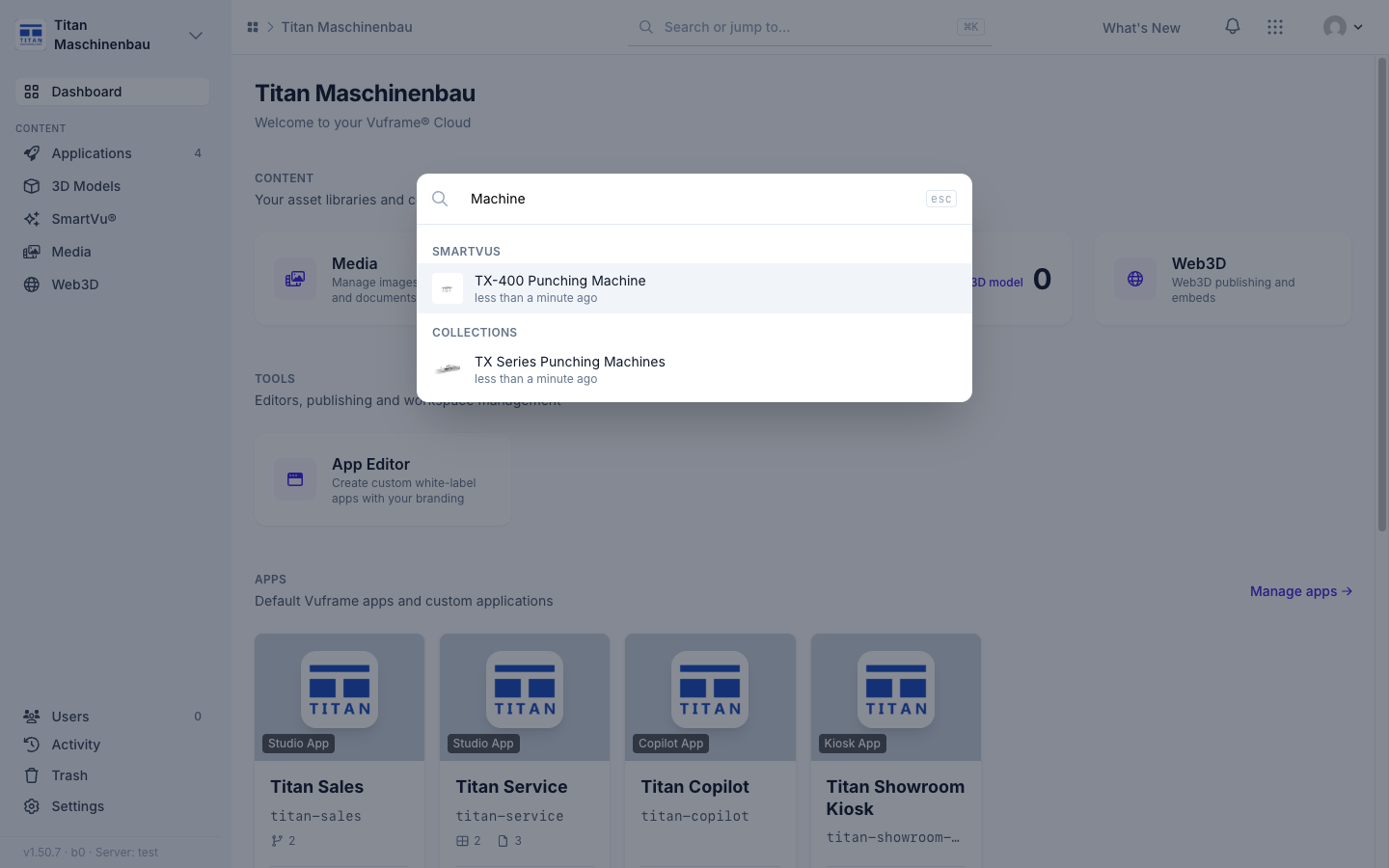
Command palette. Press Cmd+K (Ctrl+K on Windows) on any page, or click the search field in the top bar. "Go to" lists the pages you can open; type two or more characters to search SmartVu®s, media, 3D models, collections, apps and categories by title. Use ↑ and ↓ and Enter to open an item.
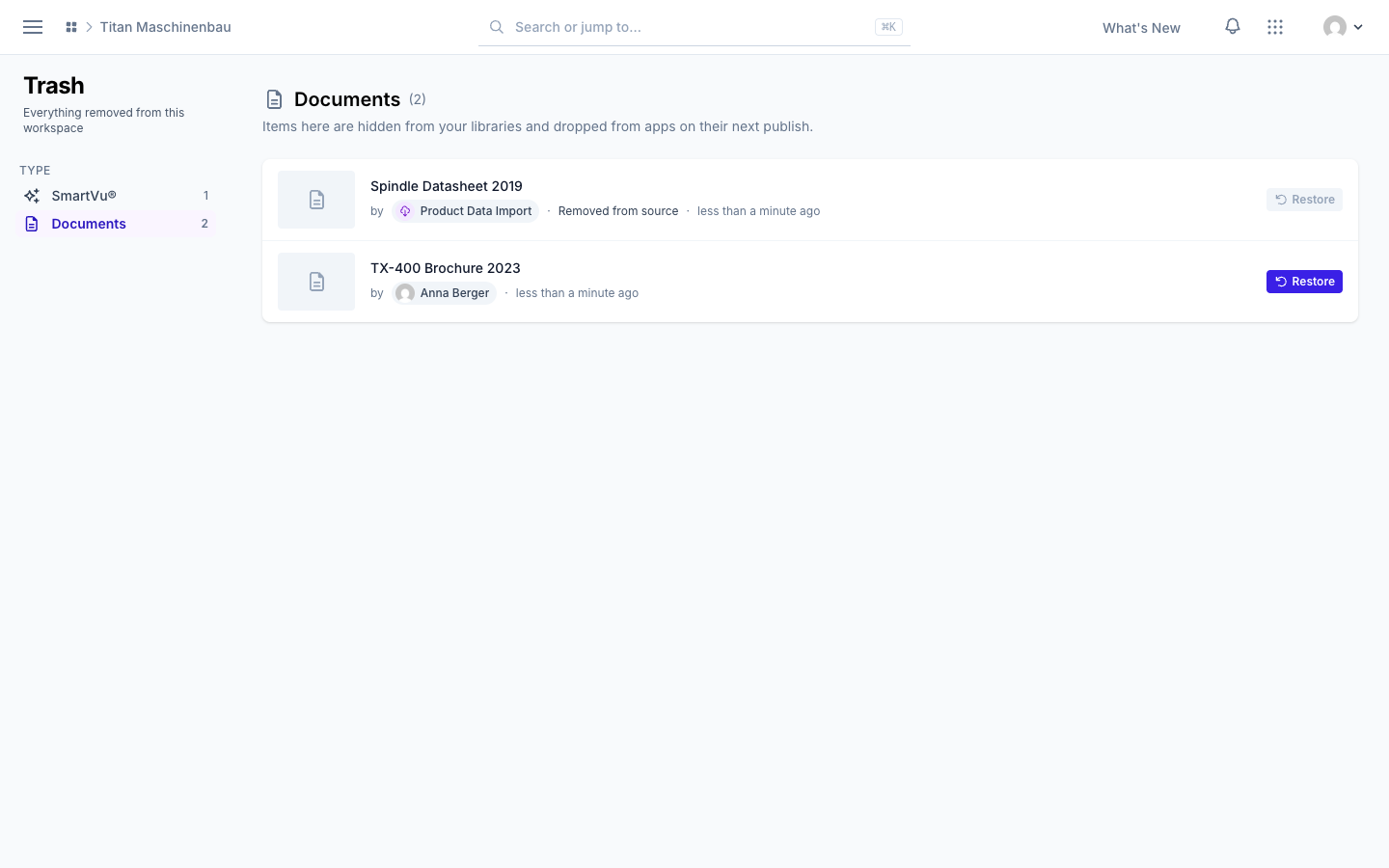
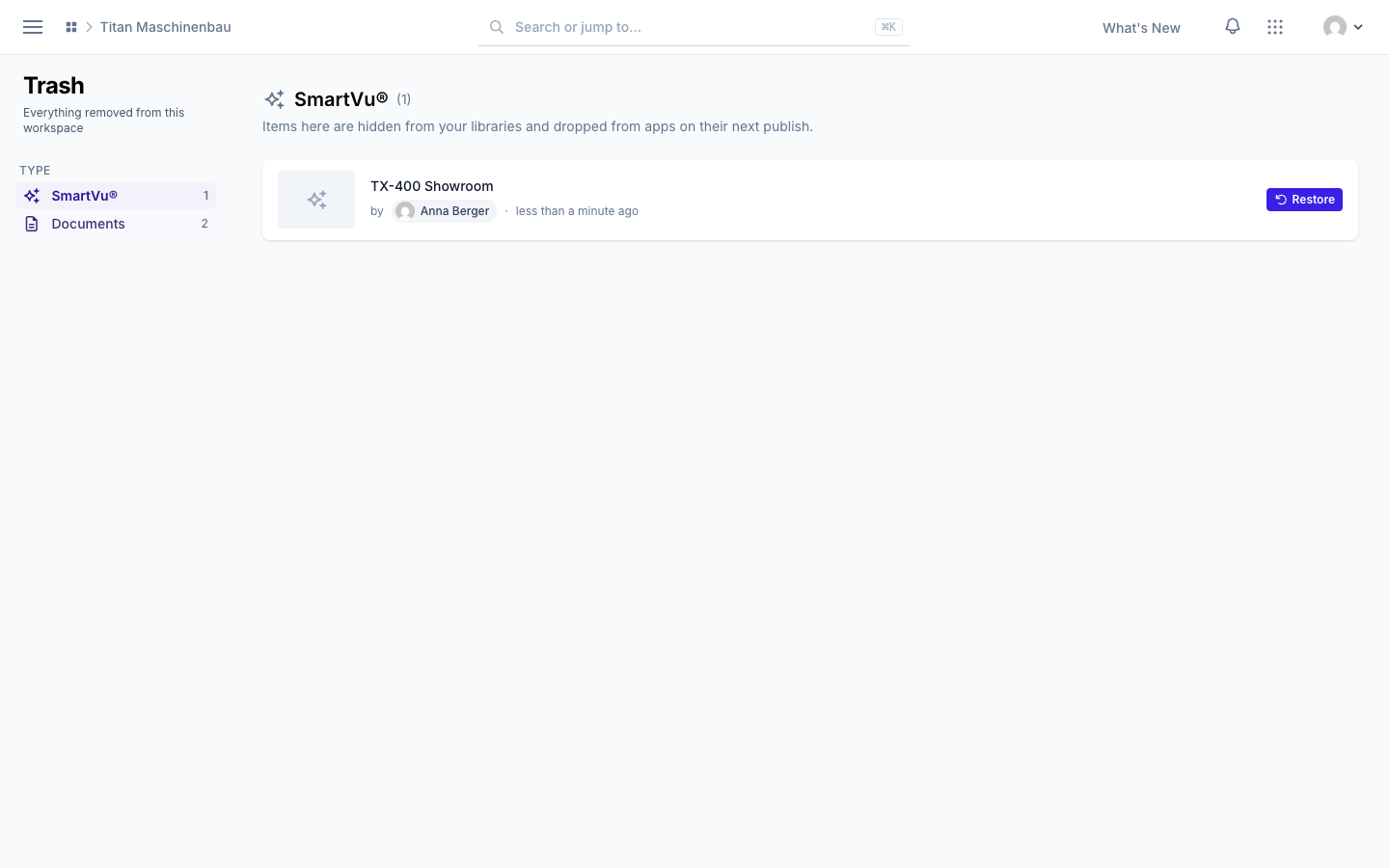
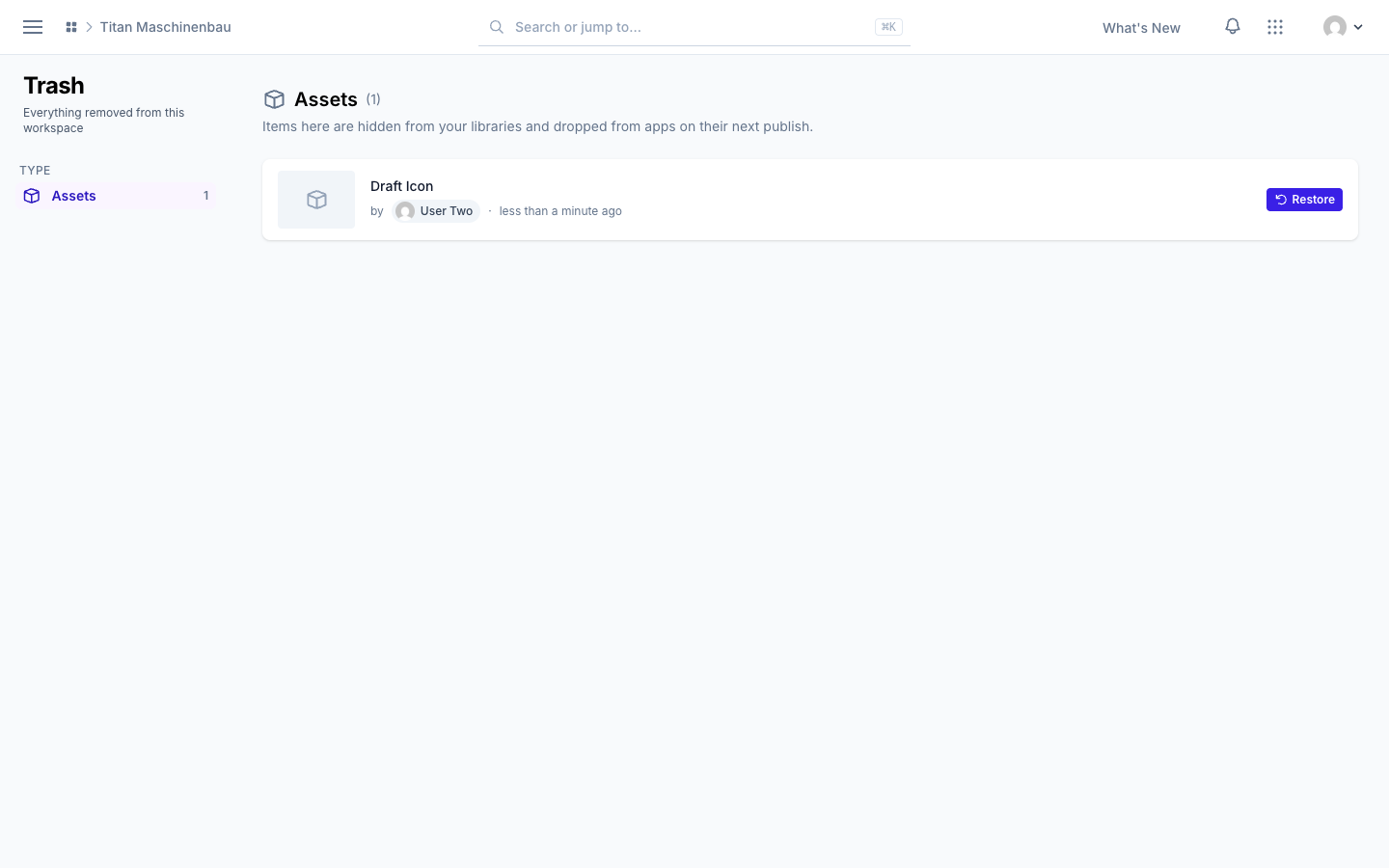
Trash for the whole workspace. Open Trash in the sidebar to see everything that was removed, sorted by type, with who removed it and when. Restore brings an item back. Items an integration removed because its source no longer offers them come back on their own when the source offers them again.
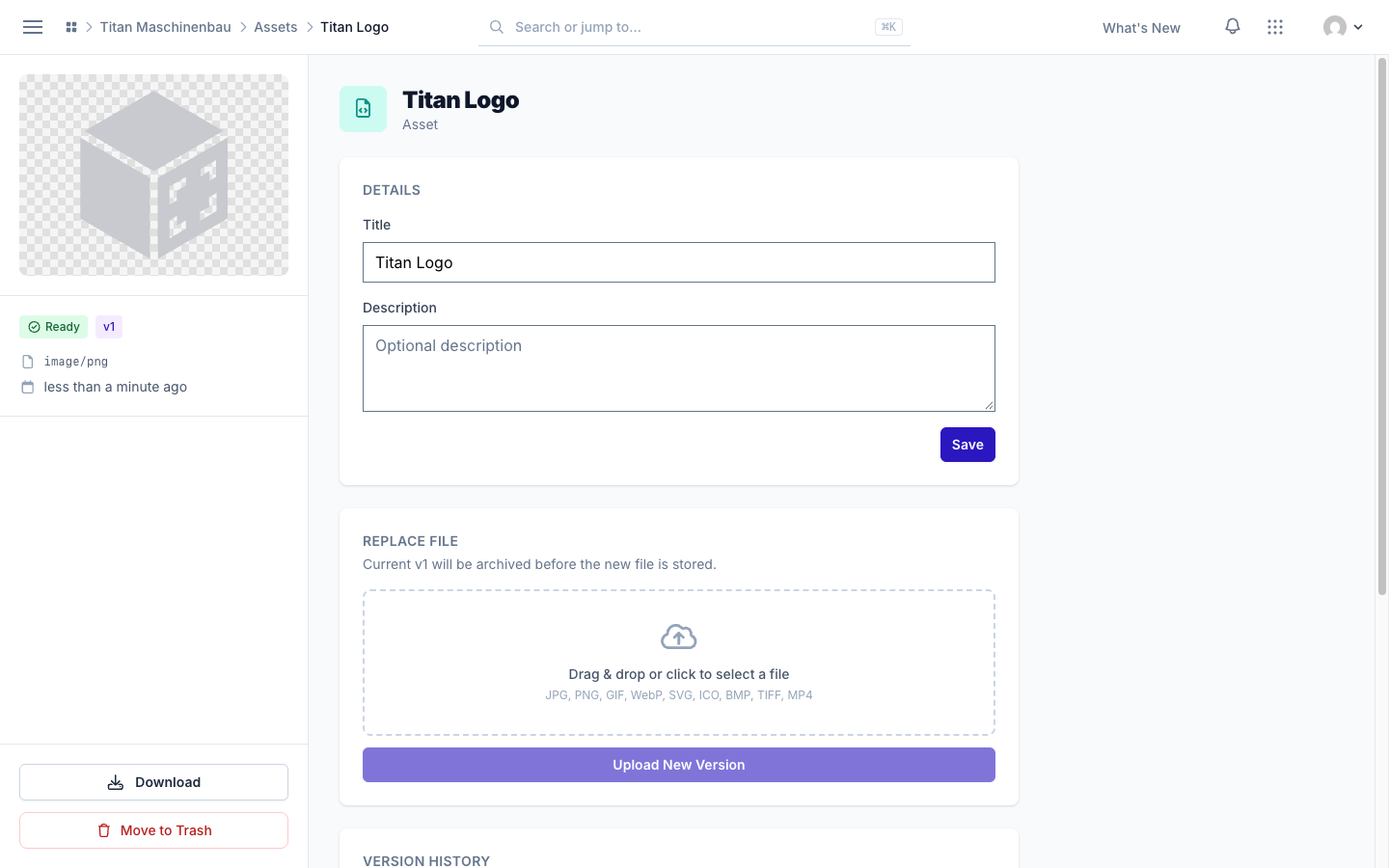
Assets can go to the trash. Open an asset and click Move to Trash. It leaves the asset library and, with the next publish, your apps. Restore brings it back unchanged.
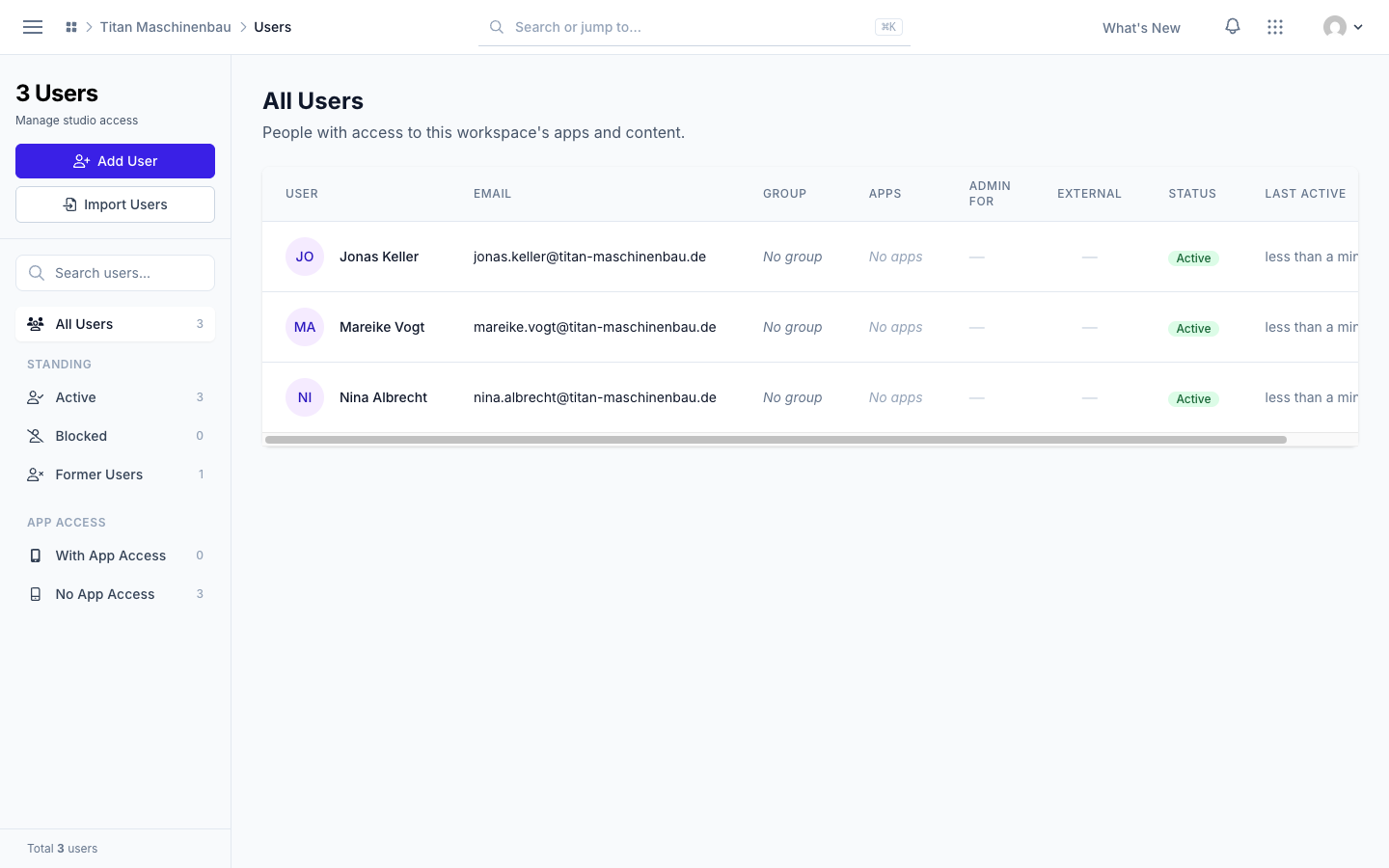
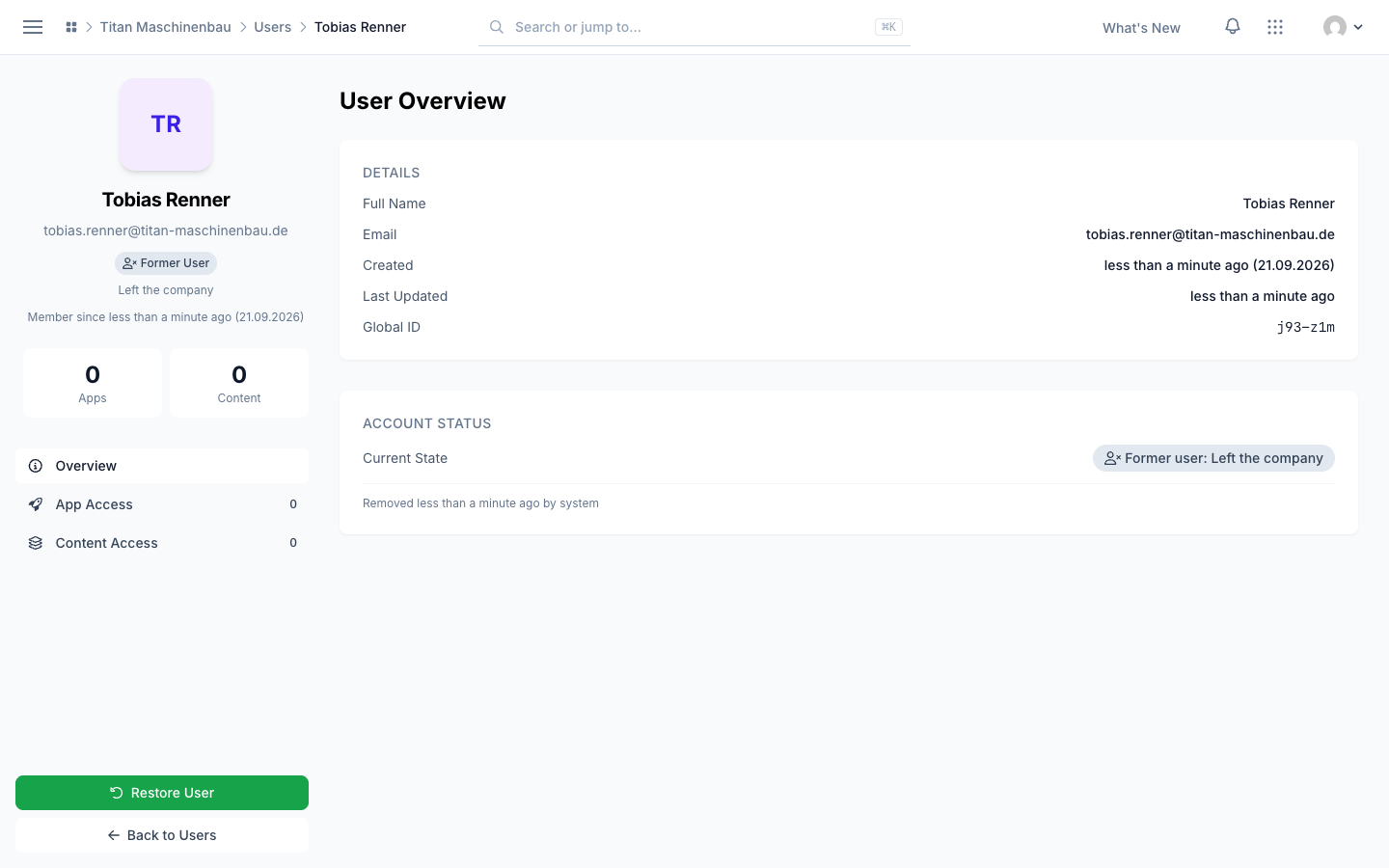
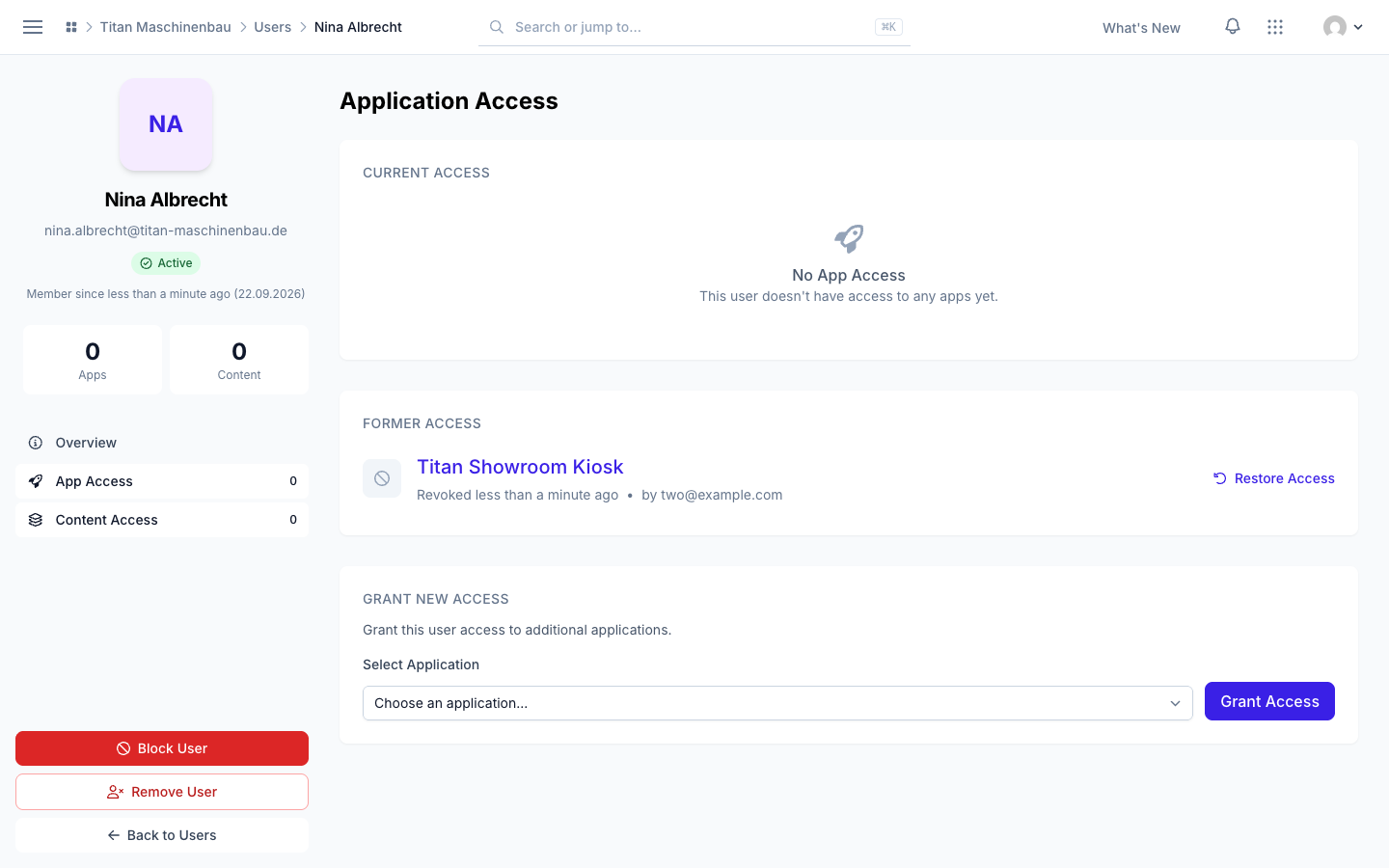
Remove and restore users. Remove User on a person's page takes away all of their app access and moves them to Former Users. Their record, their user group and their history stay. Restore User brings them back. Team Members has a Former Members list with the role of each person, who removed them and why, and a Restore link. The Users list has a new Standing filter: Active, Blocked and Former Users. An app you revoke shows under Former Access, with the date and who revoked it; Restore Access gives it back. Blocking a person now affects only that workspace.
Improved
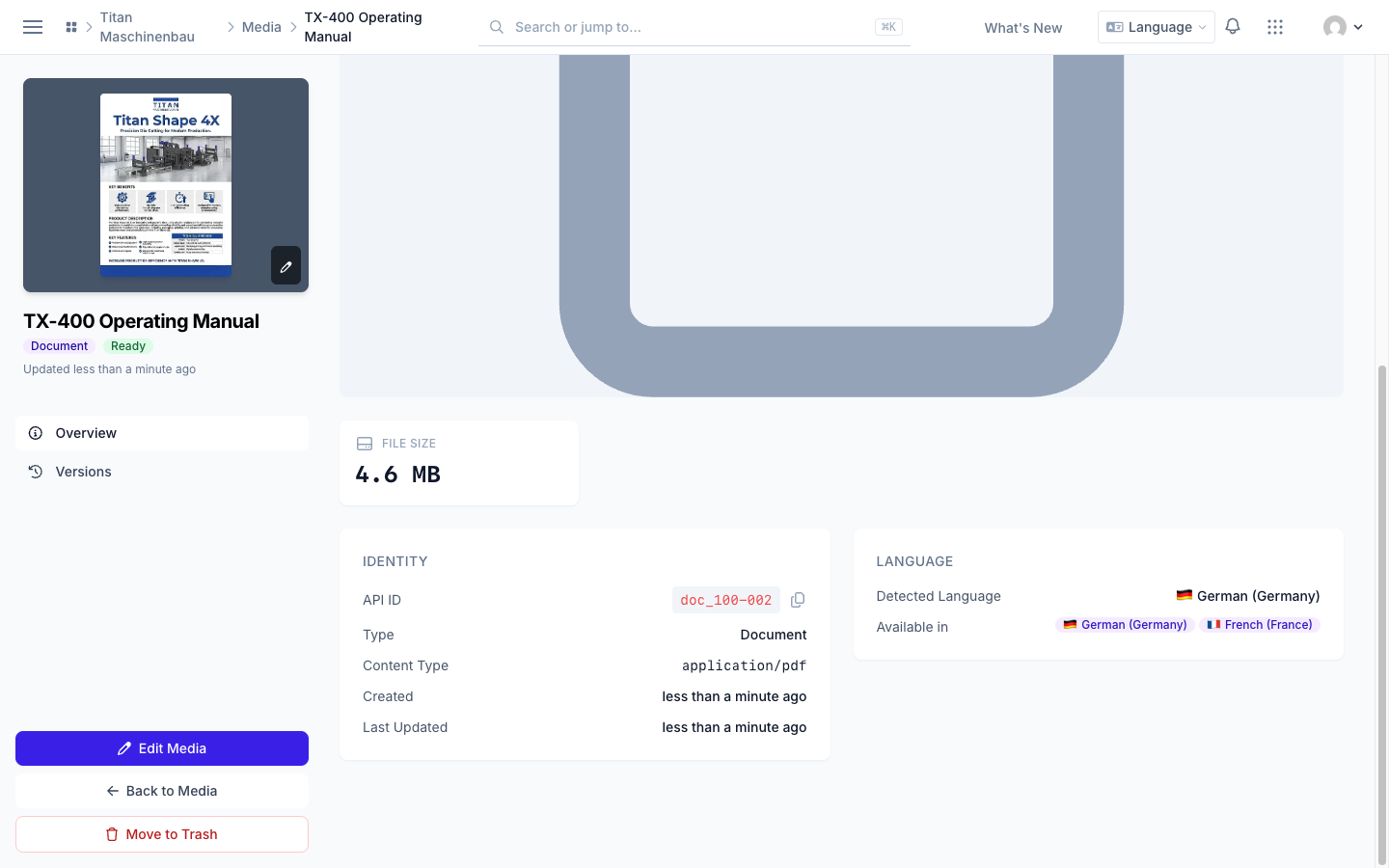
Media files show their languages. The flag before the title shows the Detected Language of the file, the flags below show the languages it is Available in. The file's page has a new Language card.
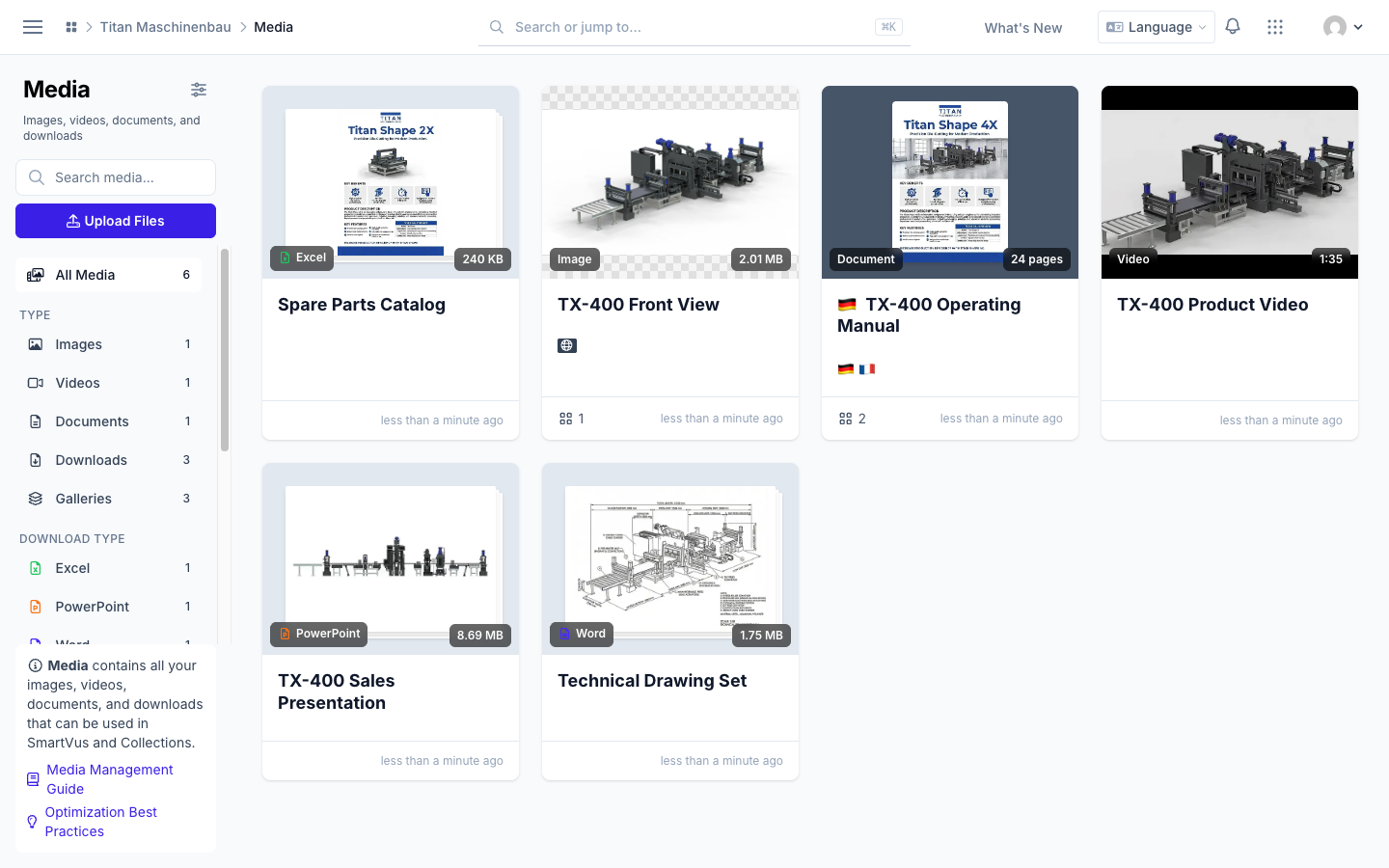
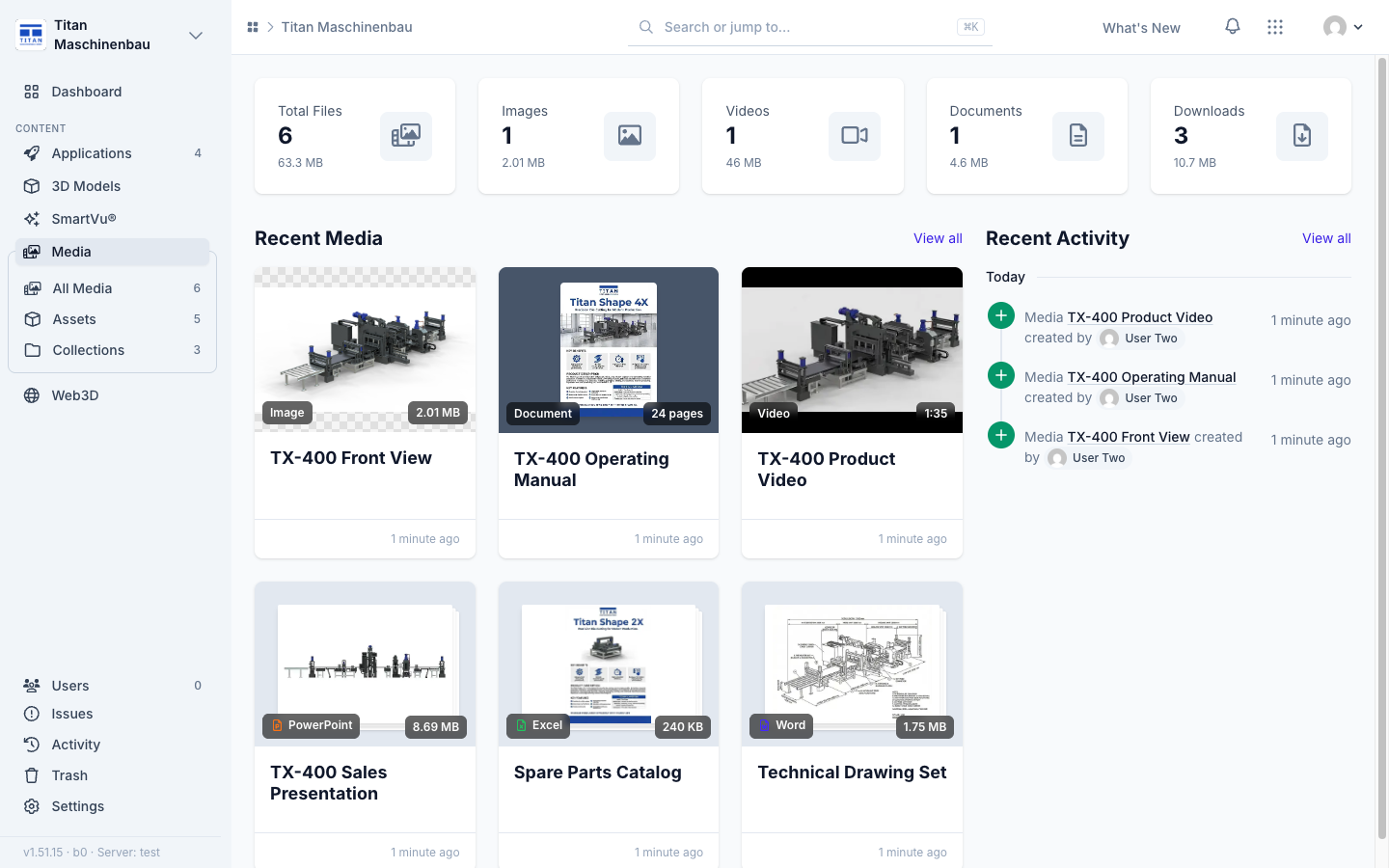
Media library overview with Recent Activity. Next to Recent Media, a new column lists who added, changed, trashed or restored media, galleries and assets.
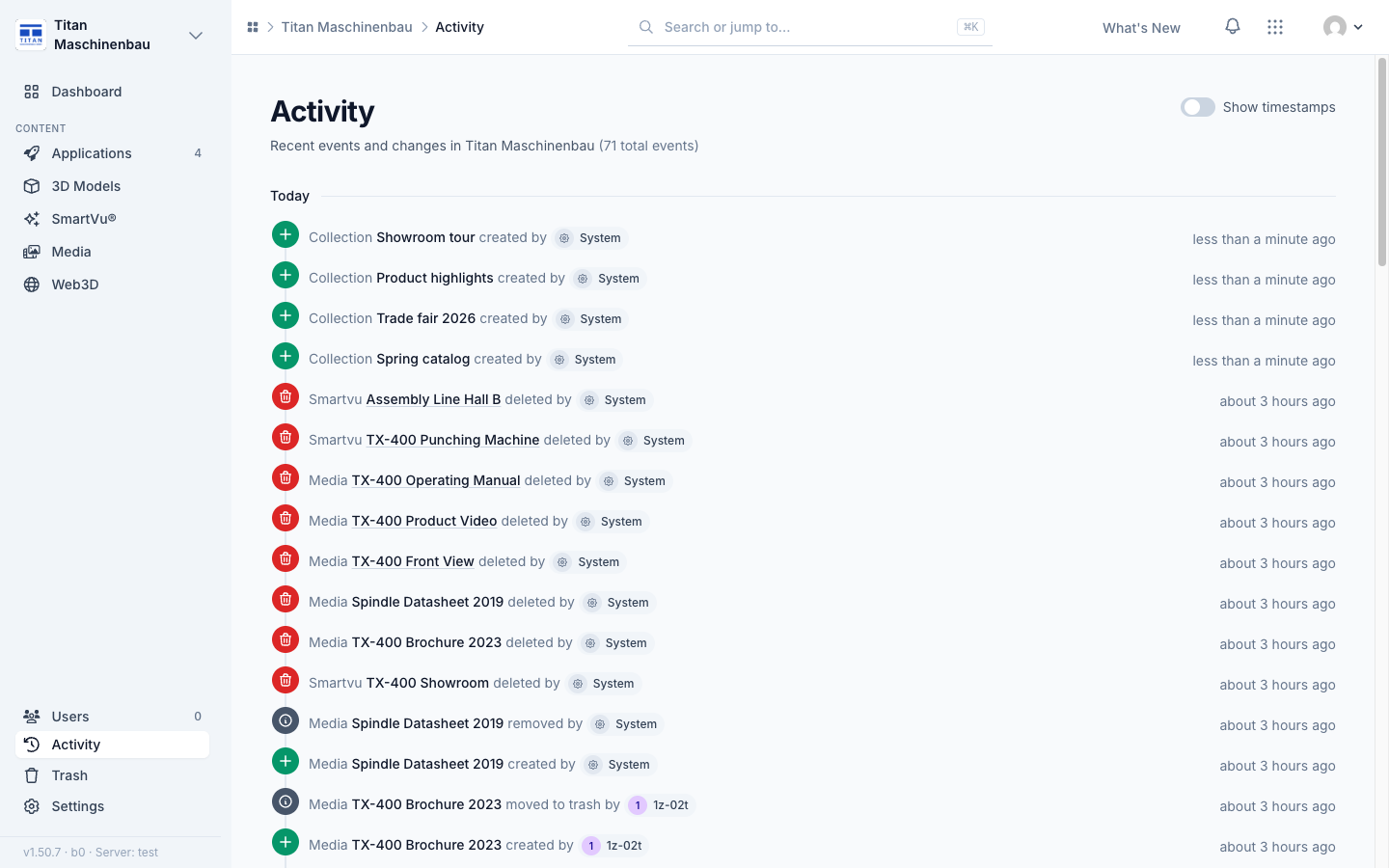
The activity feed loads as you scroll. No more page numbers. An import from an integration stays one row with the counts for the whole import.
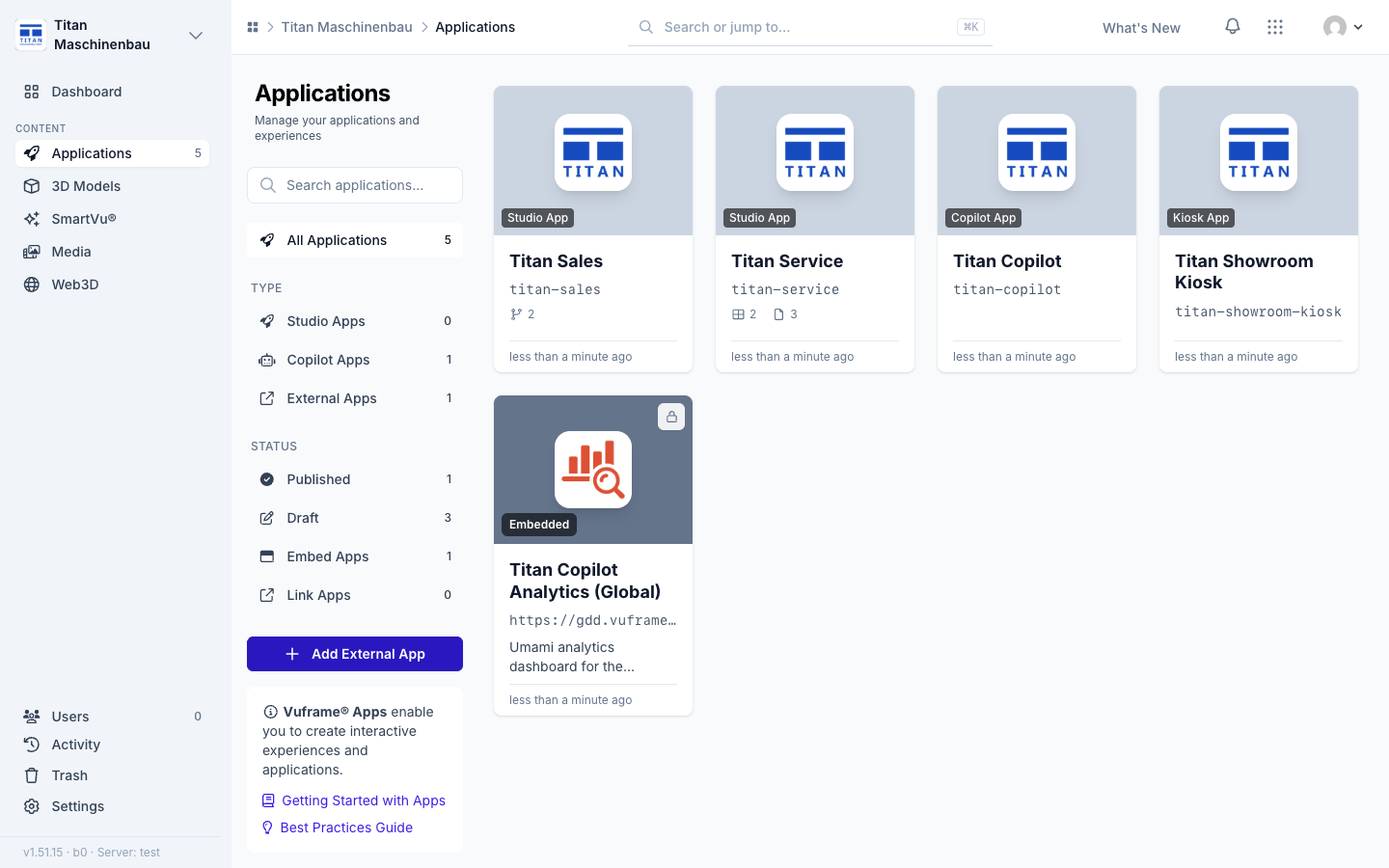
An analytics dashboard for every live edition of a Copilot app, also for editions added later. Dashboards without their own icon show a standard analytics icon.
Fixed
Sign-in uses the email code only. The sign-in page asks only for your email address. An address without access is told so at once: "This email address has no access to this app". The other sign-in methods show as "Coming soon".
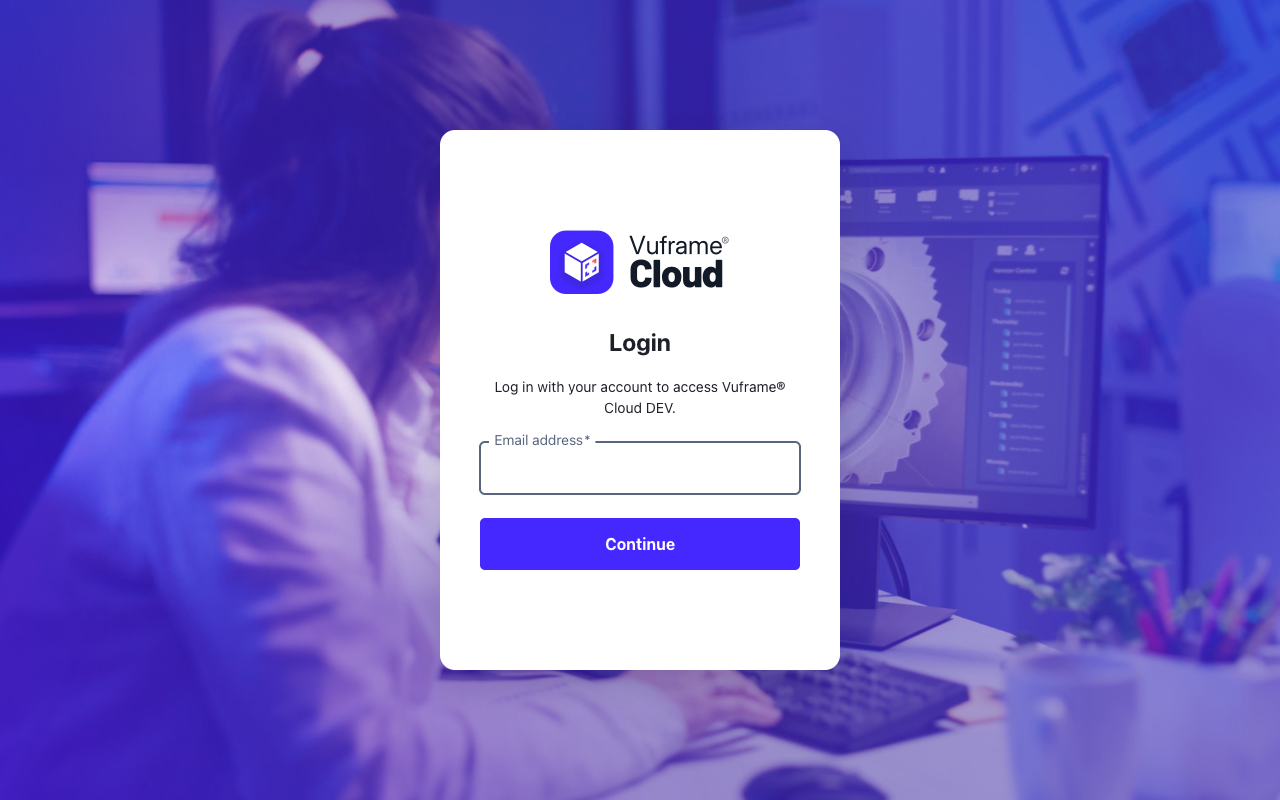
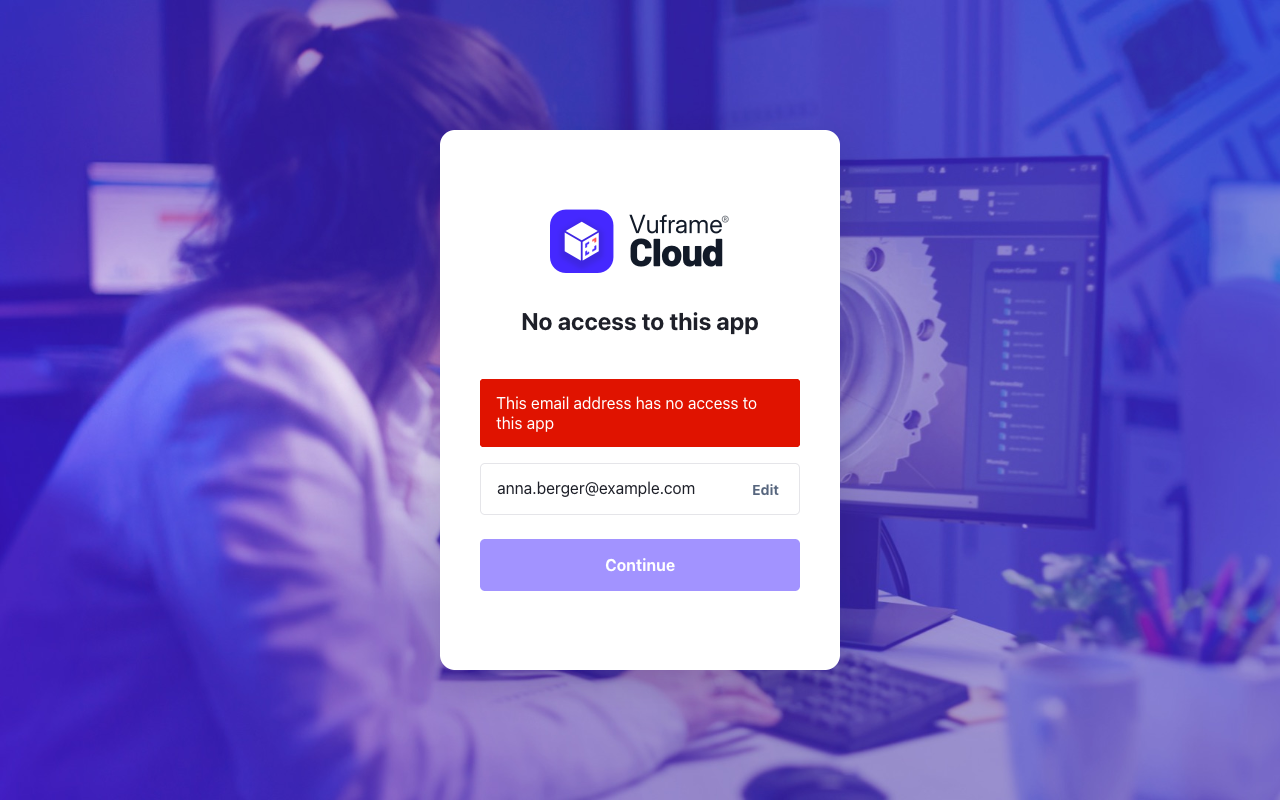
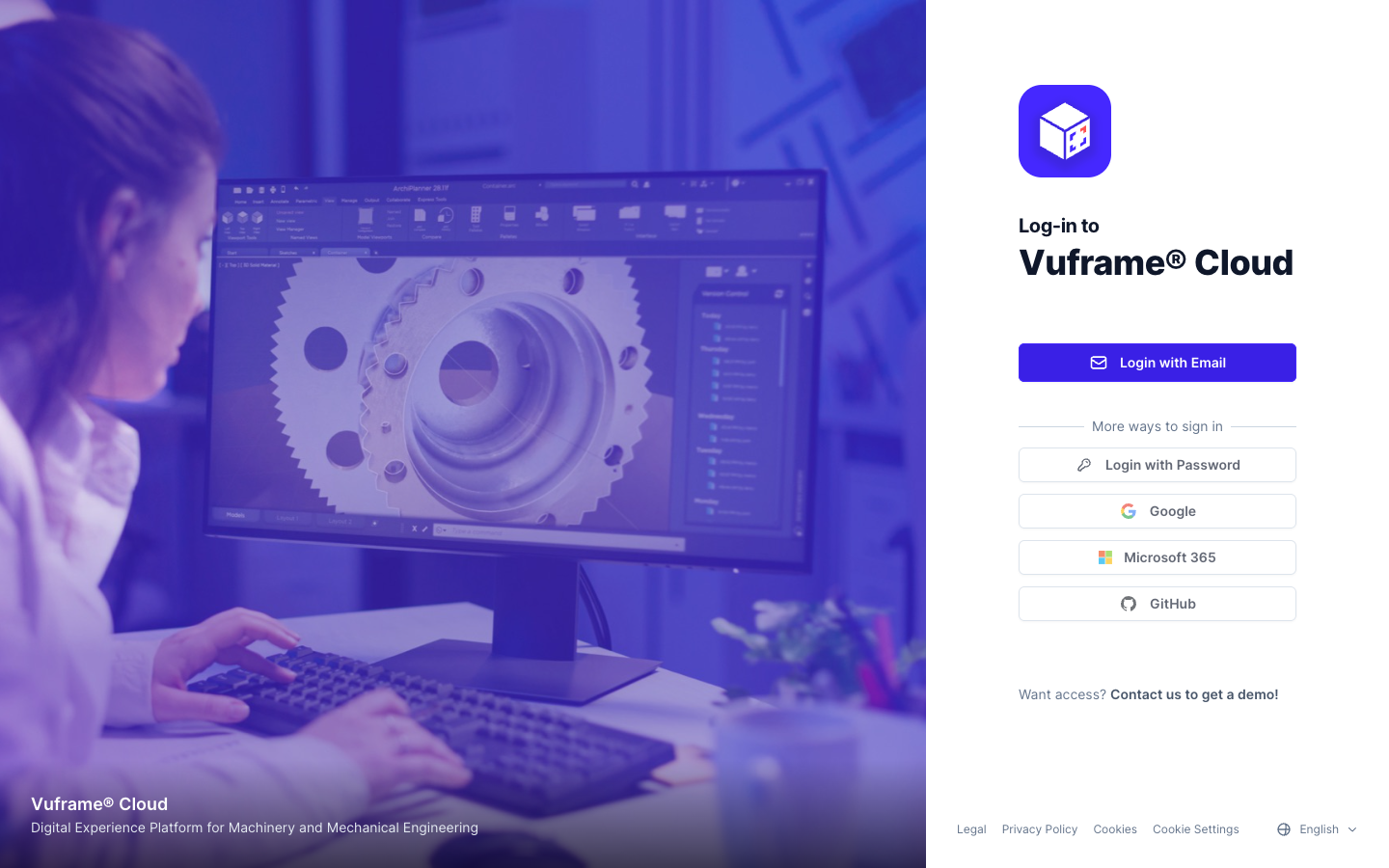
Your sign-in stays tied to your account. You are signed out once when this update goes live.
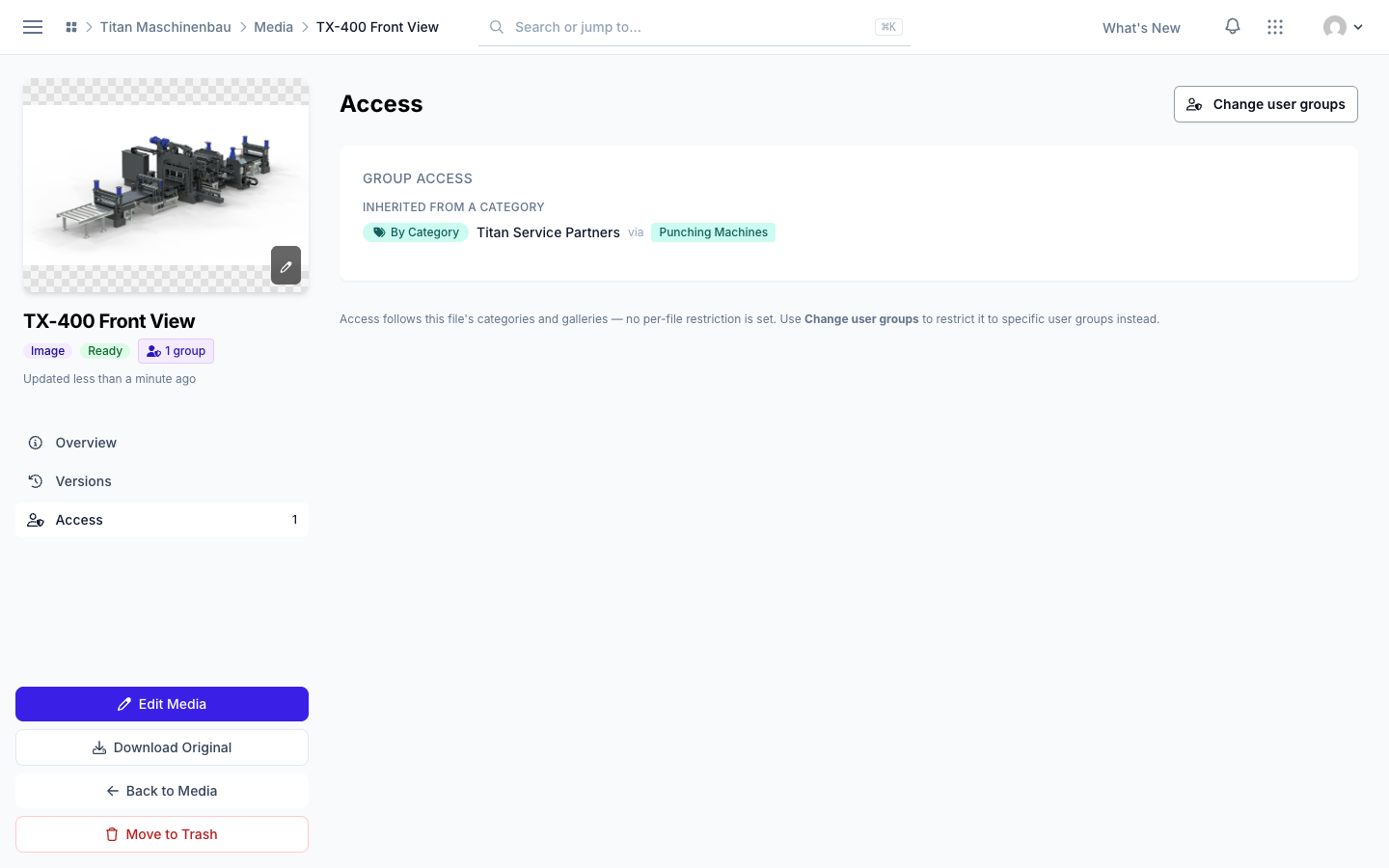
Clear access wording. The Access section of a file now says whether the file has its own restriction, follows its categories and galleries, or reaches only the default group. The library filter is now Per-file restriction (Media) and Per-item restriction (SmartVu®s, collections) and lists the items that really have one.
App counts show current access only. The Apps and App Access numbers on a person's page and the Apps column of the Users list count only the apps the person can open now. Revoked apps stay under Former Access.
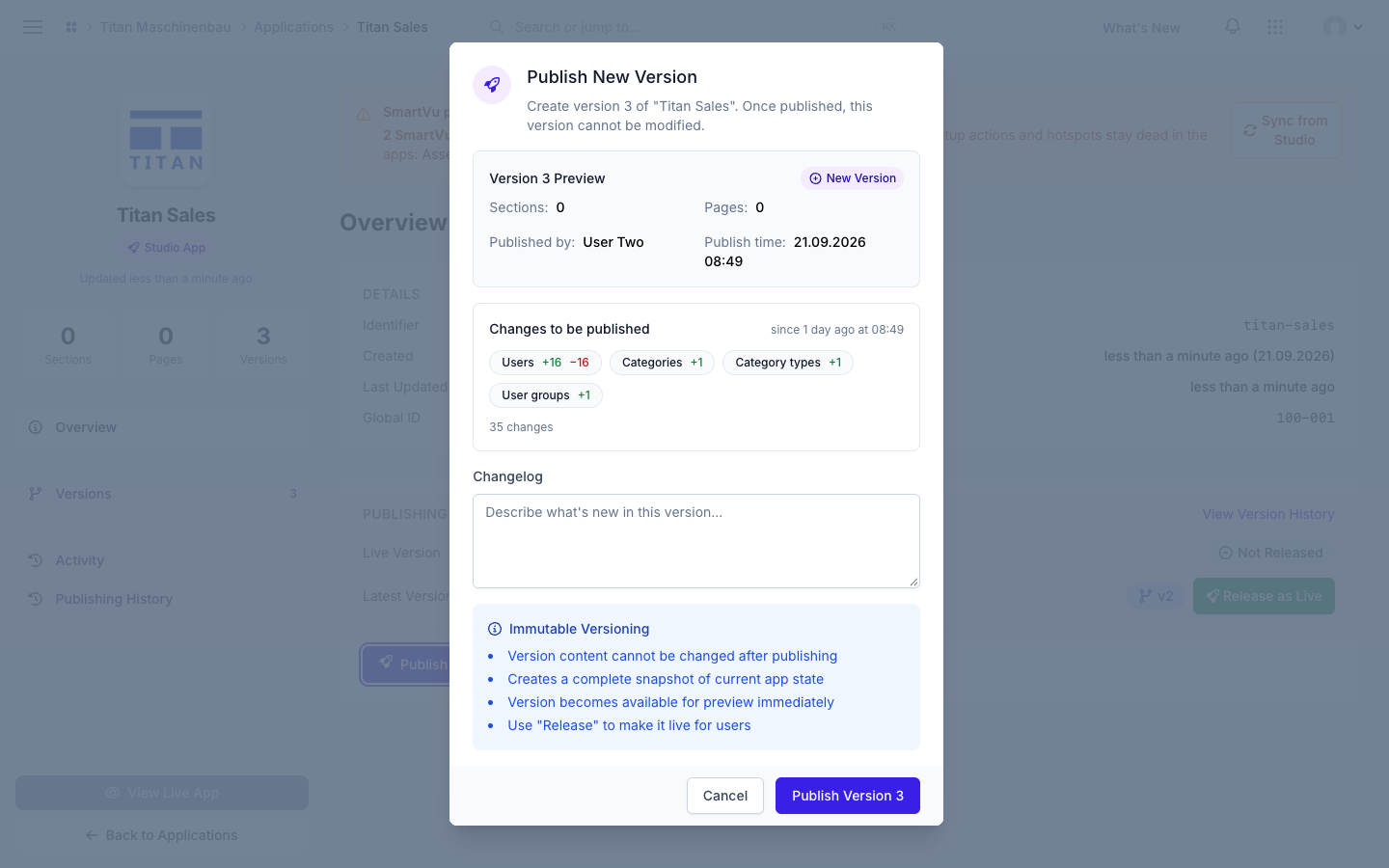
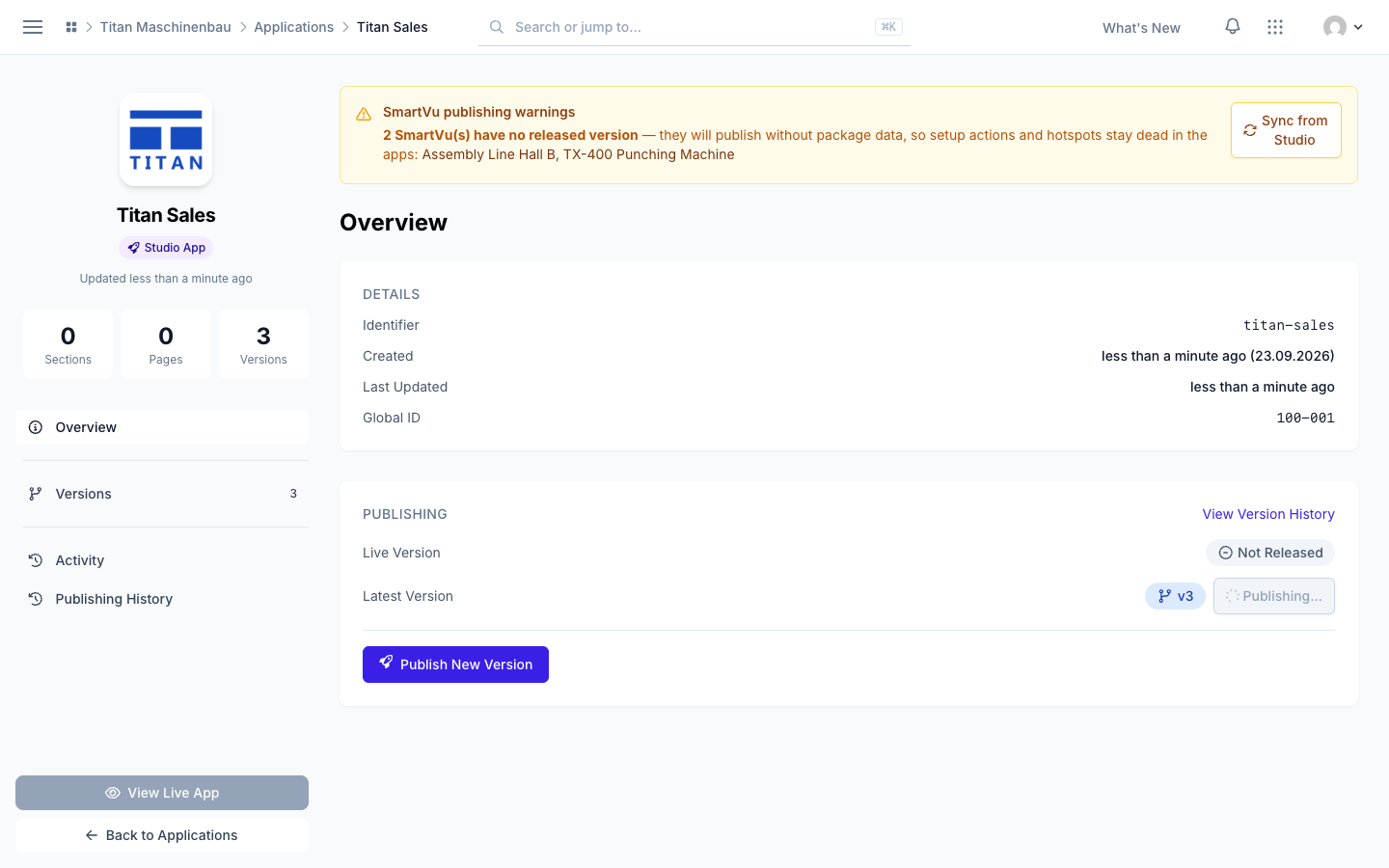
Publishing. The publish dialog shows the version number that will really be created, and View Live App opens the live app. A publish that is interrupted now ends as "Failed" with a clear reason, and publishing again reuses the same version number. A version that is still publishing shows Publishing… instead of Release as Live.
Dark mode. Text fields, text areas and drop-downs follow the dark color scheme, so what you type is readable.
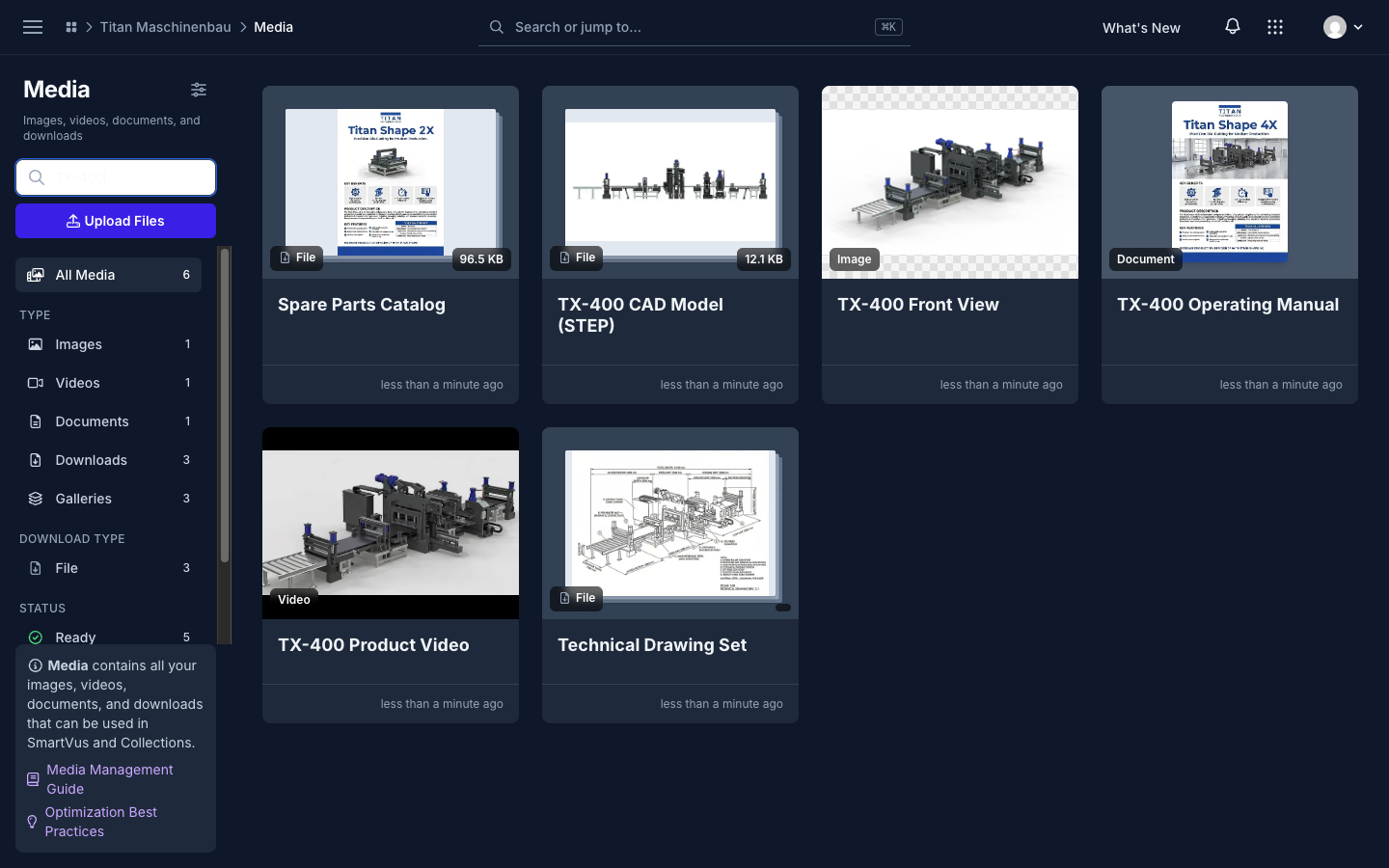
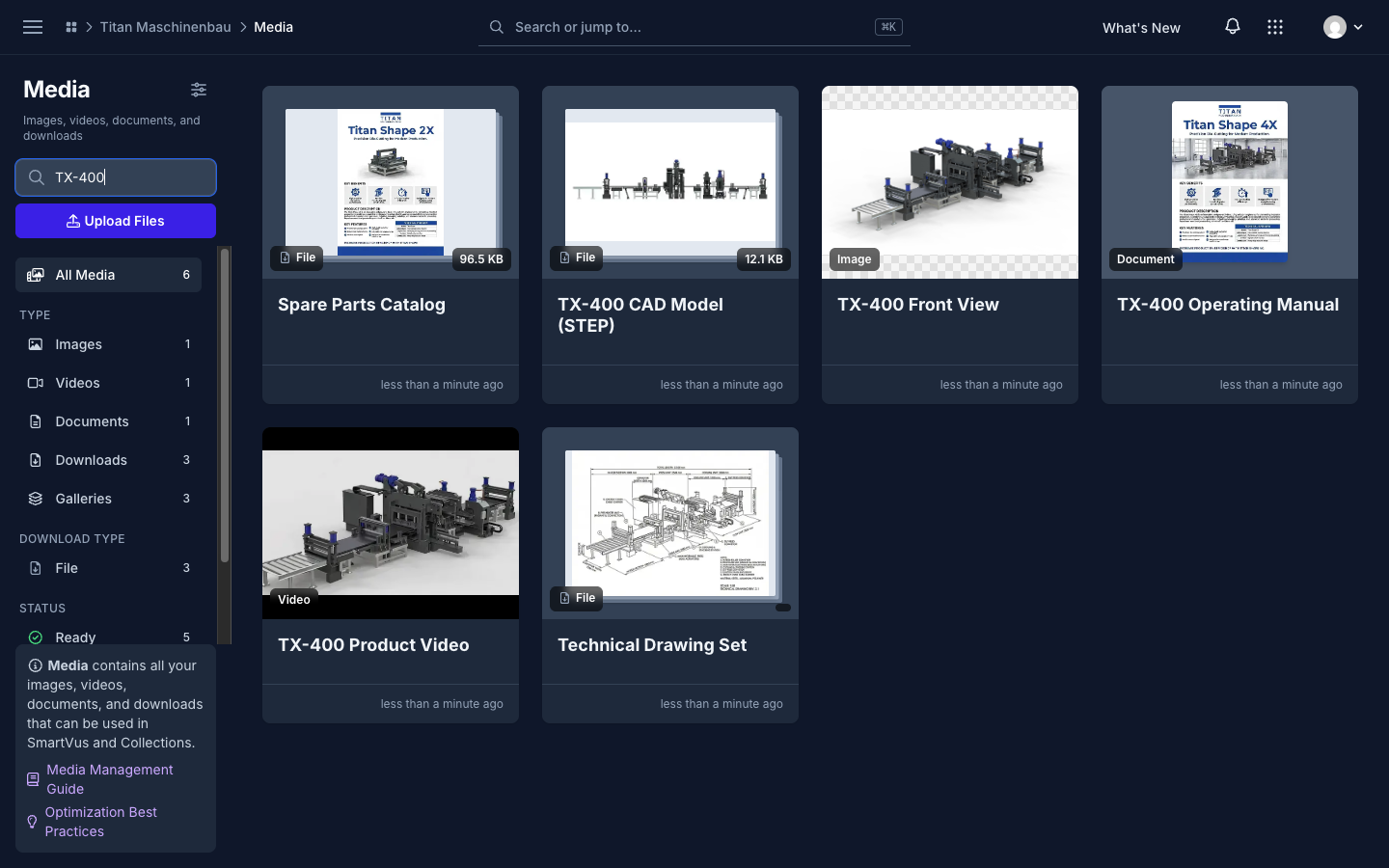
Media in the trash stay hidden from counts, lists, pickers and filters everywhere, and a gallery in the trash is no longer published to your apps.
Videos play everywhere. Vuframe® Cloud checks the content of each video and converts videos that browsers cannot play. Existing videos are converted automatically; publish your apps again to ship them.
Published documents open instead of downloading. PDFs, images and videos in published apps carry their real file type, so they open in the viewer or play inline.
Previews for SmartVu® media in apps. Every published SmartVu® now carries a small preview for each document, image and video, so the sidebar and media popups load fast. Publish your apps again to get them.