Vuframe® Cloud v1.56.28
Vuframe® Cloud v1.56.28 lets you organize a media file from its own page and shows in the Activity feed exactly what changed. Damaged videos are caught before they reach your apps, and published files are smaller and carry no hidden upload data.
New
Organize media from both sides. On a media file's page, the Collections and Categories sections list what the file is in and what you can add, with a search field. The Media Items sections of categories, collections and galleries work the same way. Category types say whether an item can have one or any of their categories.
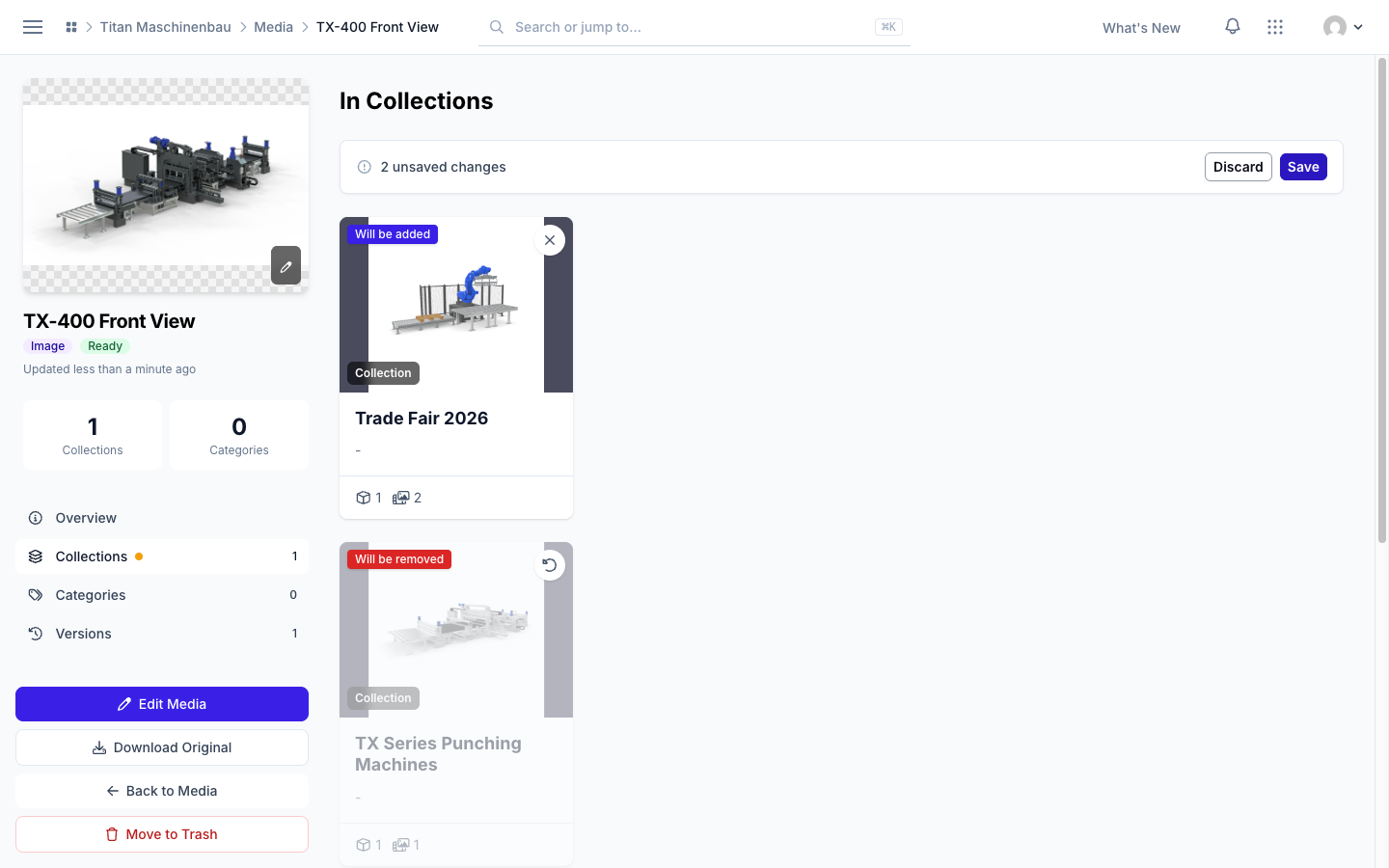
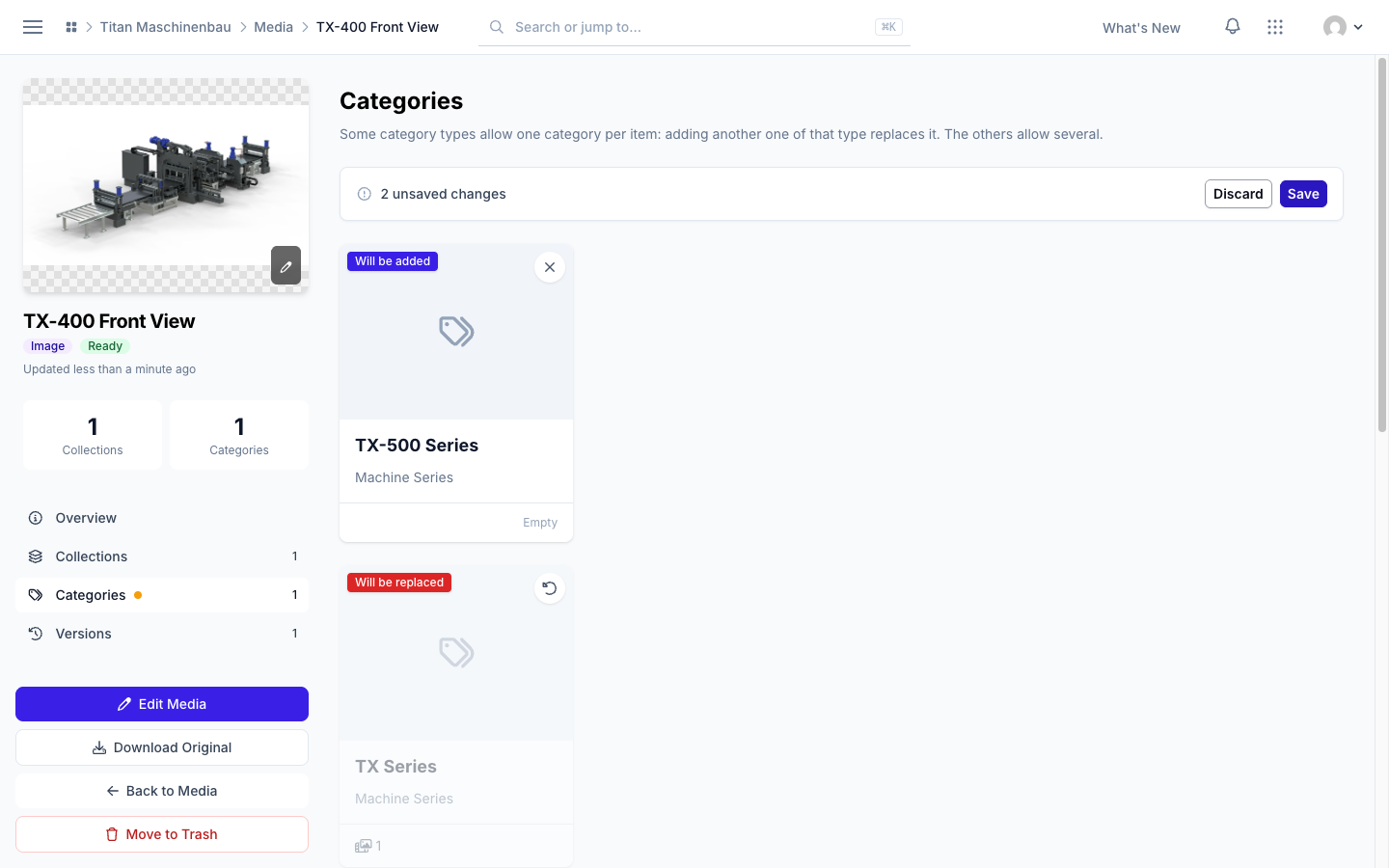
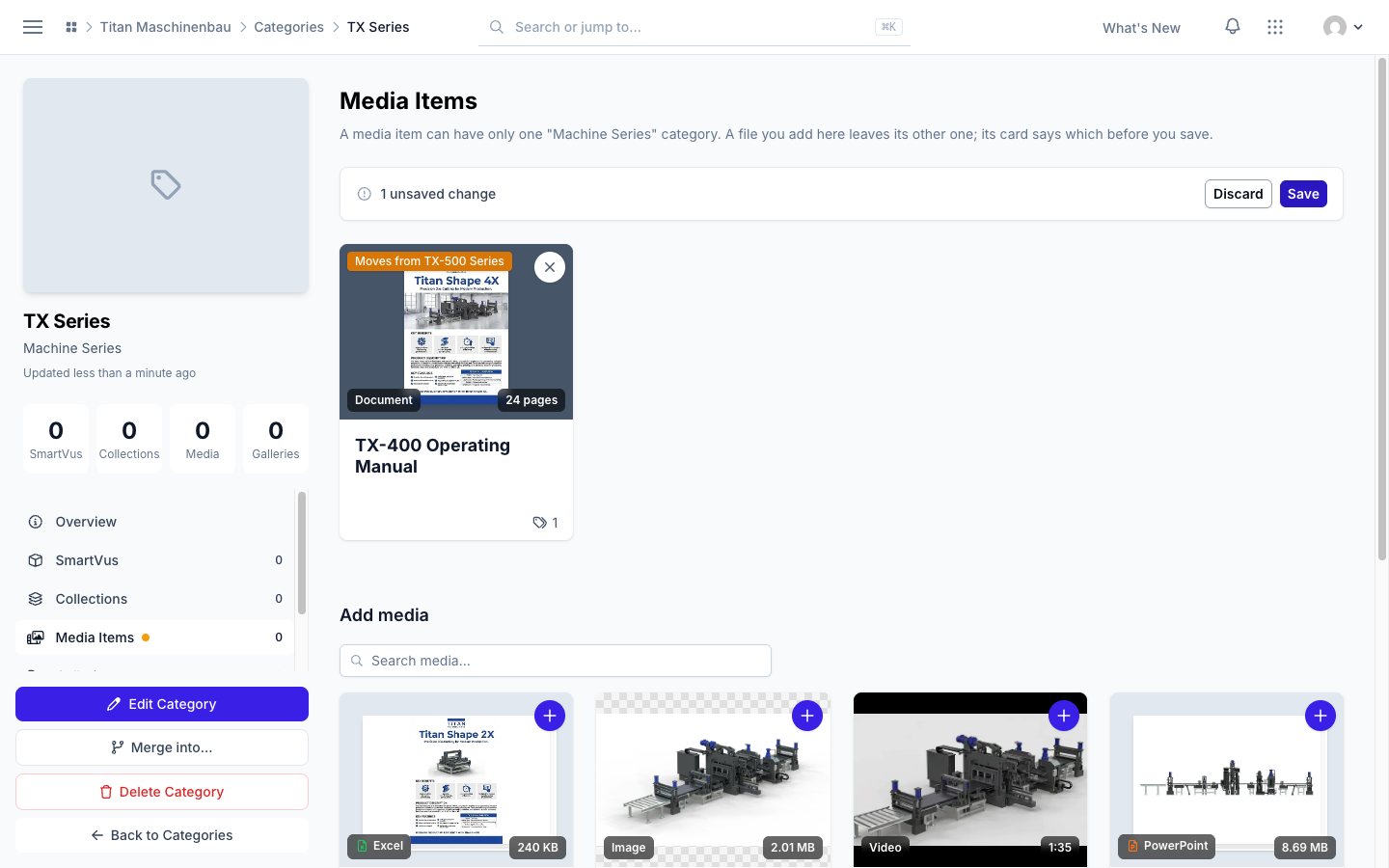
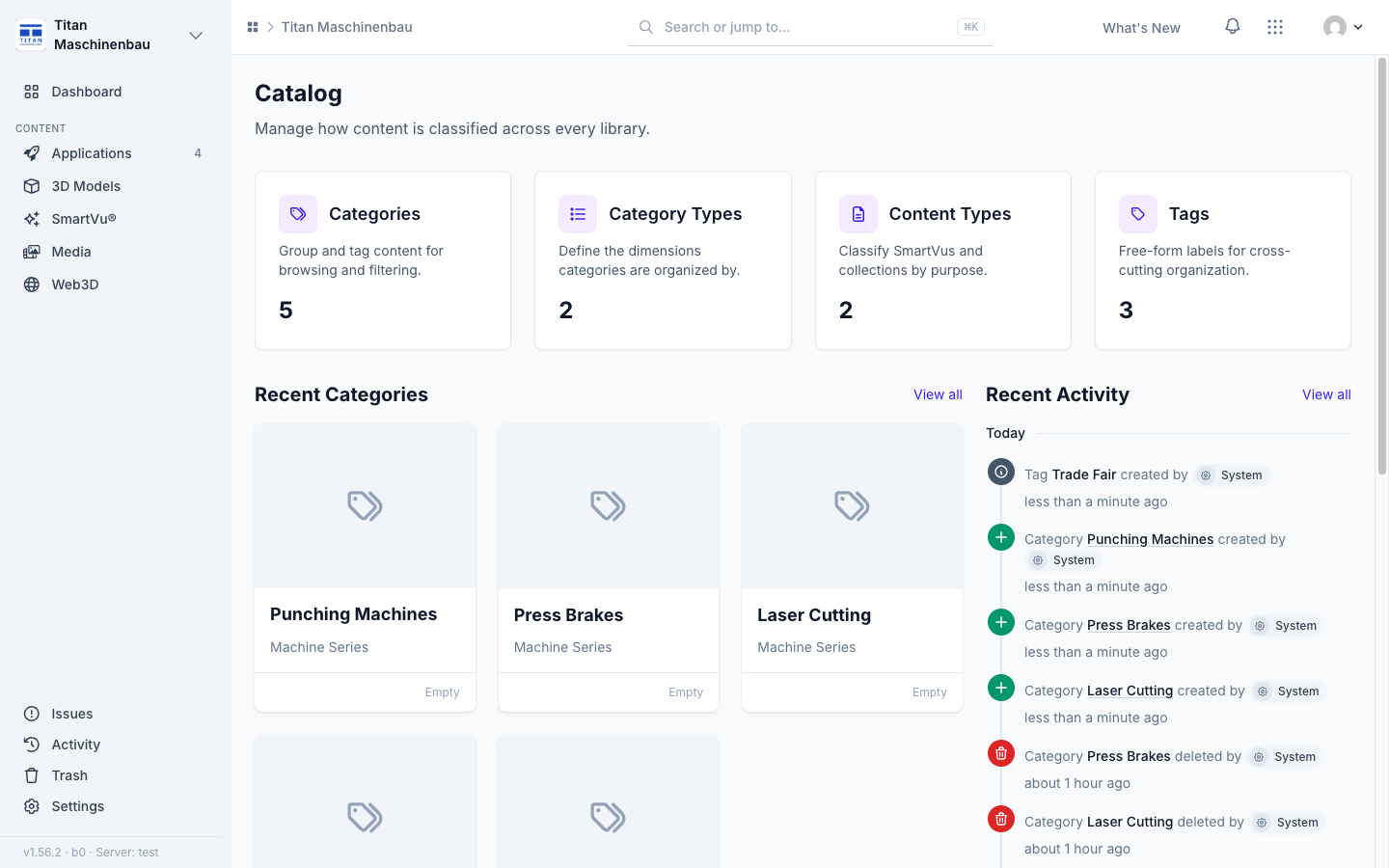
Catalog overview. The Catalog page shows Recent Categories and Recent Activity for categories, category types, content types and tags.
Improved
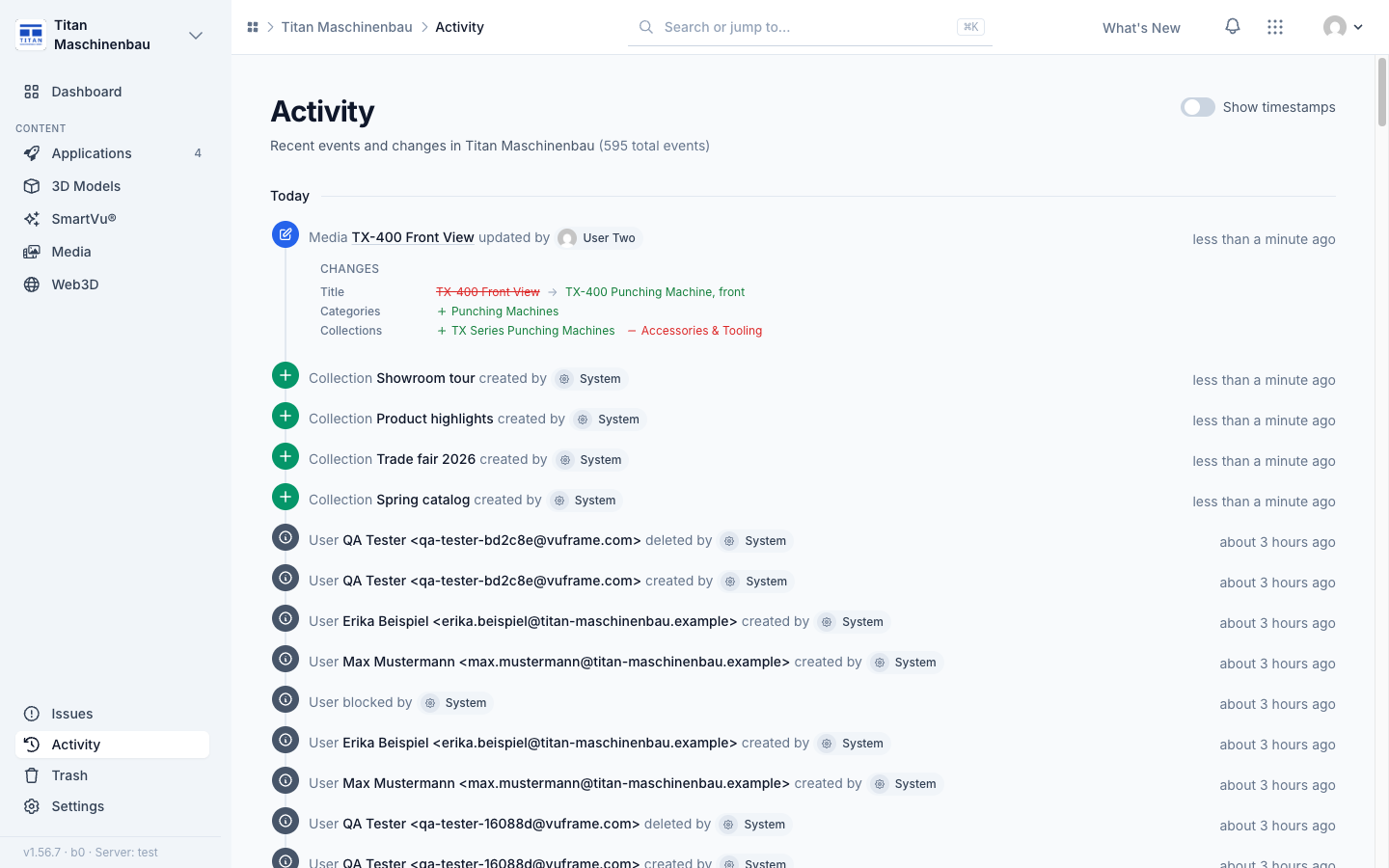
The Activity feed shows what changed: the old and the new value of each field, and which categories, collections, tags or user groups were added or removed.
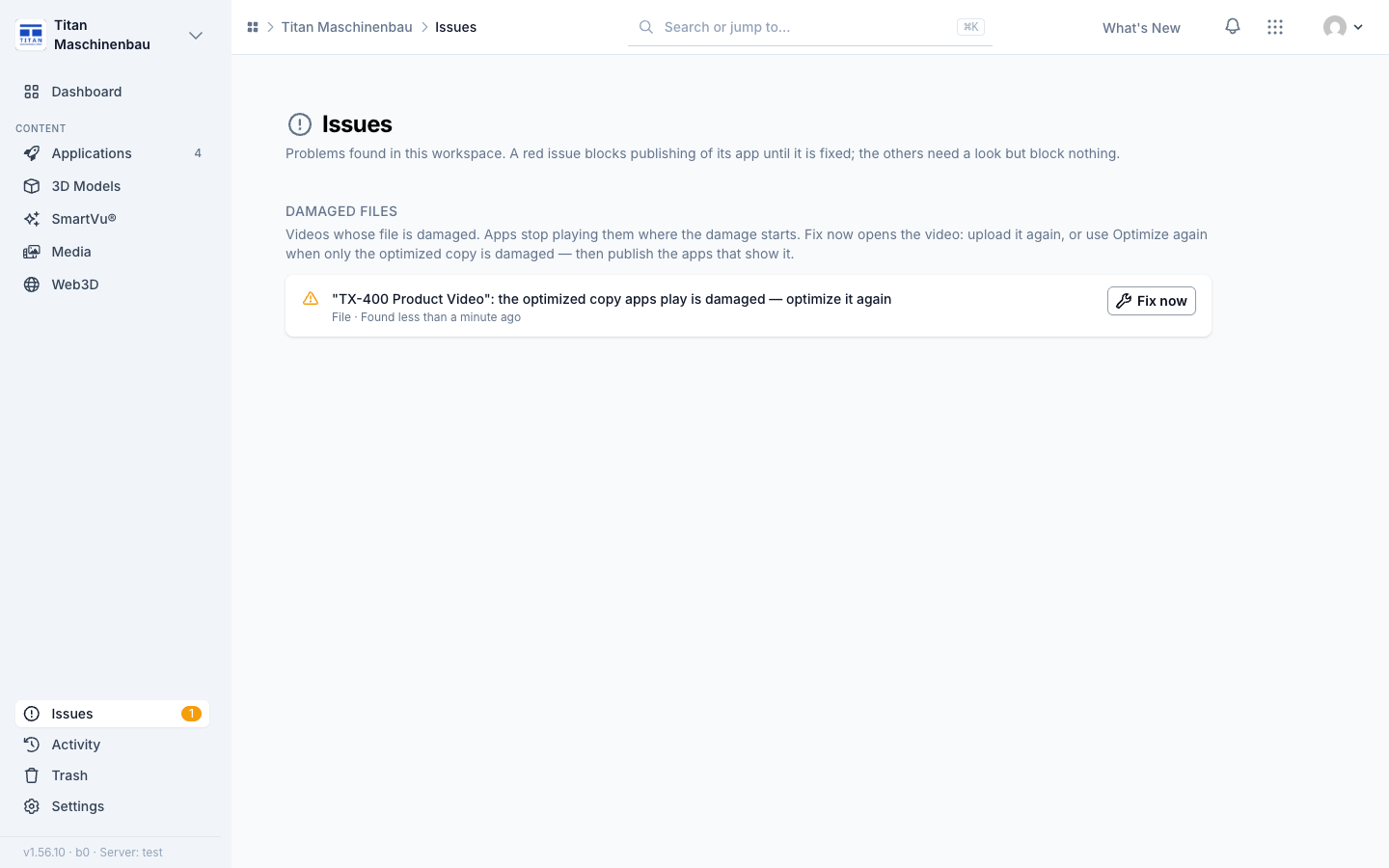
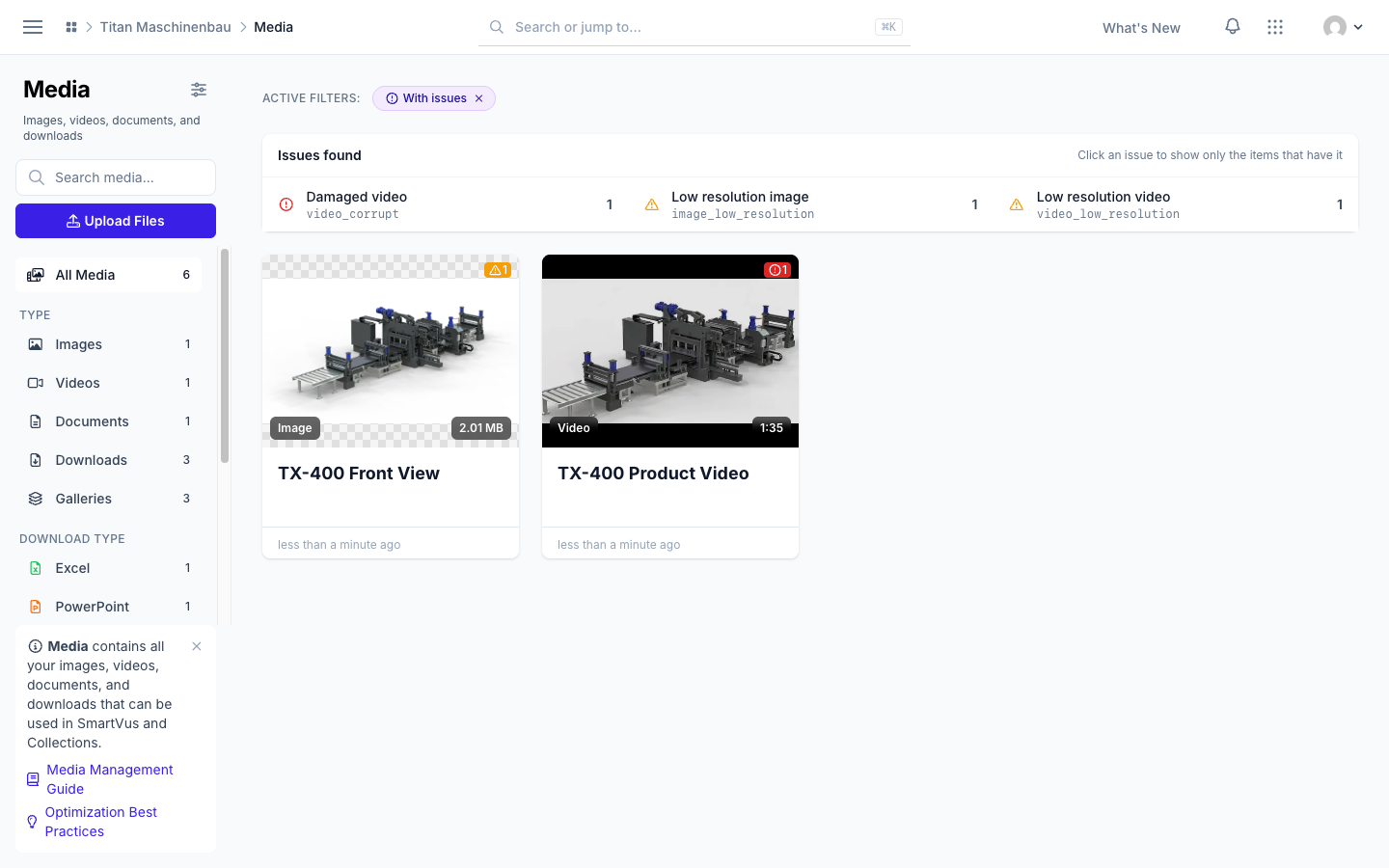
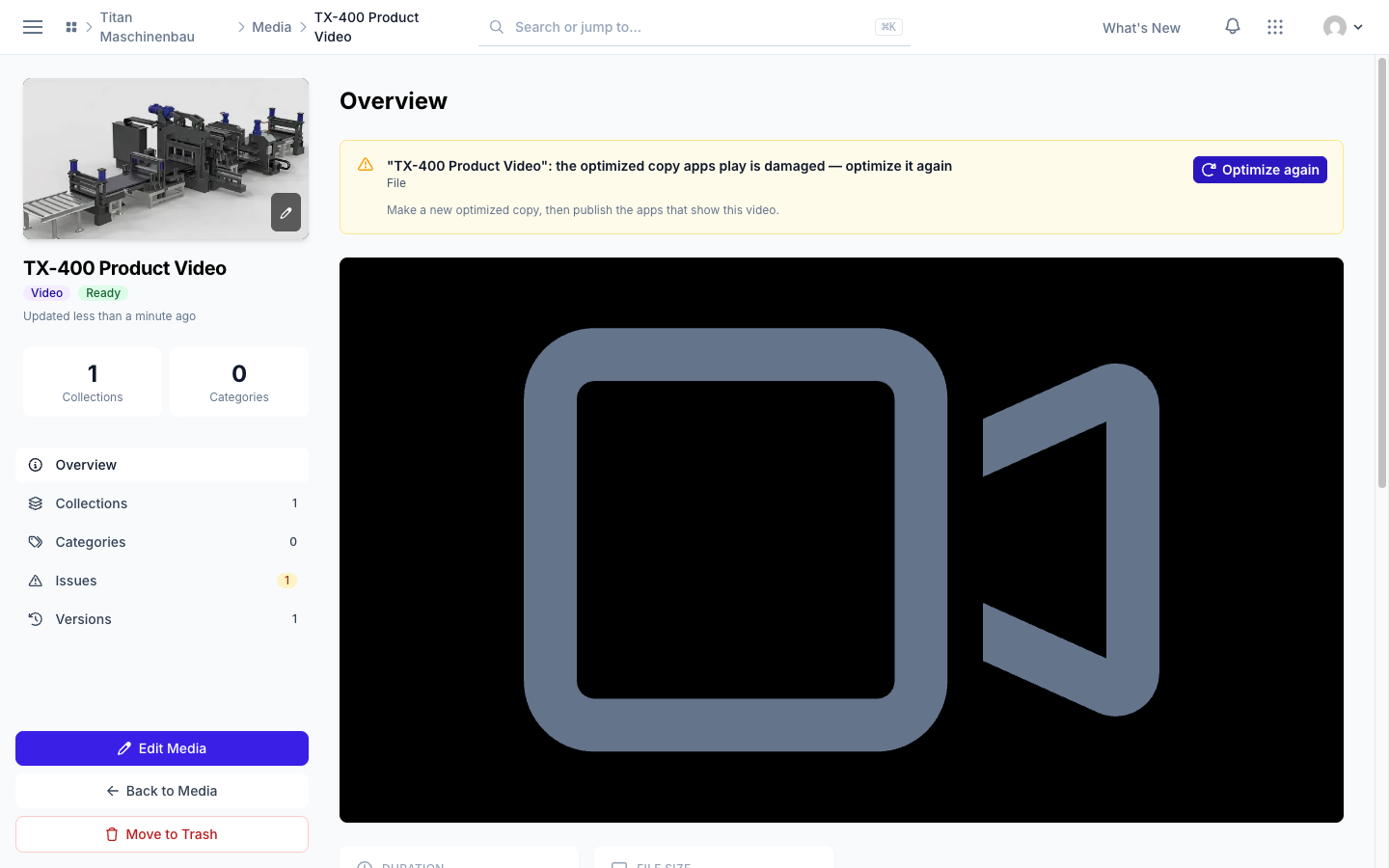
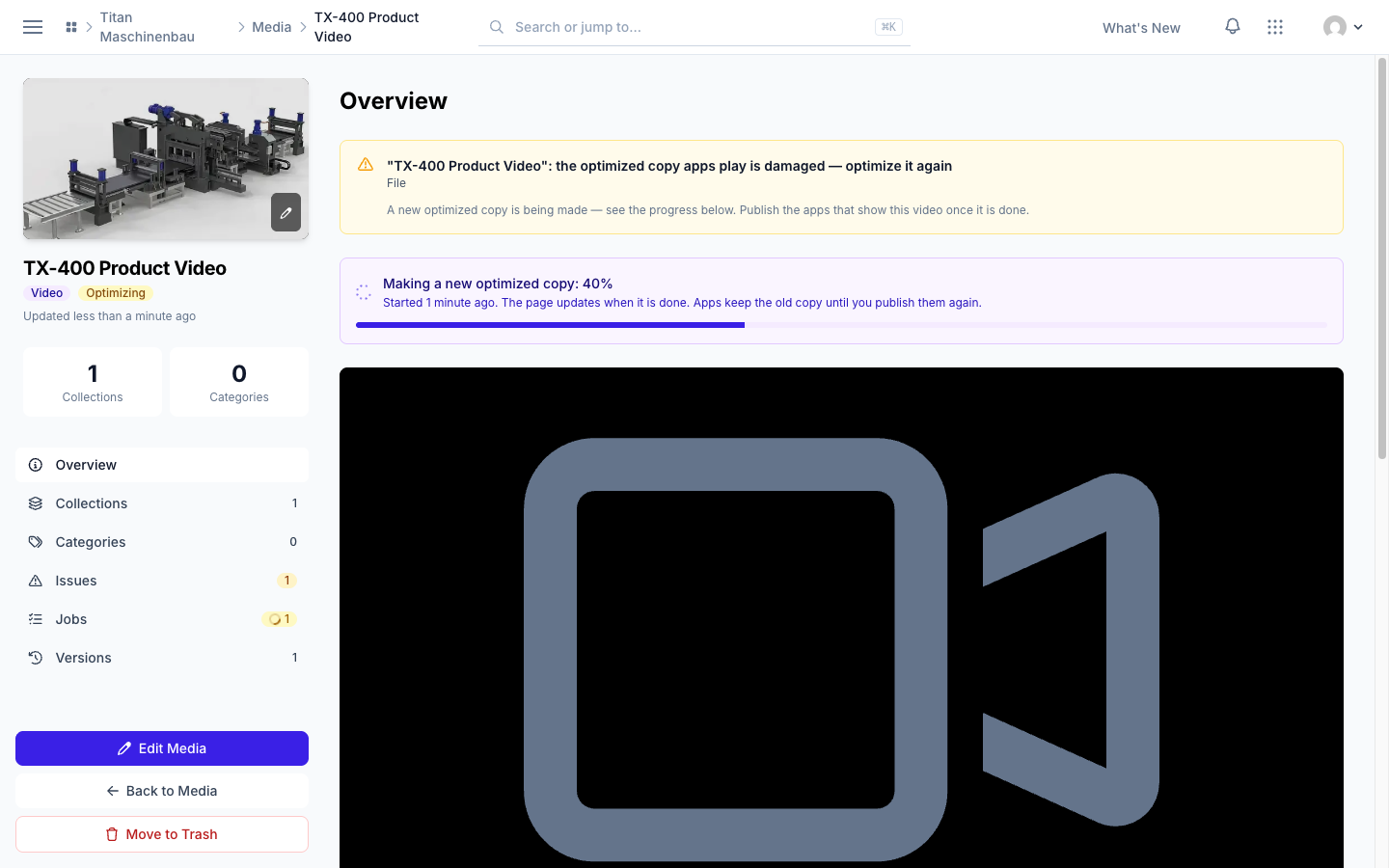
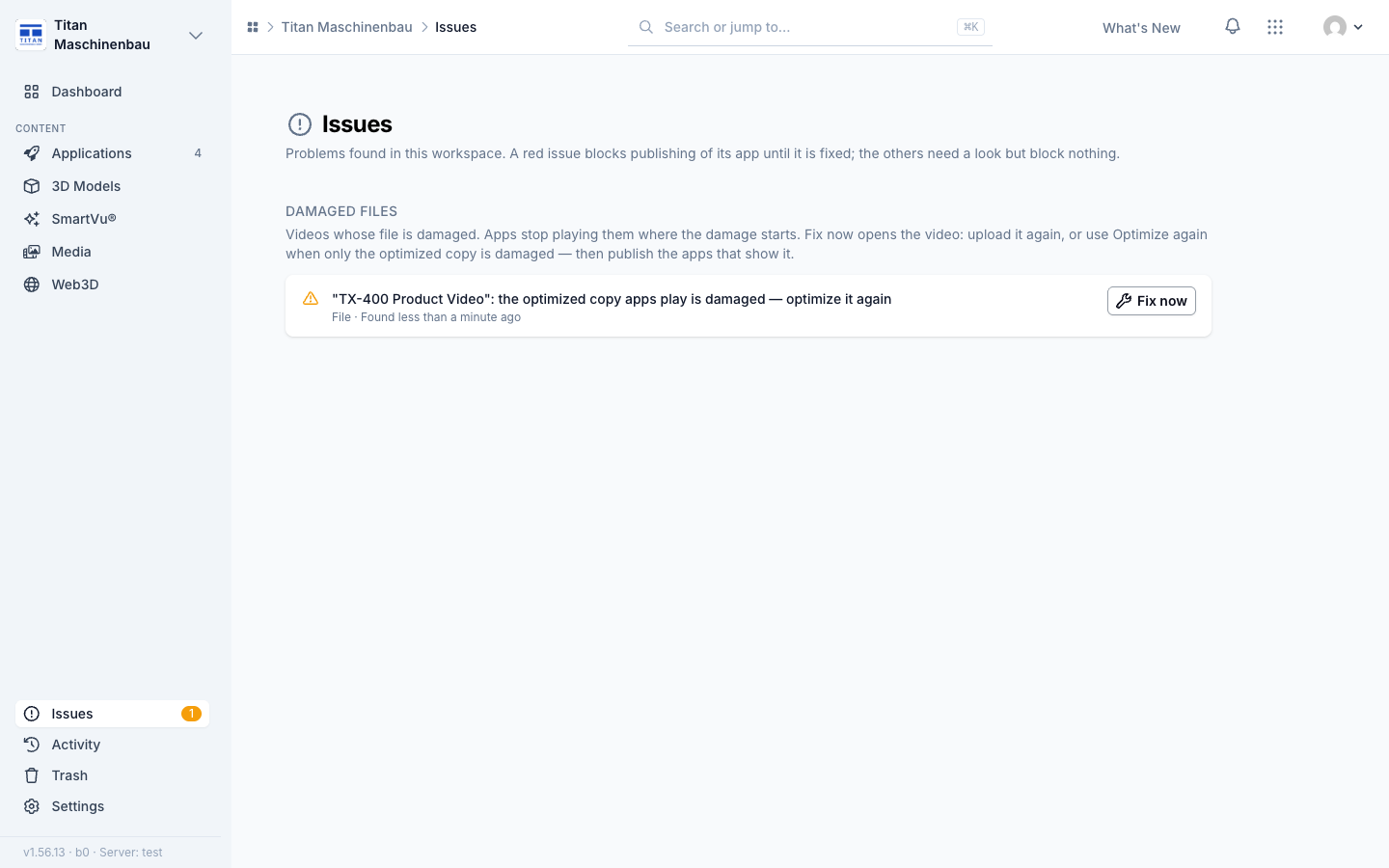
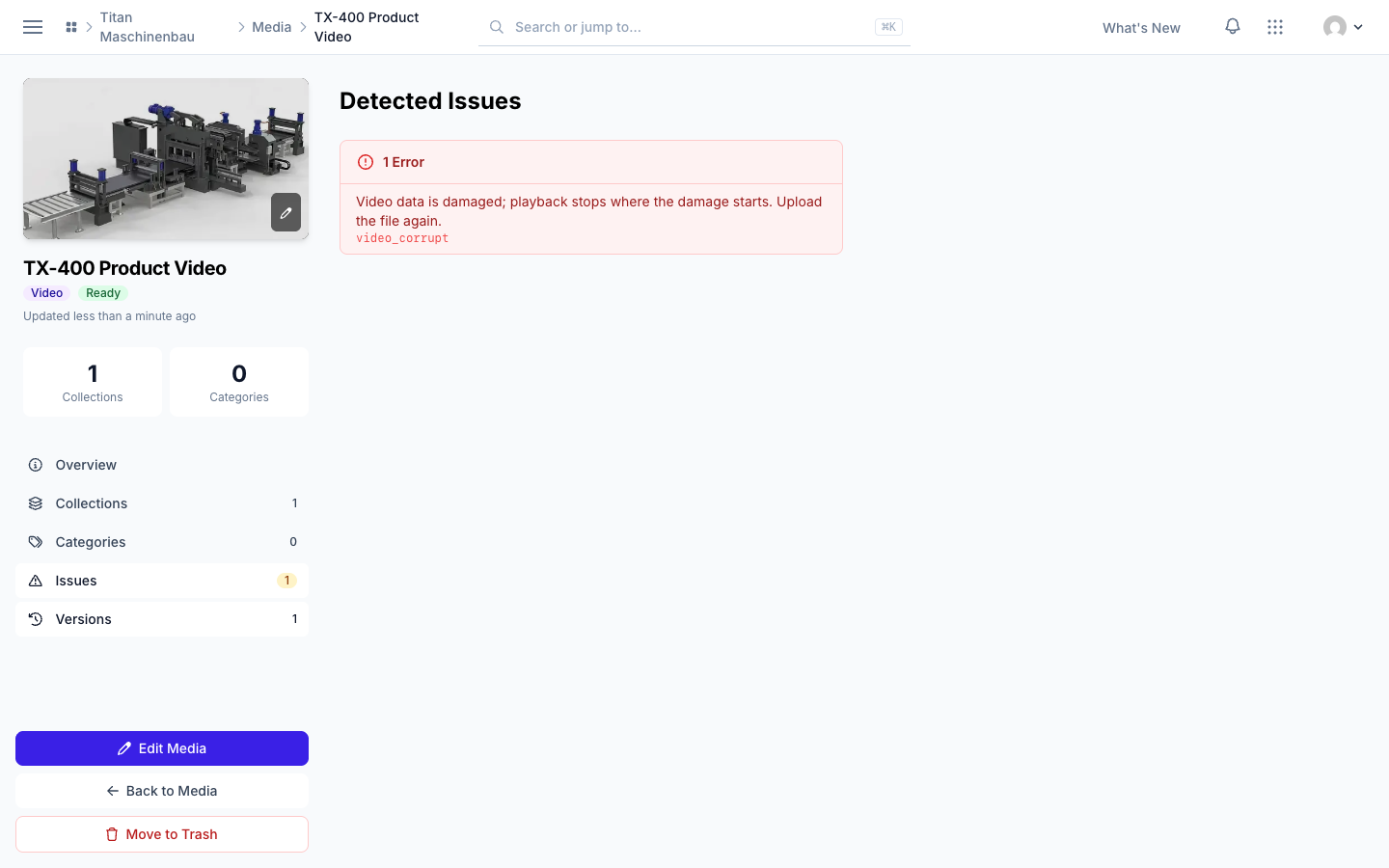
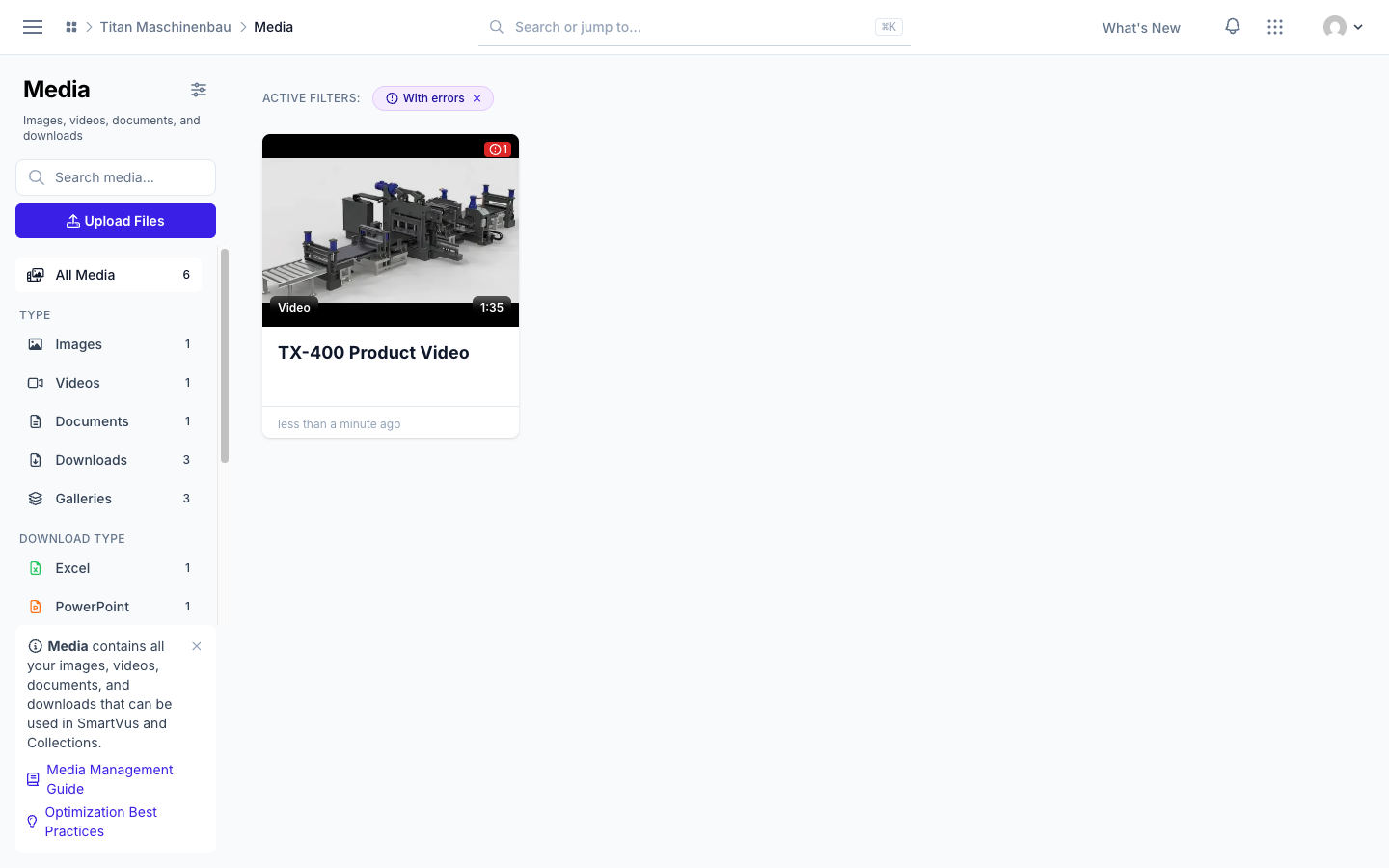
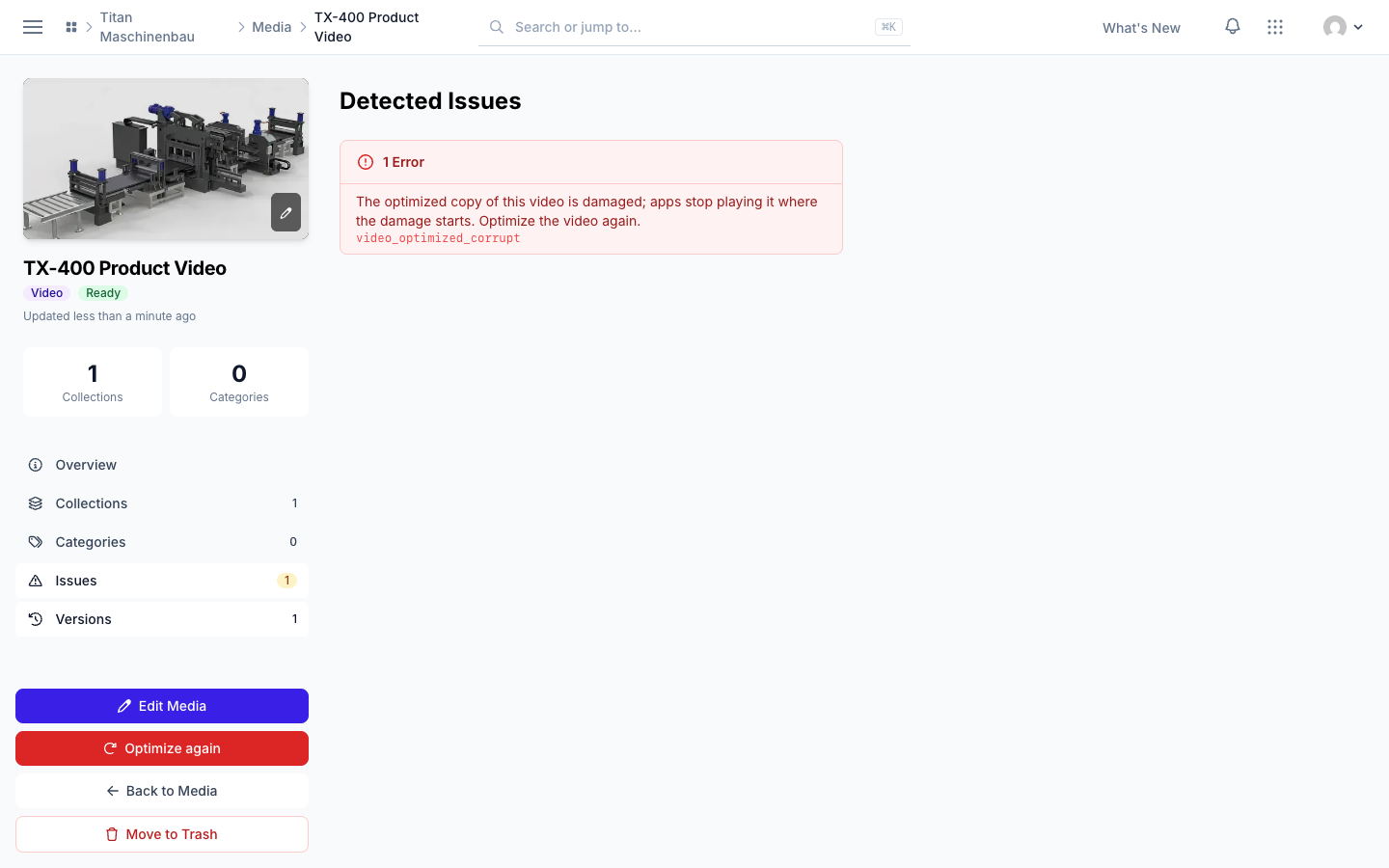
Damaged videos show under Issues. A video with a damaged file is listed under "Damaged files" on the Issues page; Fix now starts a new optimized copy right away, and the video page shows its progress. With With issues or With errors on, the media library lists the kinds of issues with their counts.
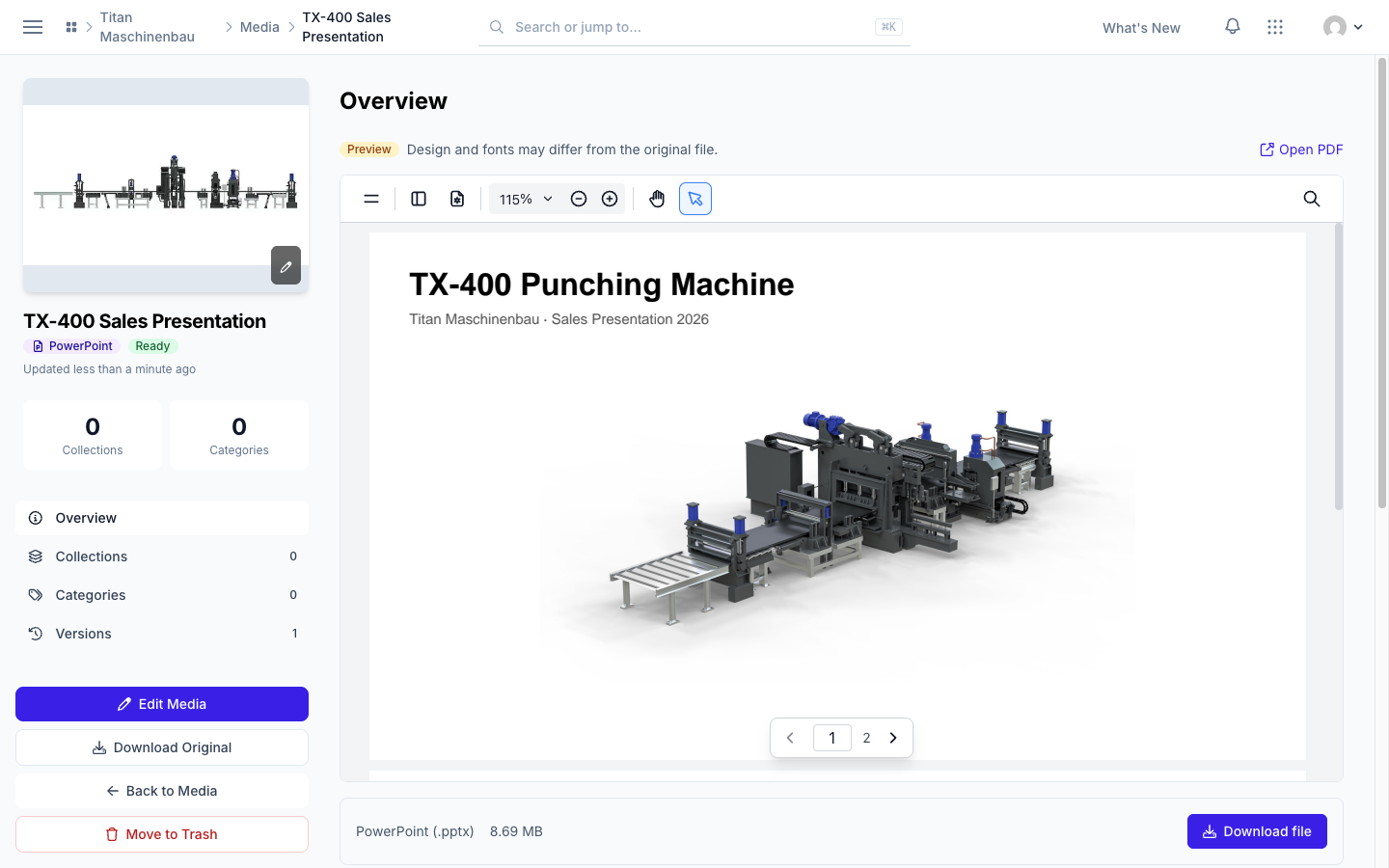
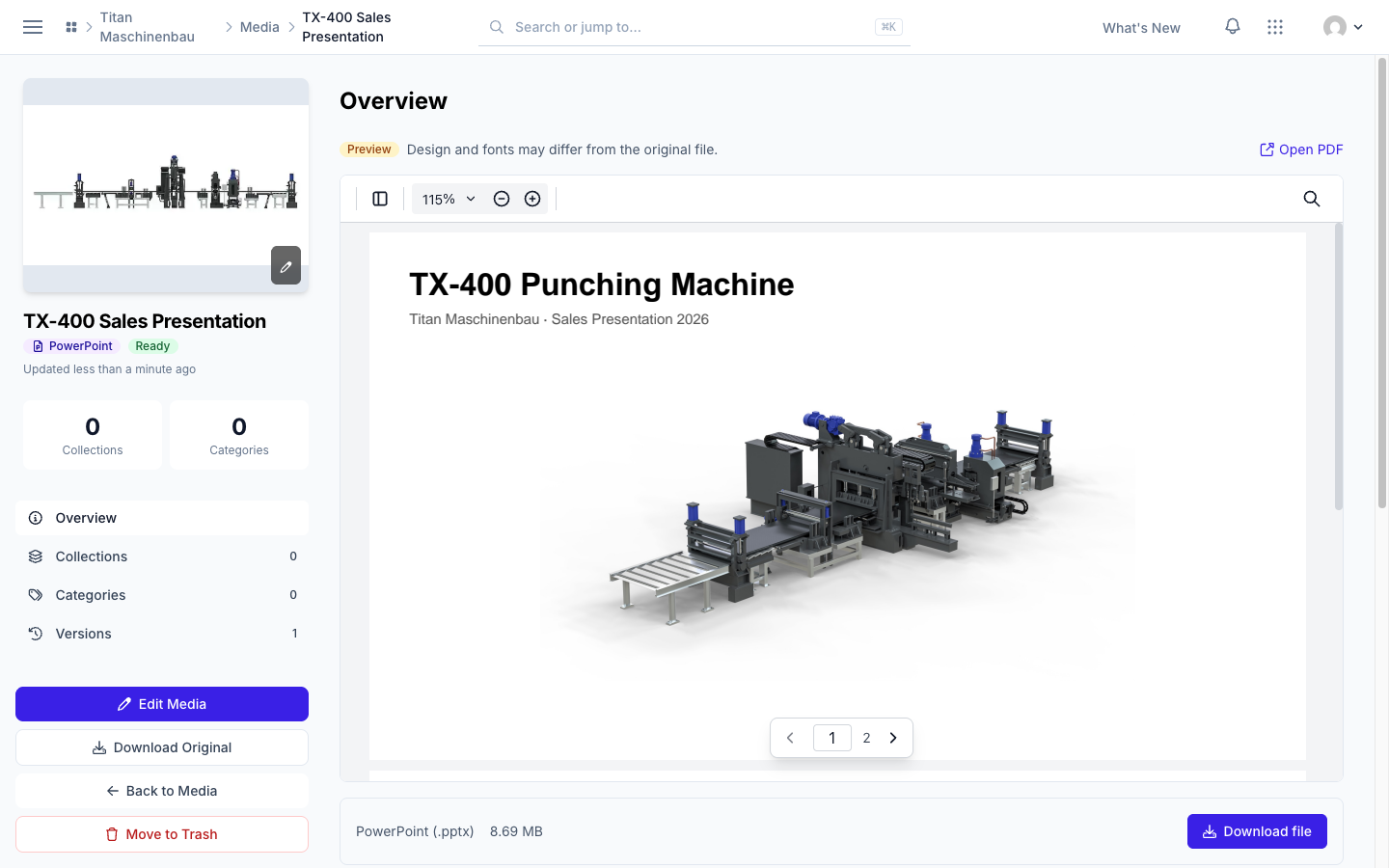
Office files show their PDF preview on their media page, and the badge says "PowerPoint", "Excel" or "Word".
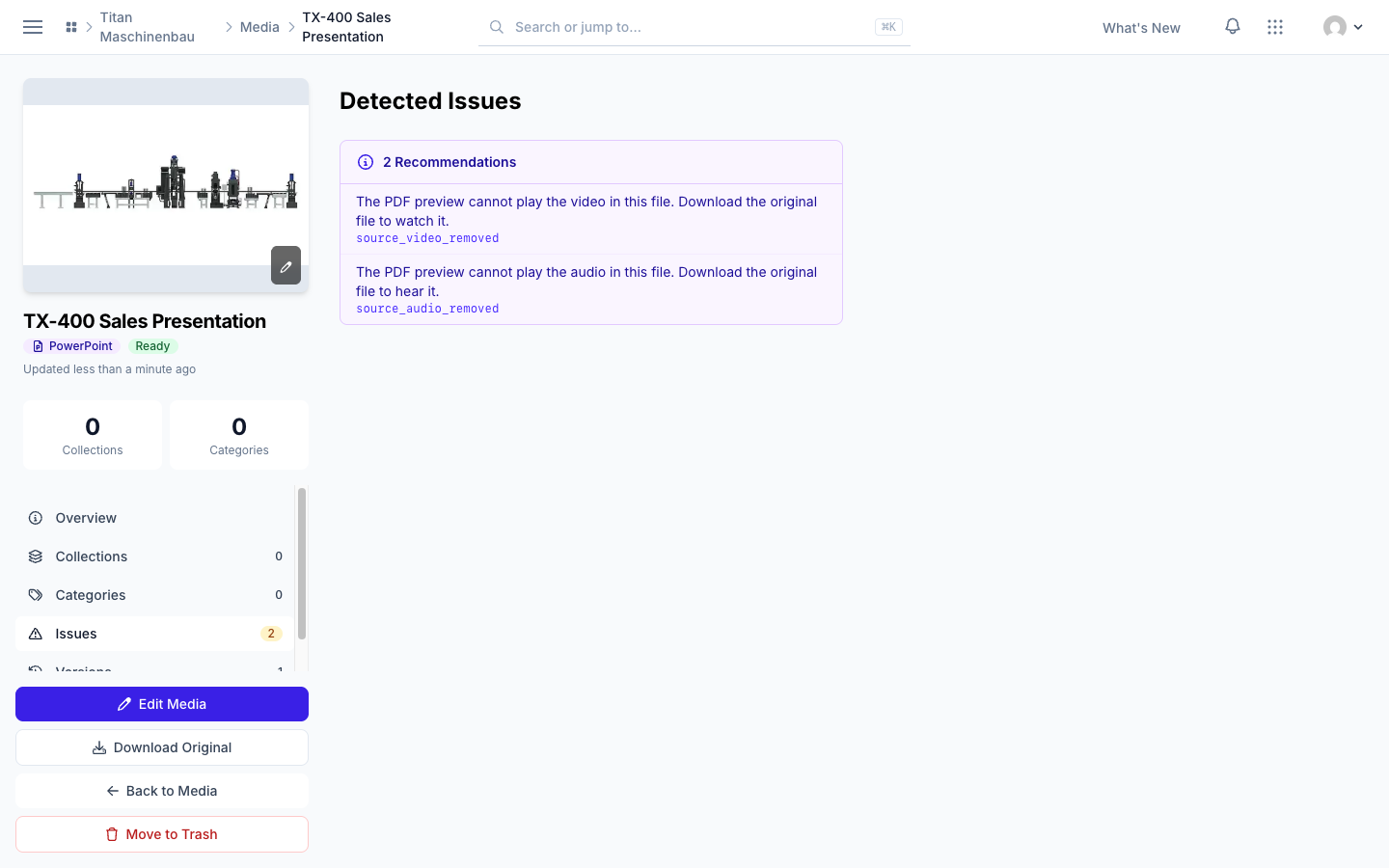
Smaller PDF previews. Previews of presentations leave out video and audio; the media page says when a presentation holds them. Fewer font warnings: Calibri Light and Arial Narrow get a free font with the same letter widths.
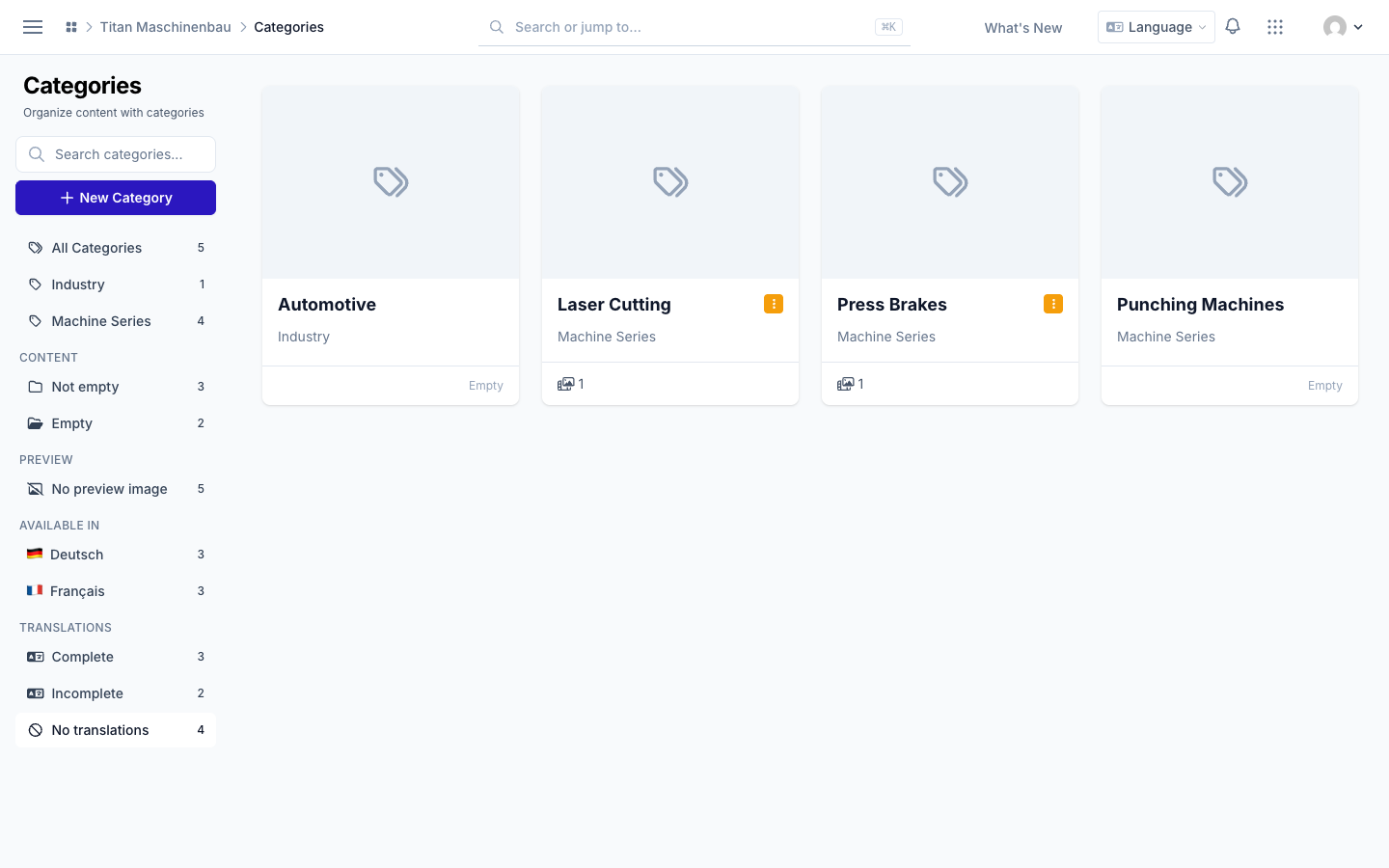
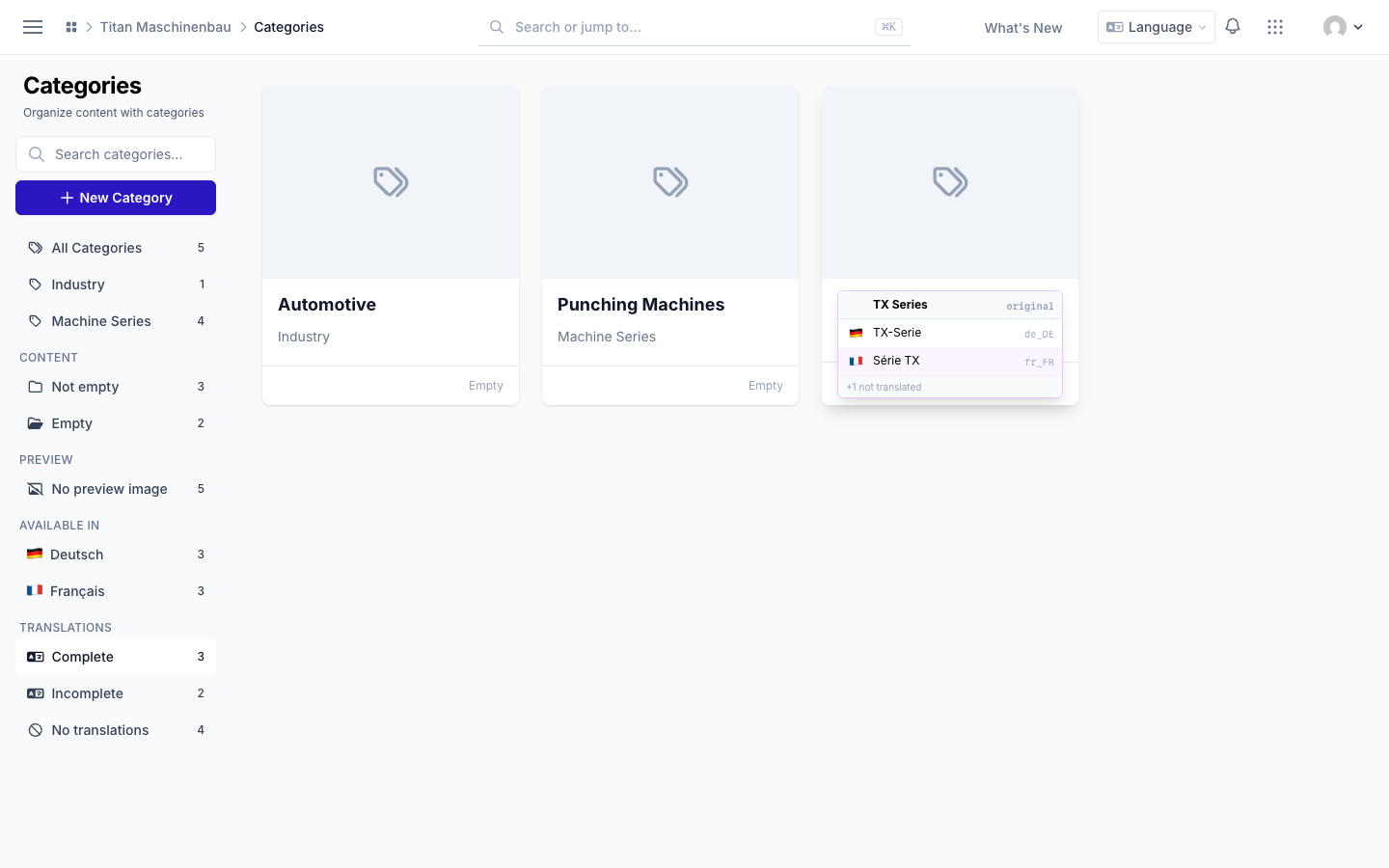
Find categories without translations with the new No translations filter.
Cmd+K finds items by ID, for example
1wb-08qormov_1wb-08q.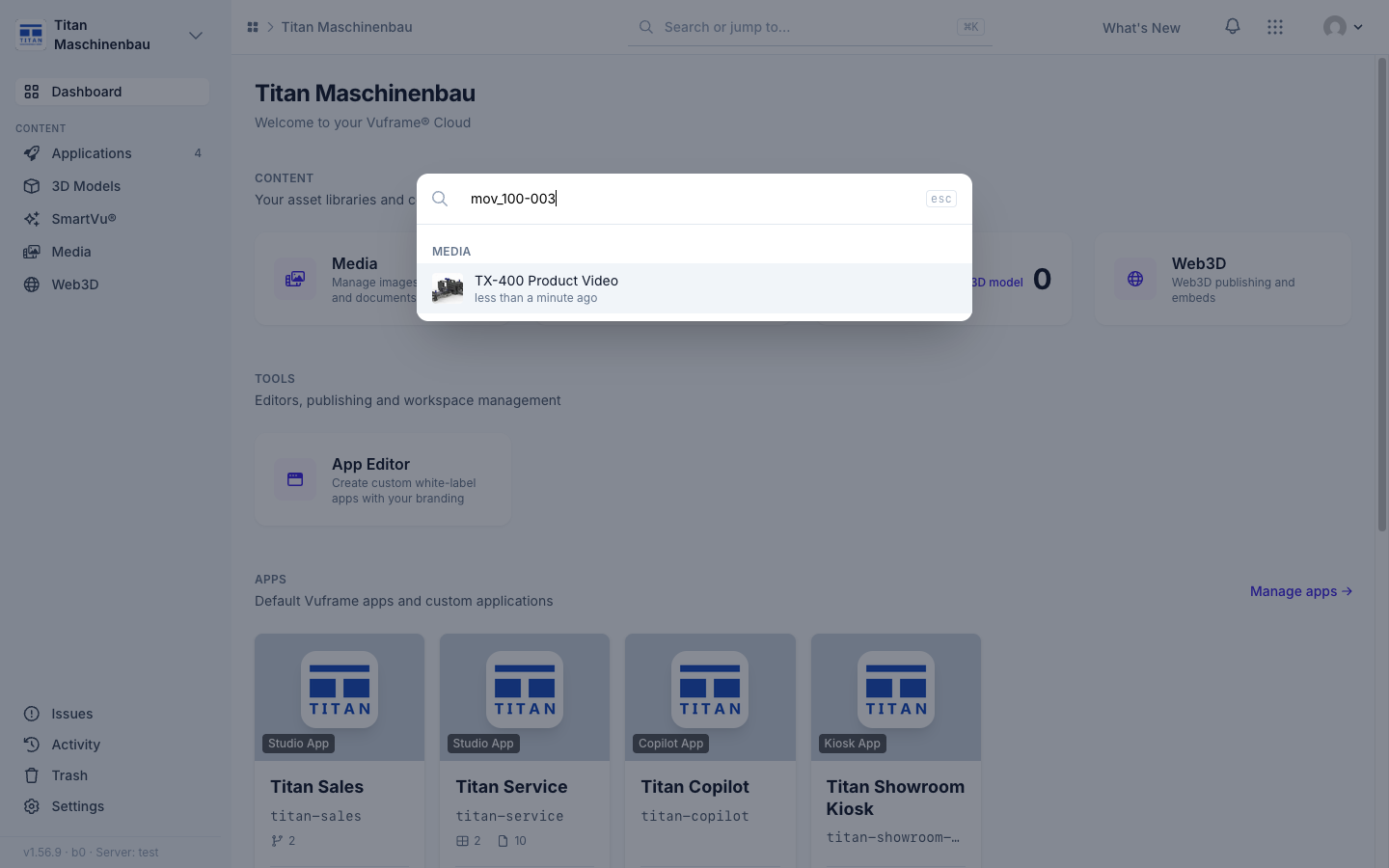
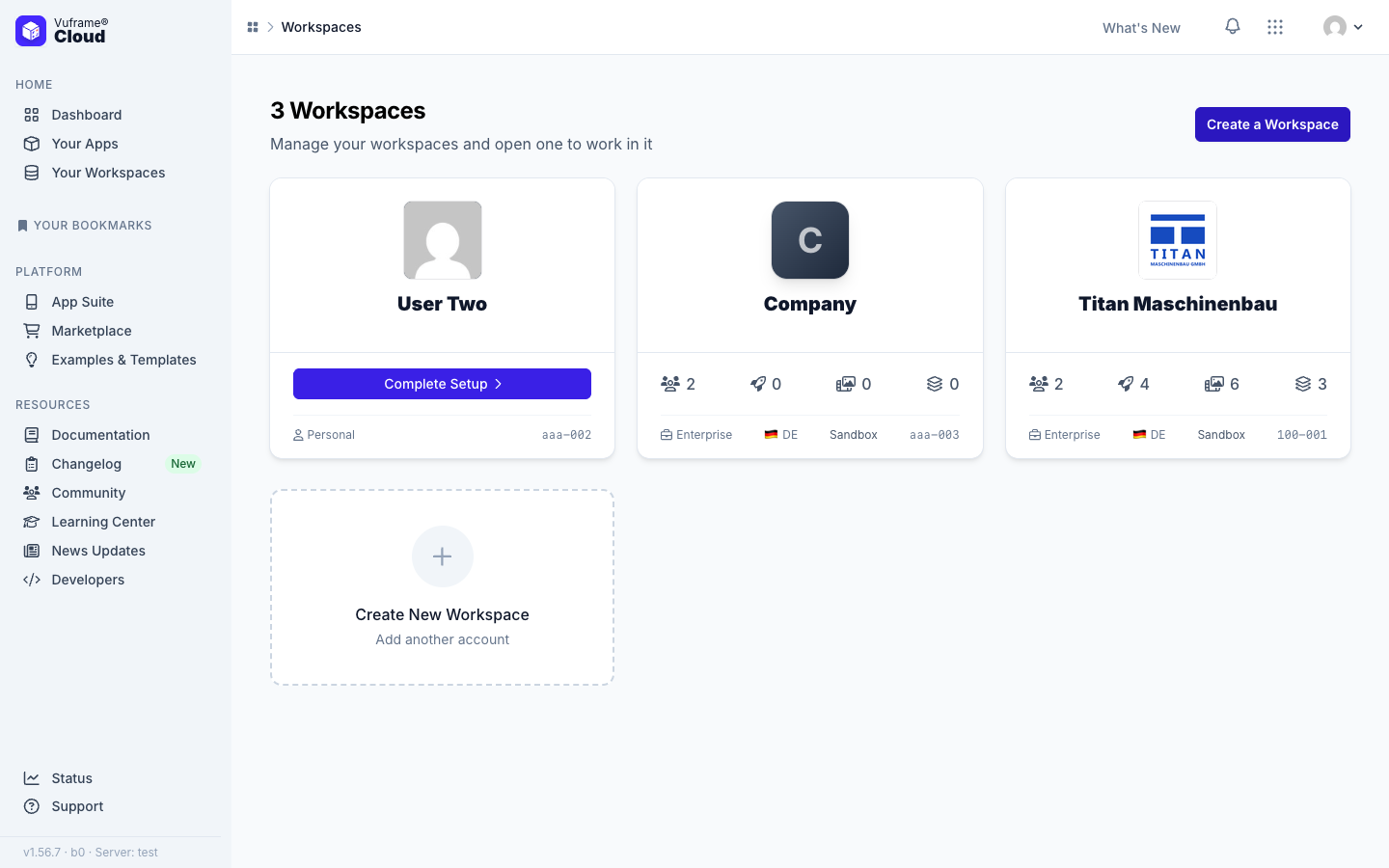
Click a workspace card to open it on the Workspaces page.
Very large images get a scaled copy of 8,192 pixels for your apps and are marked Image larger than apps can show.
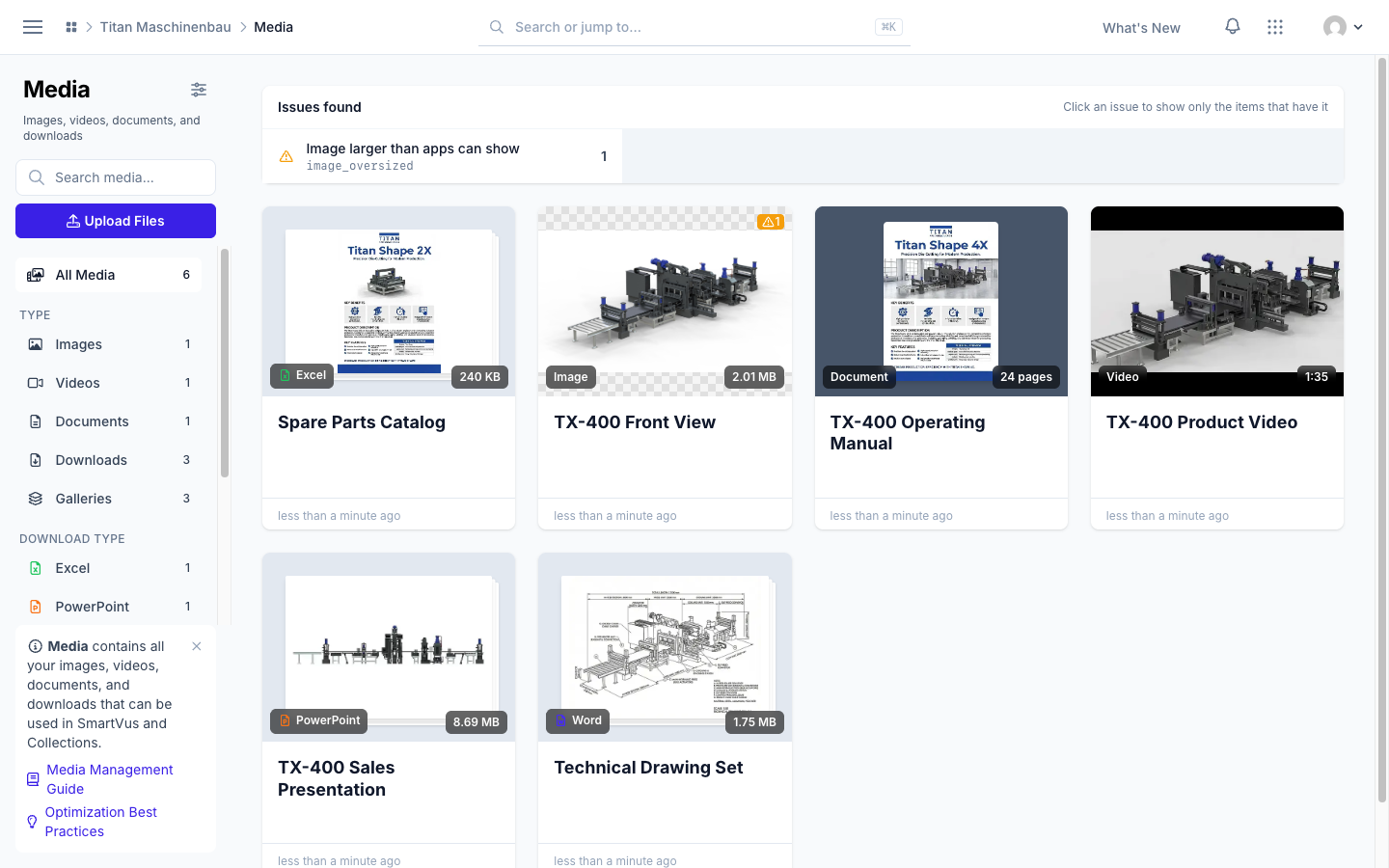
Video copies are never larger than the original. When your upload is already a good web video, your apps get the upload itself.
Published files carry no hidden upload data such as GPS positions, device names or authors. Files are only re-encoded when that makes them smaller or browsers need it. Publish your apps again to get the cleaned files.
Fixed
Damaged videos are caught before they are published. Vuframe® Cloud reads every part of a video and checks the stored copy; a damaged copy is made again.
PDF previews load again, in a simpler viewer.
Videos play to the end in apps. An optimized copy that is shorter than the video is never used.
Optimize again works the first time, and failed optimizations run again on their own.
Apps in workspaces without user groups open again. Publish the affected apps once more.
Imports respect your sorting. A category you delete stays deleted, and a link you removed stays removed, also when the source still lists it.
A rename shows in every language.
Duplicate categories are reported only within one category type.