Vuframe® Cloud v1.59.5
Vuframe® Cloud v1.58.0 to v1.59.5 tells you which apps still show something that was repaired since, and makes category types easy to reach from categories and from the search.
New
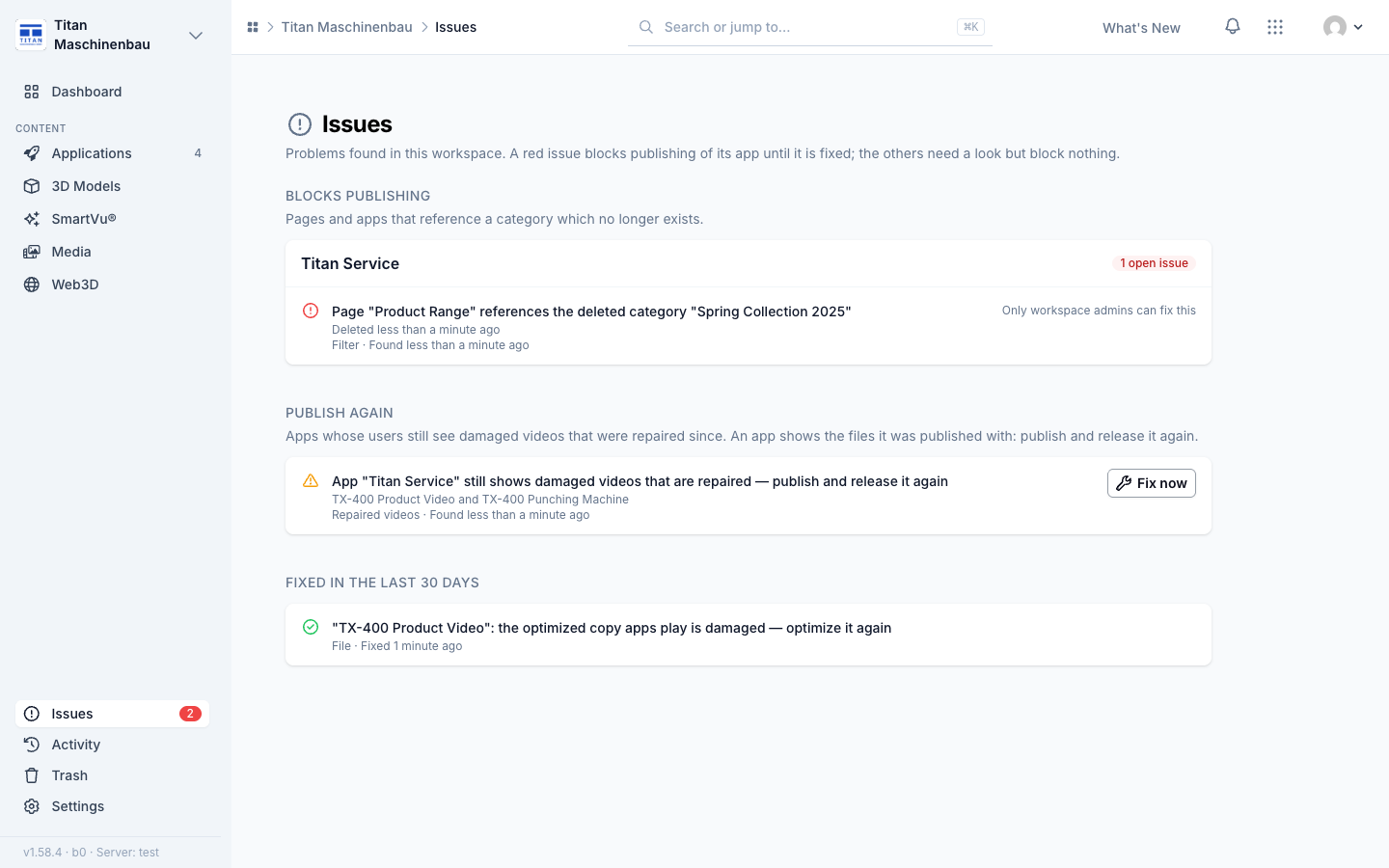
Publish again. An app keeps the files it was published with. When a damaged video or a SmartVu® is repaired, the Issues page lists each app that still shows the old copy under Publish again, with the names of what was repaired. Fix now opens the app; publish and release a new version and the issue closes by itself. It does not block publishing.
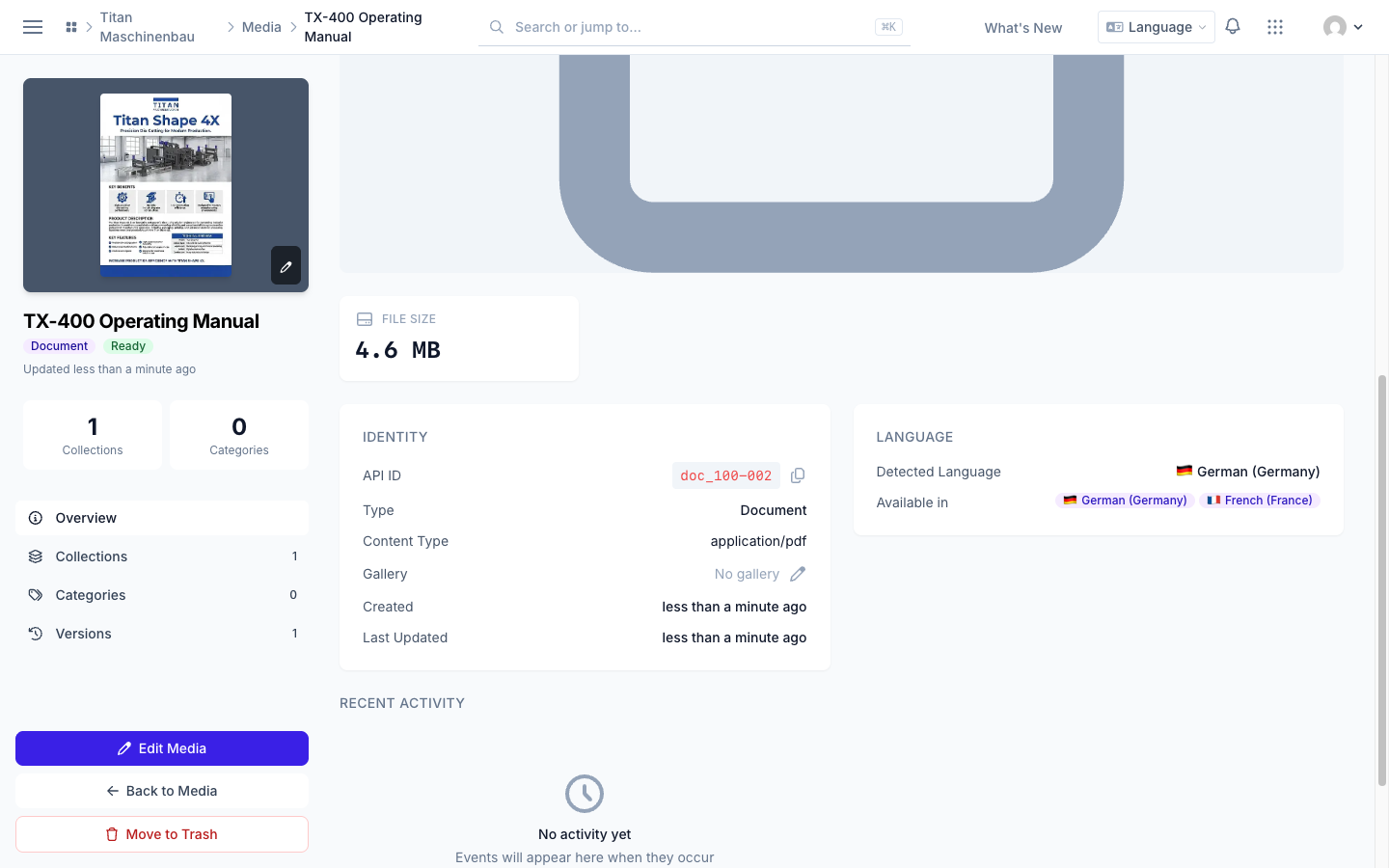
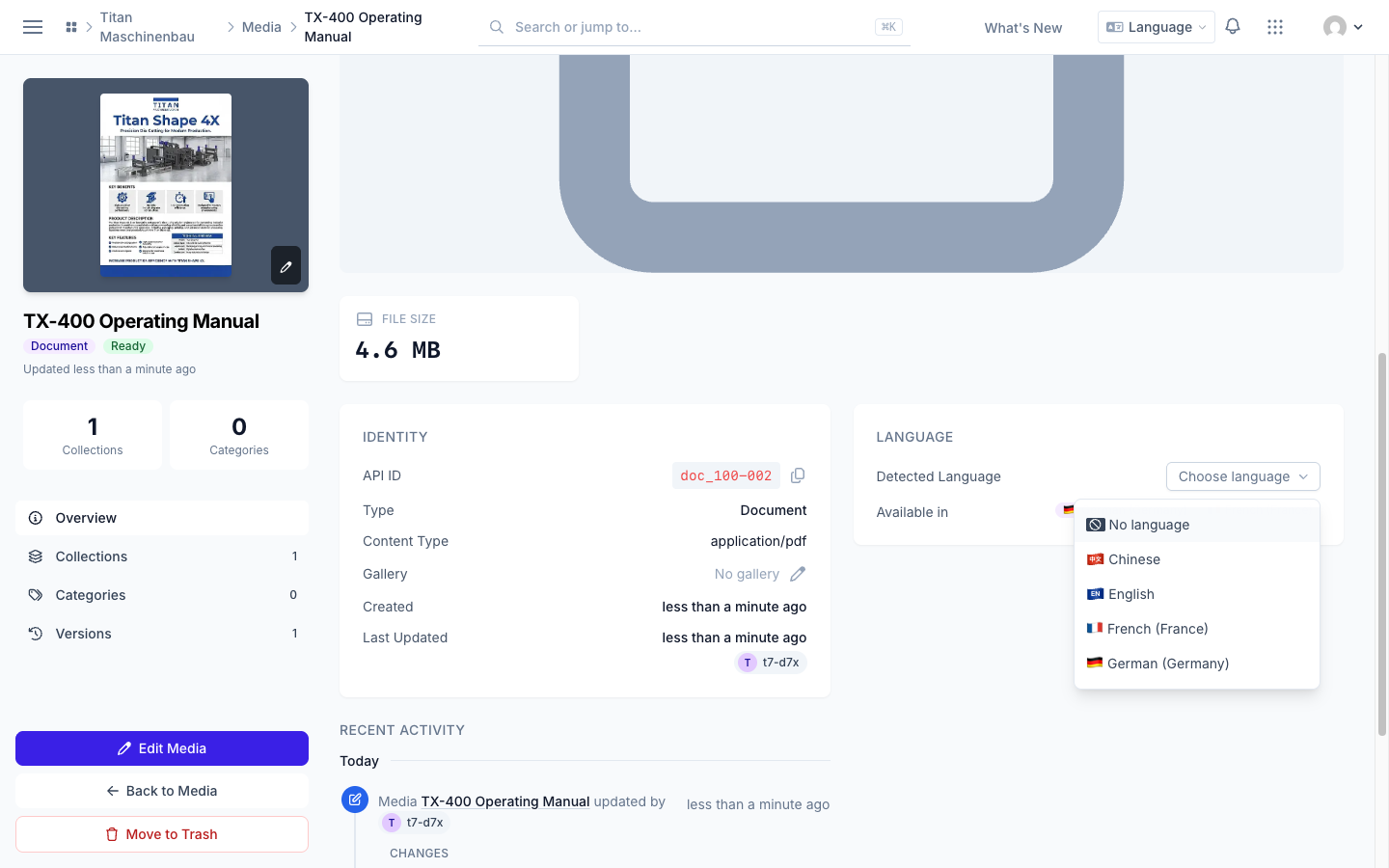
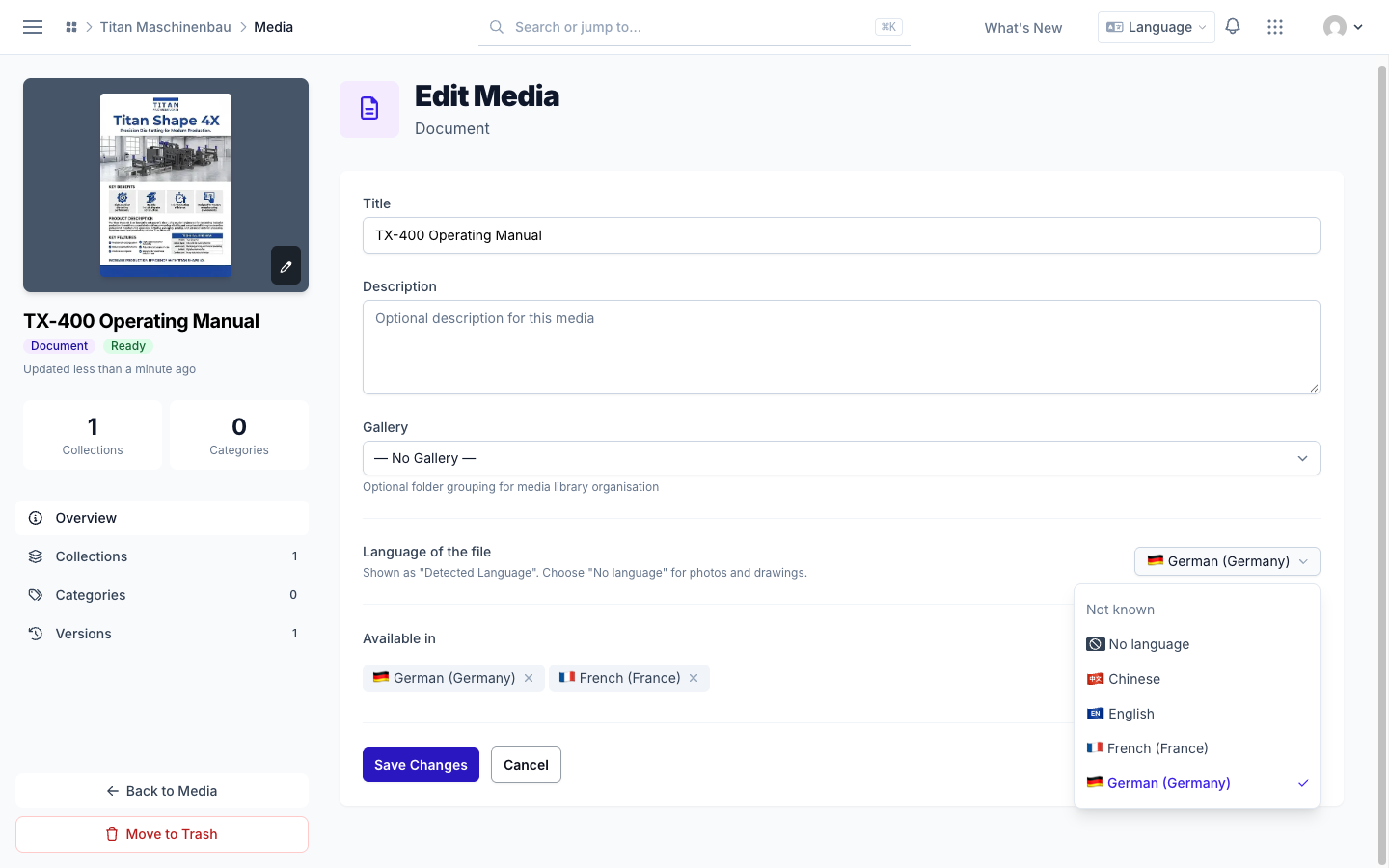
Uploaded PDFs know their language. Vuframe® Cloud reads the text of an uploaded PDF and fills in the Detected Language, also for PDFs you uploaded before. When the text does not tell (a scanned PDF, an image, a video, or text in more than one language), the Language card shows Choose language. To change the language later, use Language of the file on the Edit Media page. Select No language for photos and drawings. A language you set stays, also after the next import. Every language shows its flag on the media pages.
Improved
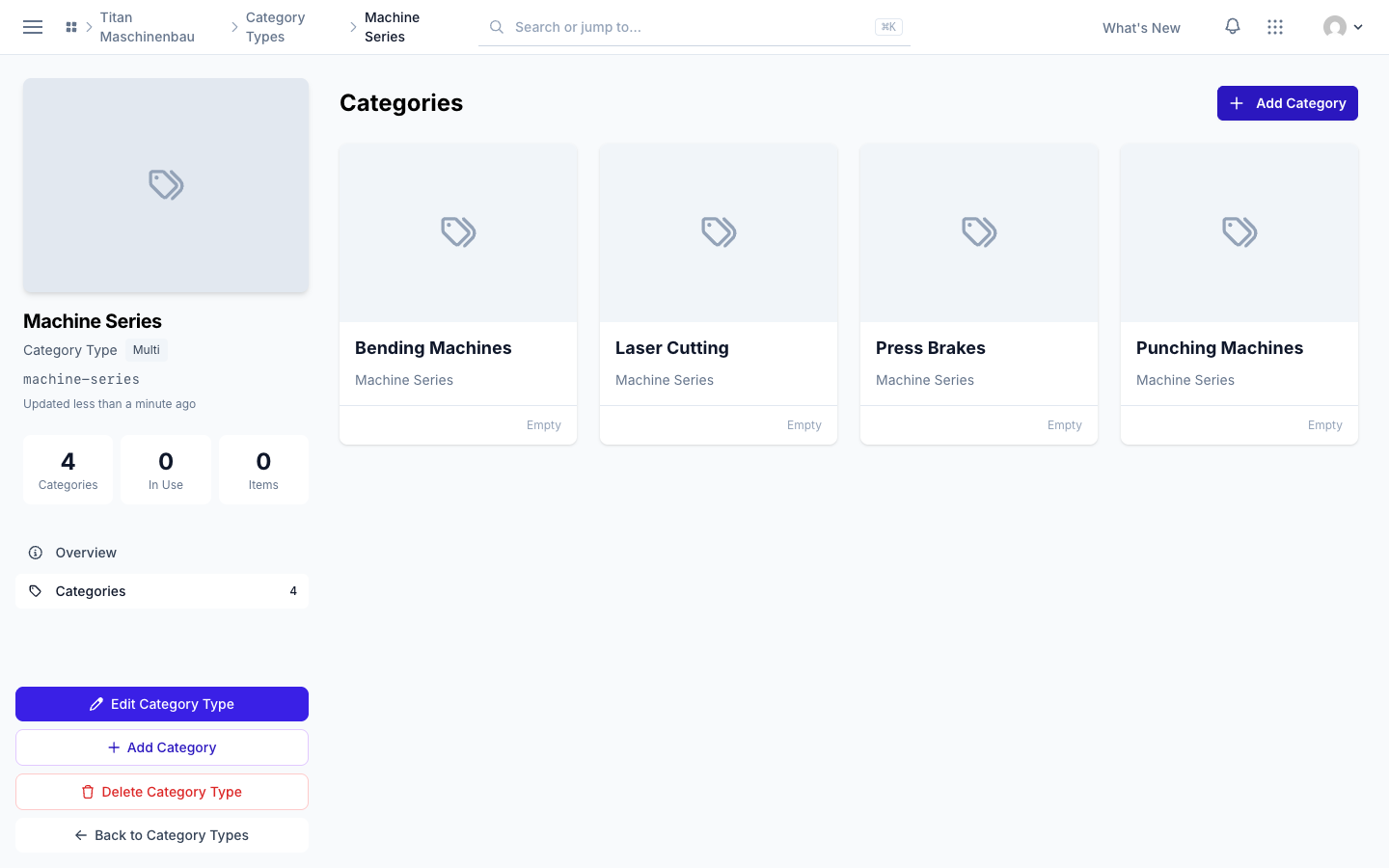
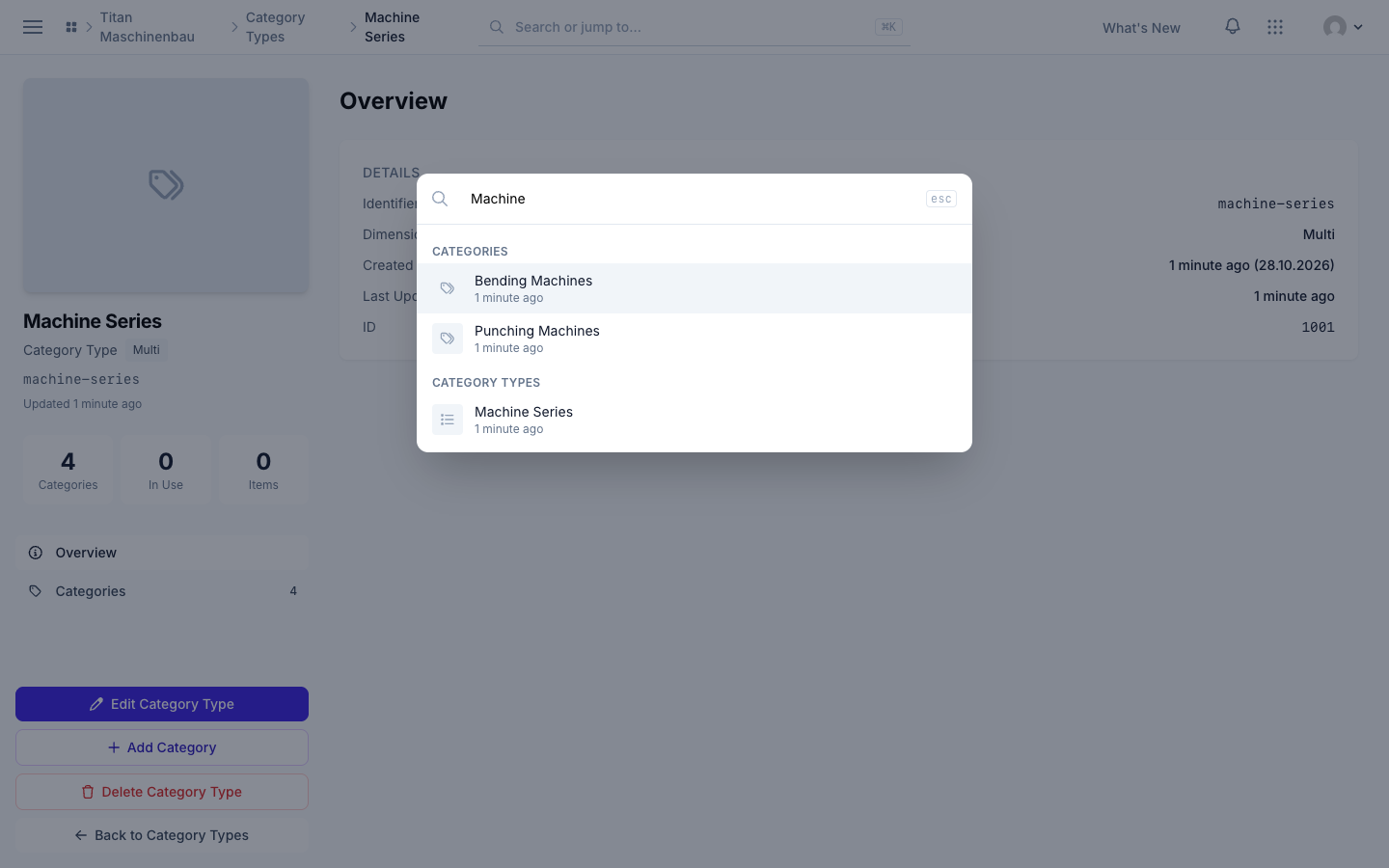
Category types one click away. A category page links its category type. On the category type page, Add Category sits in the sidebar and above the list, and the new category starts with that type selected. The search (Cmd+K) finds category types, and category results show the category's preview image.
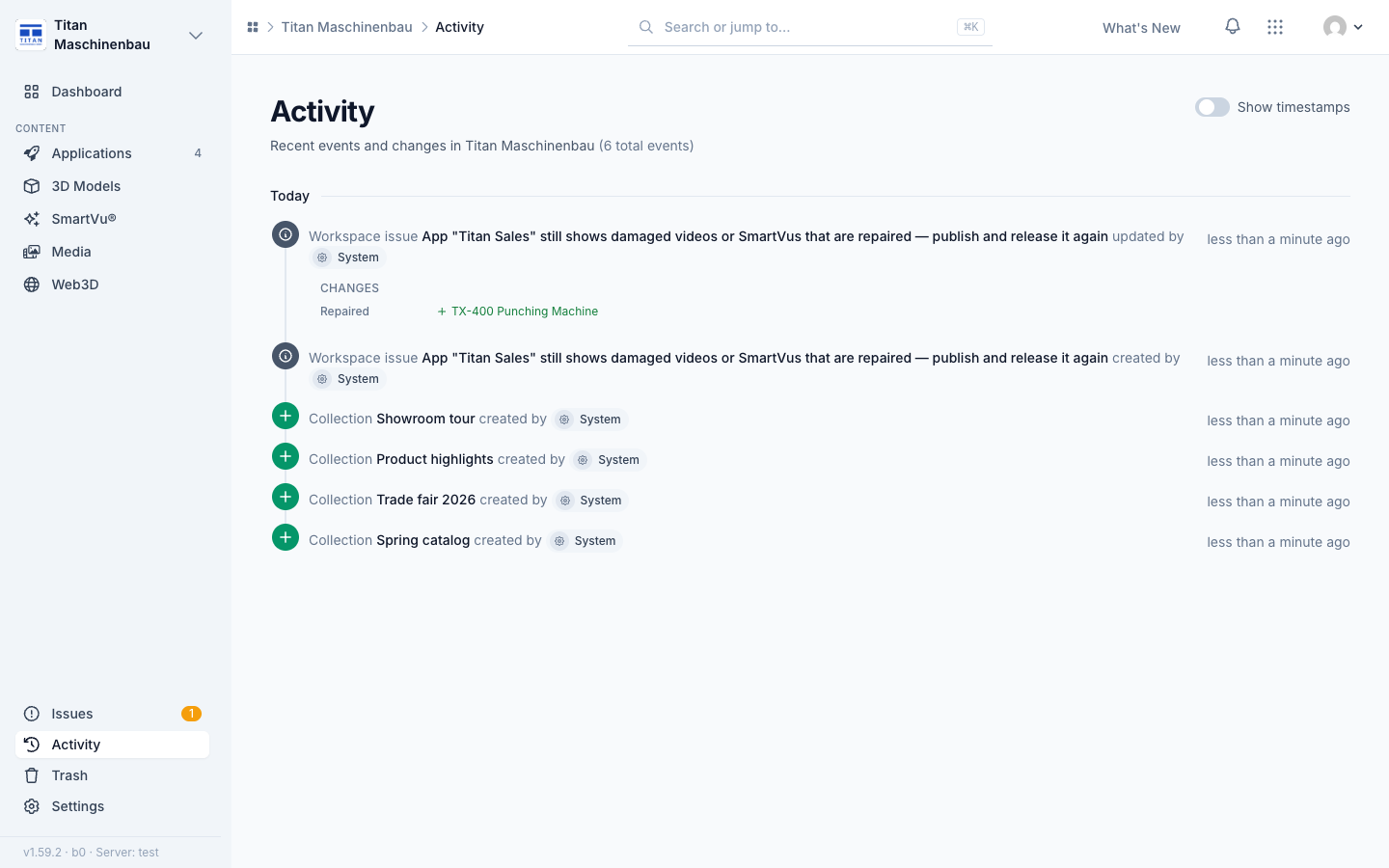
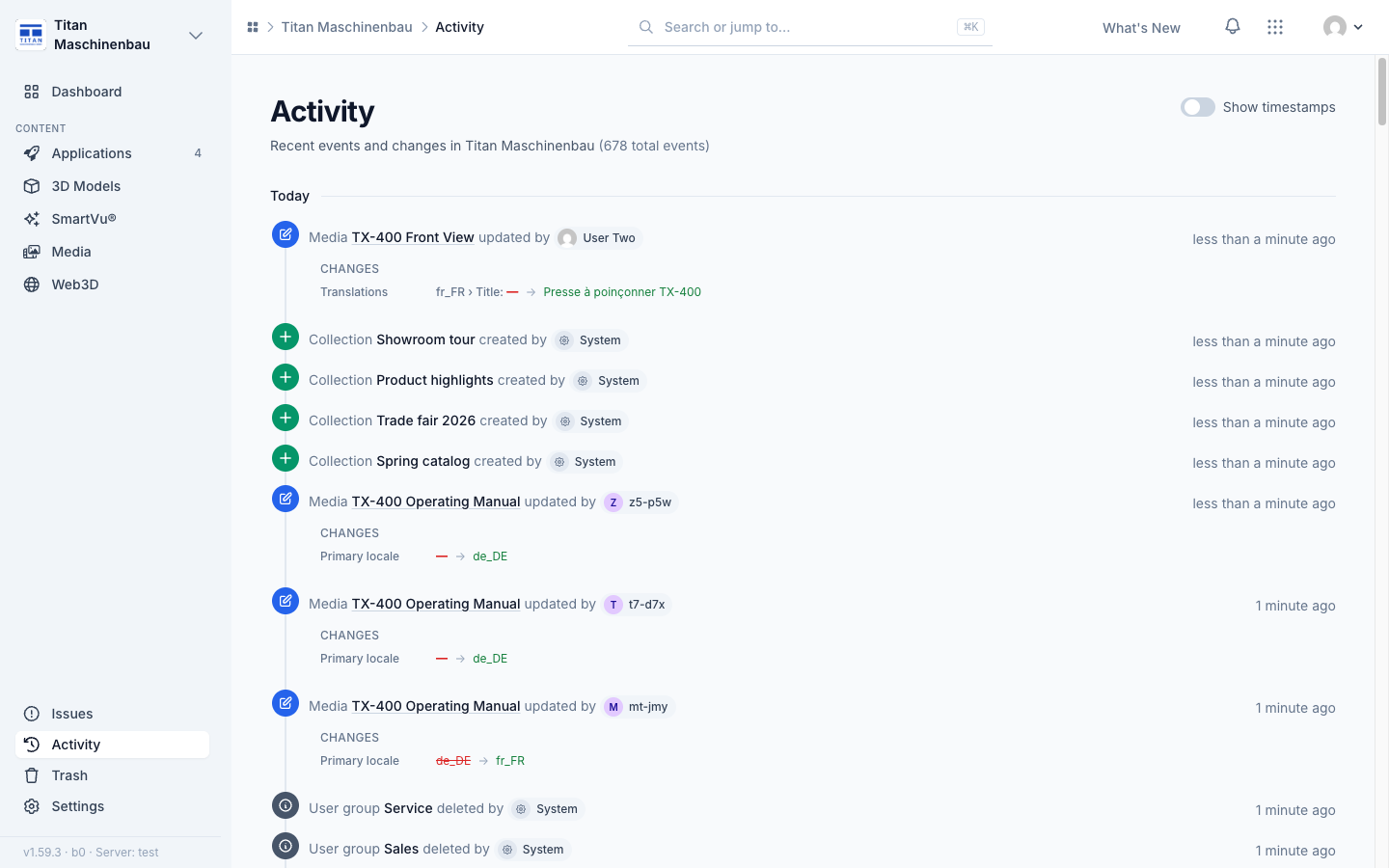
The Activity feed names repairs. When the list of a Publish again issue changes, the feed shows under Repaired which entries were added and removed.
Fixed
Older SmartVu® videos play again. Videos added to a SmartVu® experience in the legacy Studio up to mid-2025 did not start in your apps. Vuframe® Cloud now publishes the uploaded video file under a new name, so no device keeps the broken file. The affected SmartVu® experiences are published again automatically. Publish and release your apps once to bring the videos to your users.
SmartVu®s with an incomplete build are built again. Some SmartVu®s were published before each build carried the file with their behaviour and sidebar media. Vuframe® Cloud builds them again by itself; the Issues page lists the apps to publish again.
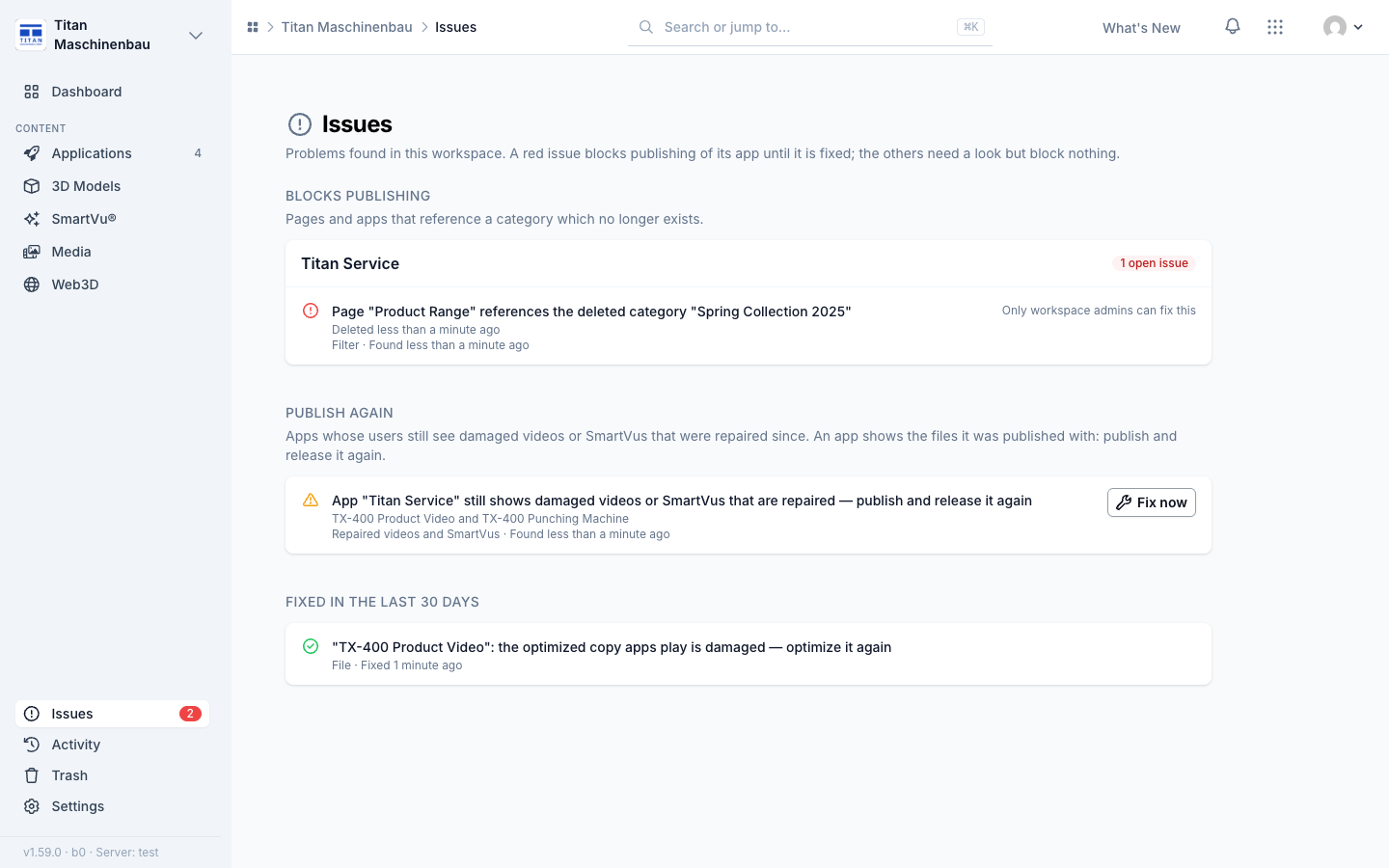
A batch of repairs updates its issue once, so the Activity feed shows one entry instead of one per repair.
Activity shows changed translations as text: the language, the field and the new text, for example "fr_FR › Title: — → Presse à poinçonner TX-400". An update right after a record was created lists only what it added. The Catalog overview lines up again on wide screens.
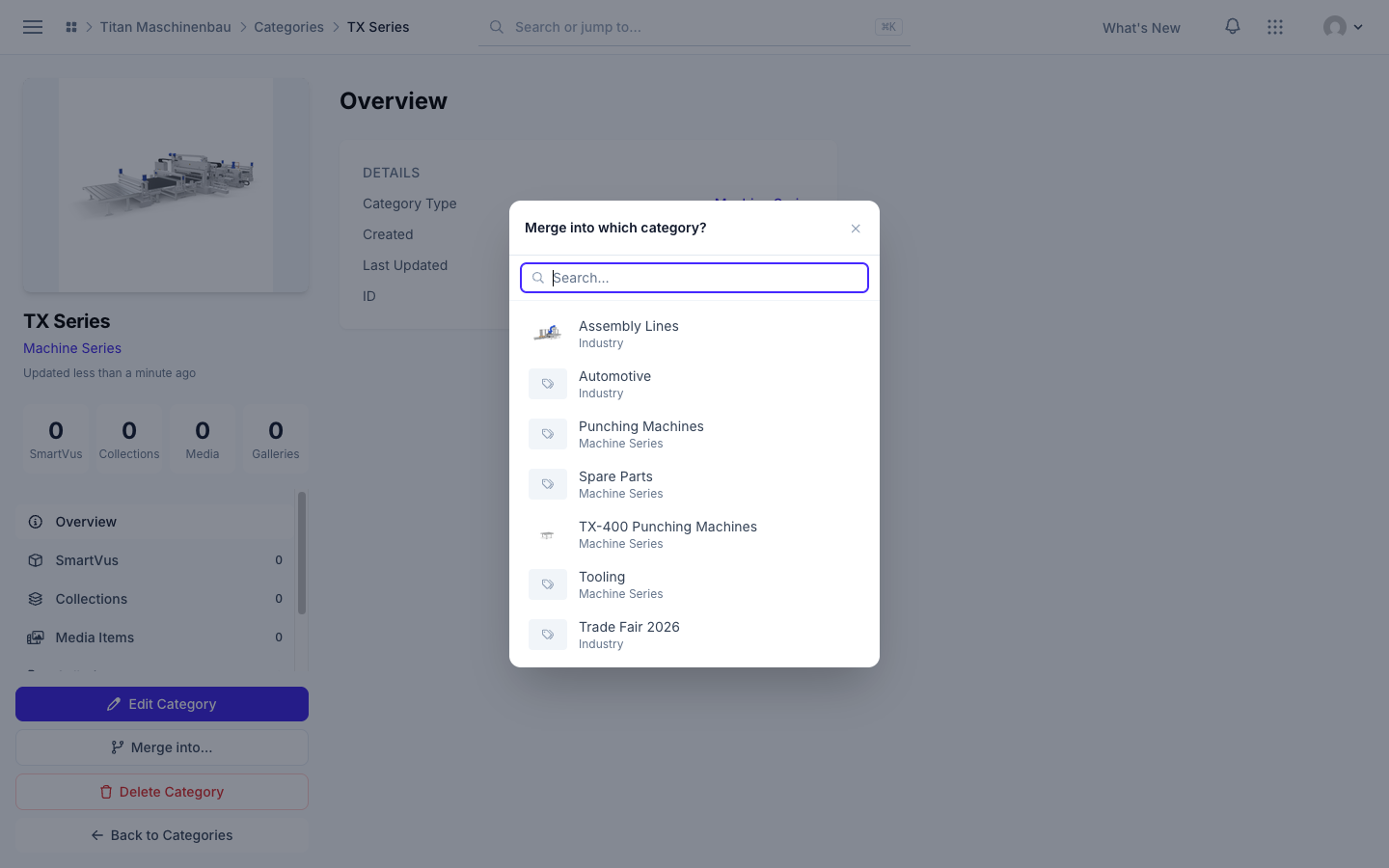
Merge into… opens on top of the page again, so you can pick the category to merge into.