Find content with the command palette
The command palette is available on all pages of Vuframe® Cloud, also in the app editor. Use it to go to a page without the sidebar, or to find content when you know only a part of its title.
Press Cmd+K (Mac) or Ctrl+K (Windows), type, and press Enter. When the field is empty, the palette shows a list of pages. When you type two or more characters, it searches your content by title or ID.
Go to a page
- On a page, press Cmd+K or Ctrl+K. You can also click Search or jump to… in the top bar.
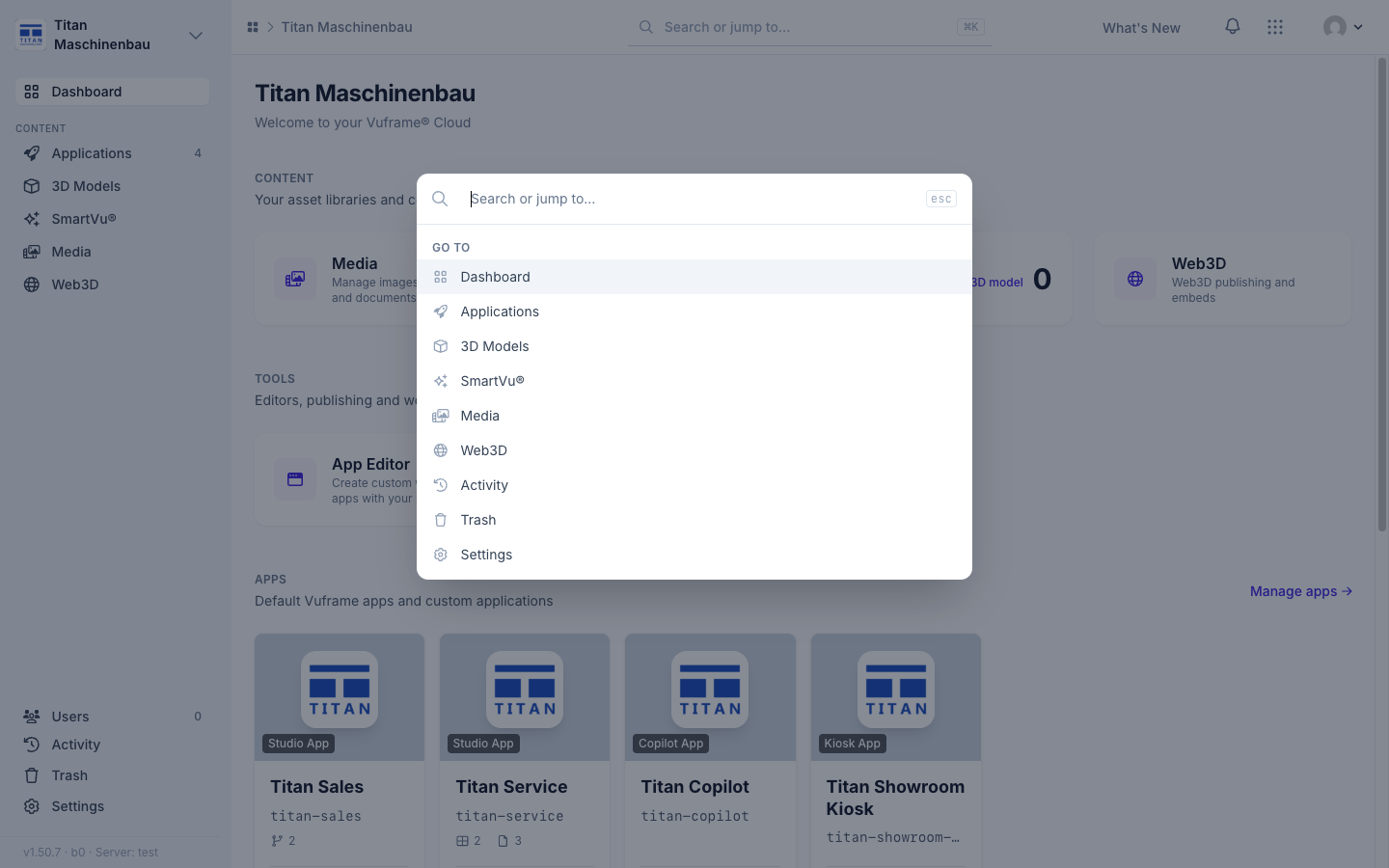
- The palette opens with the Go to list. The list shows the pages that you can open, for example Dashboard, Applications, 3D Models, SmartVu®, Media, Web3D, Activity, Trash and Settings.
- To make the list shorter, type some letters. For example, type
medfor Media. - Use ↑ and ↓ to select a page. Press Enter to open it.
Search your content
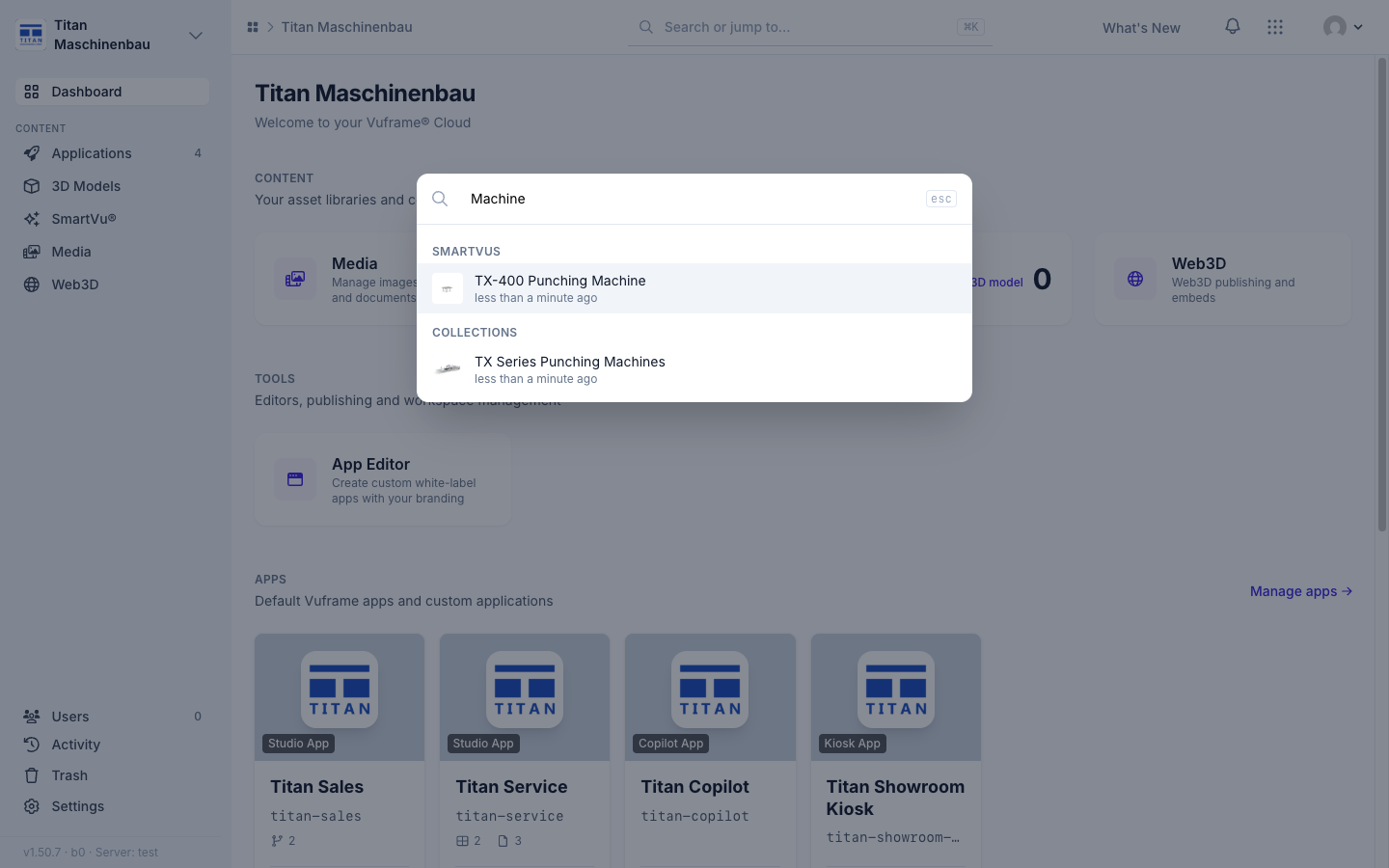
- Type two or more characters of the title, for example
Machine. - The results replace the Go to list. The results are in groups: Smartvus, Media, 3D Models, Collections, Apps and Categories. Each group shows the five items with the most recent changes, with a thumbnail and the time of the last change.
- Use ↑ and ↓ to select a result, then press Enter. You can also click a result.
- To close the palette, press Esc or click outside of it. This also clears the field.
You can also find an app by its identifier, for example titan-sales.
You can find each item by its ID. The ID is the code in the address of the item, for example 1wb-08q. You can also type the type and the code, for example mov_1wb-08q for a video. Type the full ID. A part of an ID does not find the item.
Troubleshooting
| Problem | Cause | Remedy |
|---|---|---|
| A type of content is not in the results. | The results show only content from the modules that you can open. | Ask a workspace administrator for access to the module. |
| There is no Categories group. | Categories need the Catalog extension and access to the Catalog. | Ask a workspace administrator for access to the Catalog. |
| An item that you removed is not in the results. | The search does not show Smartvus and media in the trash. | Restore the item first. See Move content to the trash and restore it. |
| Nothing occurs after you type one letter. | The search starts at two characters. | Type one more character. |
| More than five items agree with your text. | Each group shows only the five most recent items. | Type more of the title, or use the search of the library. |