Move content to the trash and restore it
Vuframe® Cloud does not delete content. You move it to the trash, where it stays until you restore it. Your libraries do not show content in the trash, and apps remove it when you publish them again. Vuframe® Cloud keeps the file, thus you do not lose content.
An integration can also remove content when its source no longer supplies that content. These items also go to the trash, with the name of the integration that removed them.
Find the trash
There are two views:
| View | What it shows | Where |
|---|---|---|
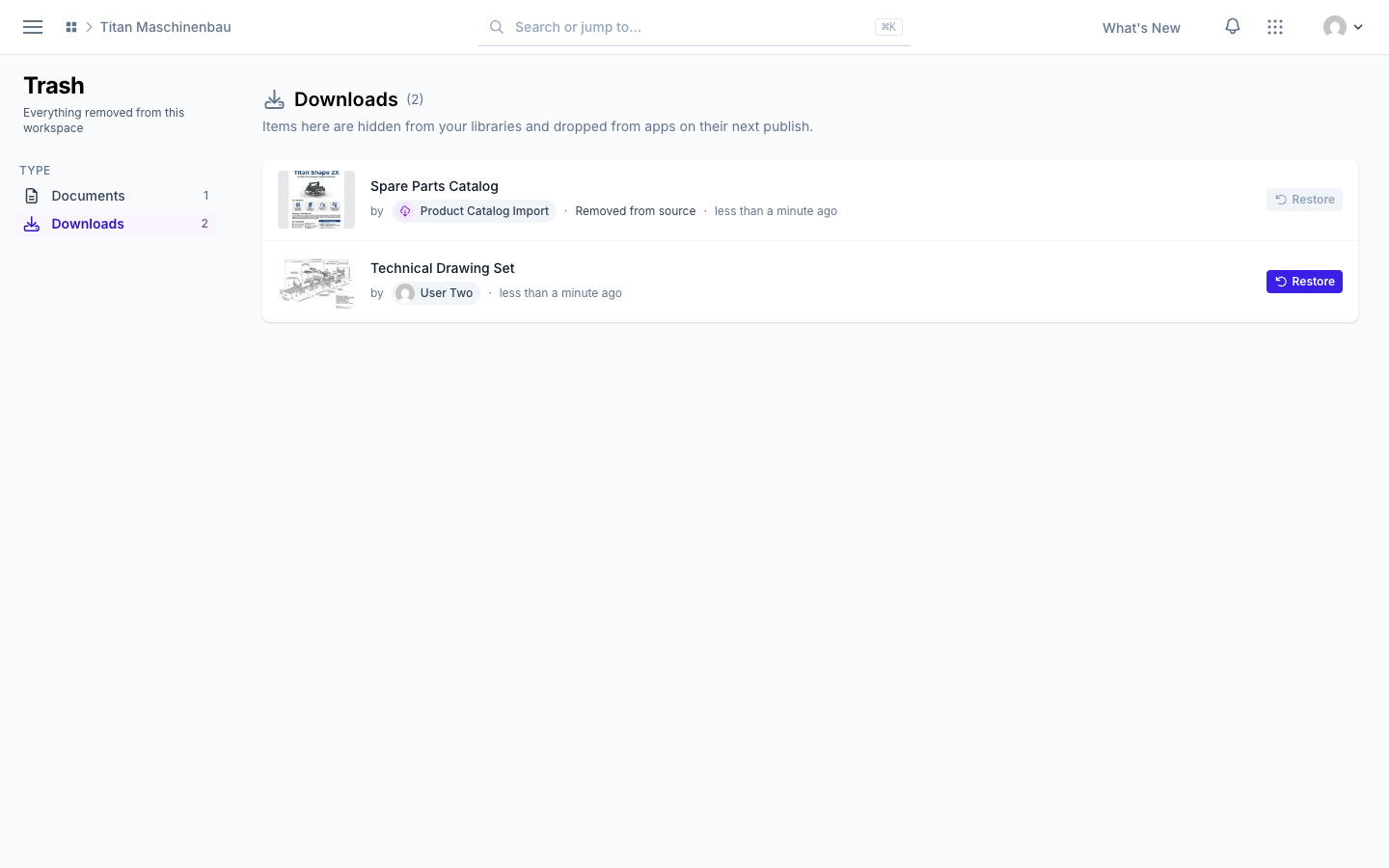
| Trash | All content removed from the workspace: SmartVu®, Images, Videos, Documents, Downloads, Galleries and Assets | Sidebar → Trash |
| Trashed | Only media, as cards | Sidebar of the Media library → Status → Trashed |
On the Trash page, select a type in the left column. The column shows only the types that contain items, each with its number of items. You see a type only if you can open its library.
Move an item to the trash
| From | Procedure |
|---|---|
| Library grid | Move the pointer onto a card, click the trash icon in the top-left corner, then confirm. |
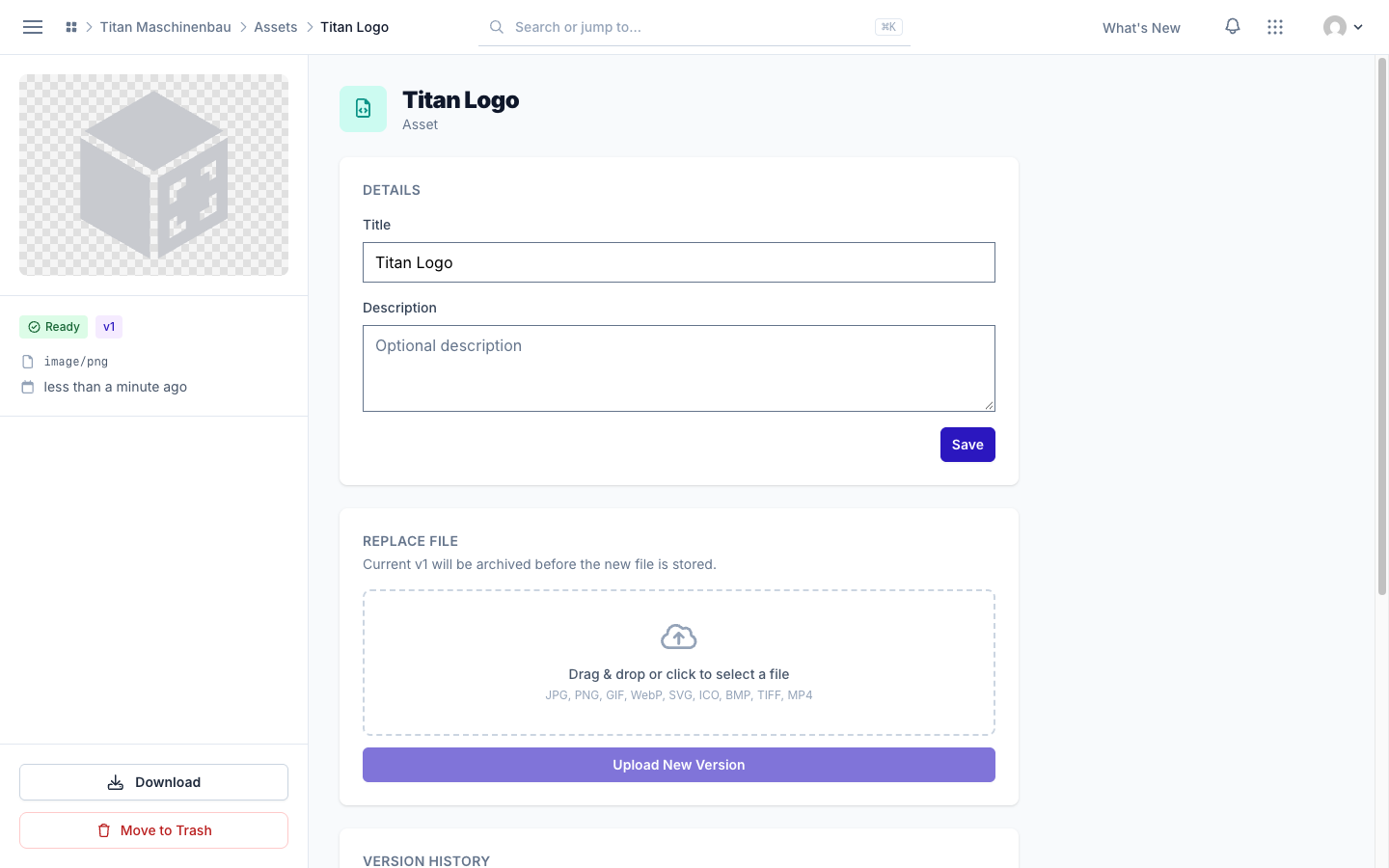
| Detail page | Open the item, click Move to Trash in the sidebar, then confirm. |
You can remove assets only from their detail page: open the asset and click Move to Trash in the sidebar. When you remove an asset, your apps also remove it when you publish them again. Thus, before you remove an asset, make sure that no app uses it as an app icon or logo.
See who removed an item
Each row shows who removed the item and when.
| The row shows | Meaning | Restore |
|---|---|---|
| The name of a person | A person moved the item to the trash. | Restore is available. |
| The name of an integration and a reason | The integration removed the item, because its source no longer supplies the content. | Restore is not available. |
| Merged into a different item, and the name of a person | A person merged this copy into an identical item. | Restore is not available. The categories, collections and other links are now on the remaining item. |
The reason comes from the integration, for example Removed from source repository or Older than the events cut-off date.
An integration restores the items that it removed. When it runs again and its source supplies the content again, it restores the items with their categories, galleries and collections. For this reason, the Trash page does not show Restore for these items: the next run of the integration would cancel a manual restore. To get such an item back, change what the integration imports, for example the date in its settings. Then let the integration run again.
Restore an item
- Open Trash, or the Trashed view of the Media library.
- Click Restore and confirm.
The item keeps its status, categories, gallery, collections and translations. To show the item in your apps again, publish the apps again.
What occurs to content in the trash
- Library lists, counts, filters and search do not show content in the trash.
- Apps and Smartvus remove it when you publish them again.
- A gallery in the trash is also hidden. The media count of a gallery does not include items in the trash.
- Vuframe® Cloud does not delete content in the trash from storage. You cannot empty the trash.
The trash is not an archive. Archived is a processing status: archived media stay in the library, but Vuframe® Cloud does not publish them.