Vuframe® Cloud v1.53.4
Vuframe® Cloud v1.53.4 finds duplicate titles, adds Fix now to every issue and shows a preview for each version of a media item. E-mails now name your workspace and show its logo.
New
Duplicate titles. The Issues page lists categories, collections and media that show the same title in the same language — translations included. Duplicates never block publishing. Each item in a duplicate shows the issue on its own page and links the other one.
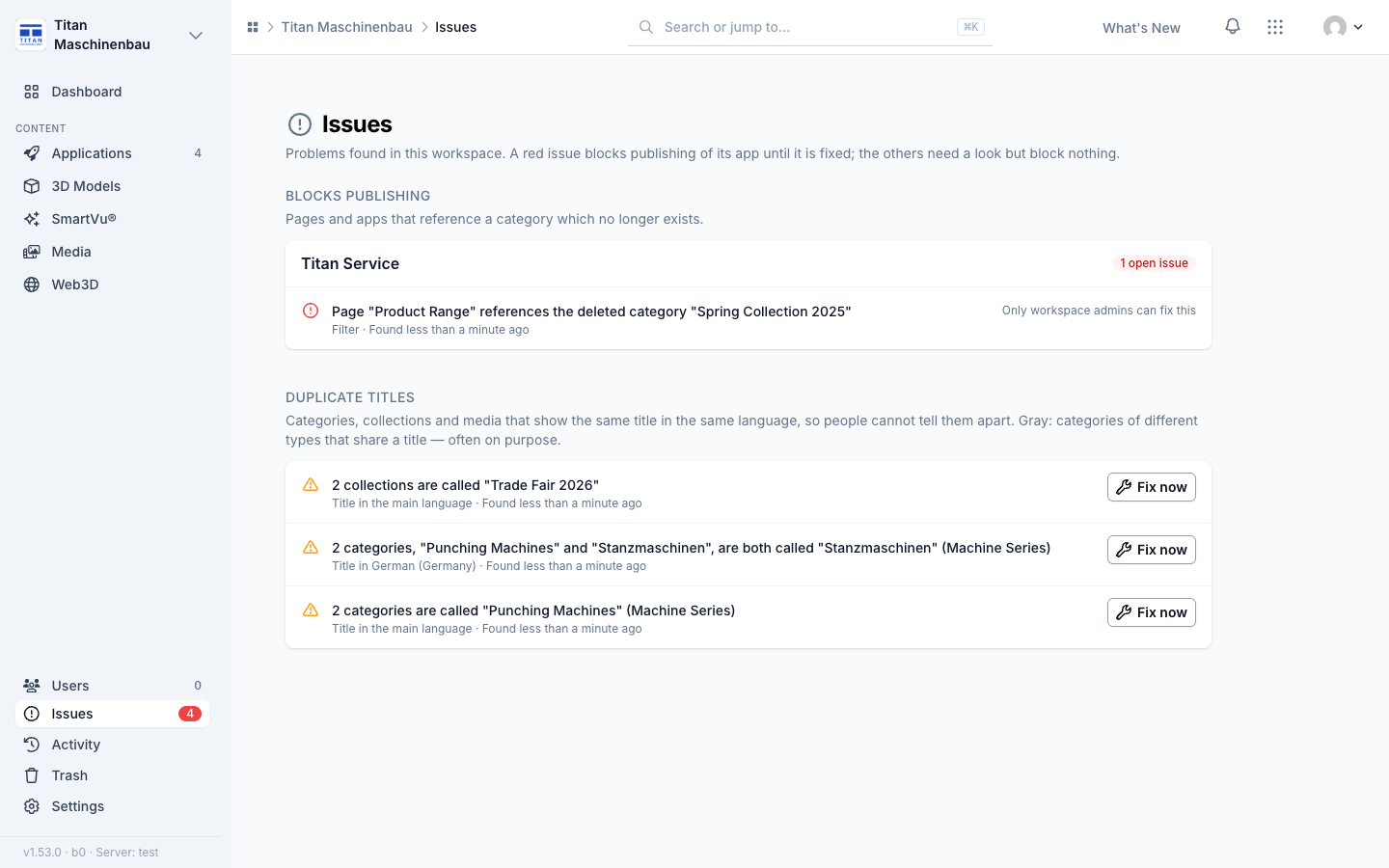
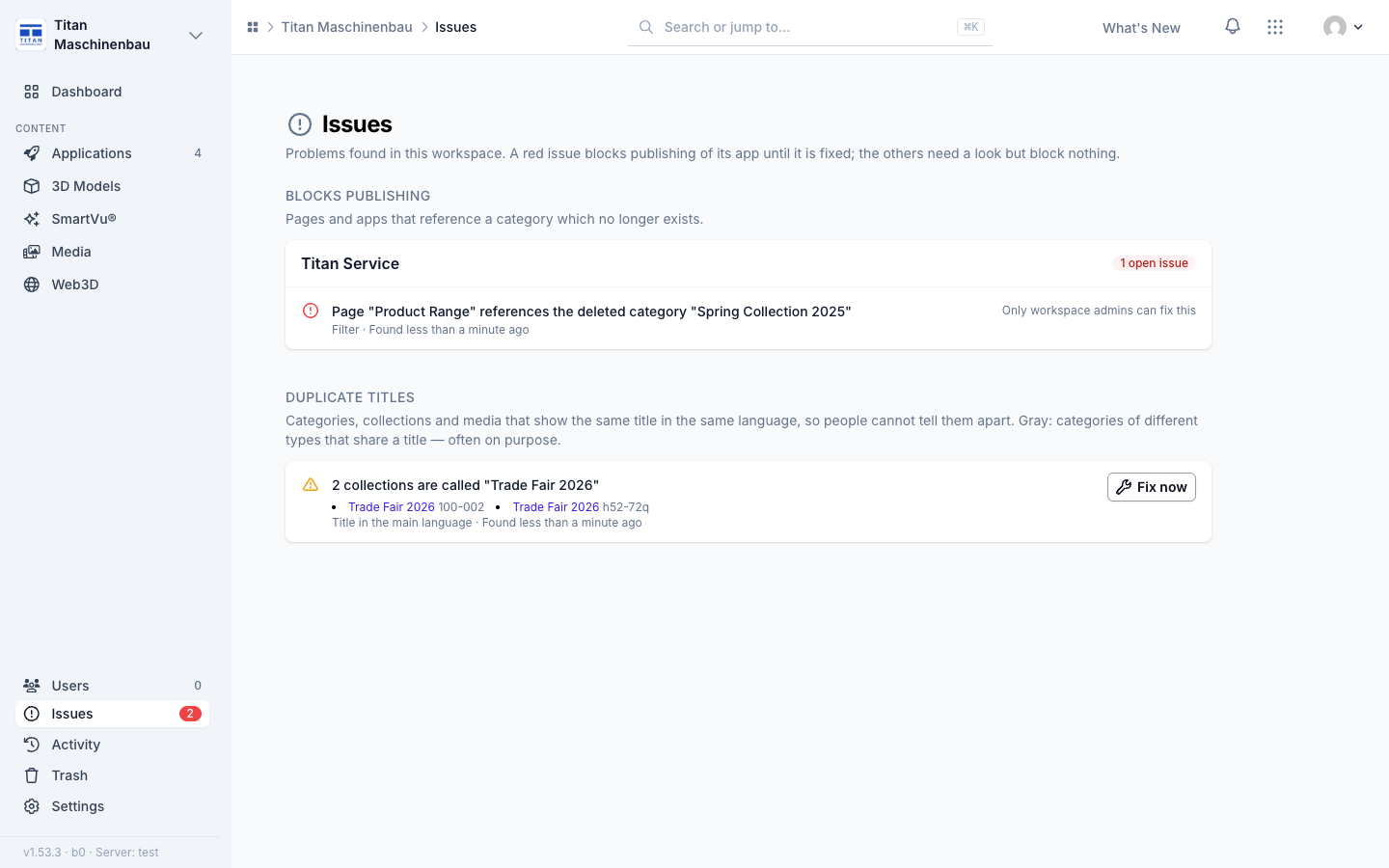
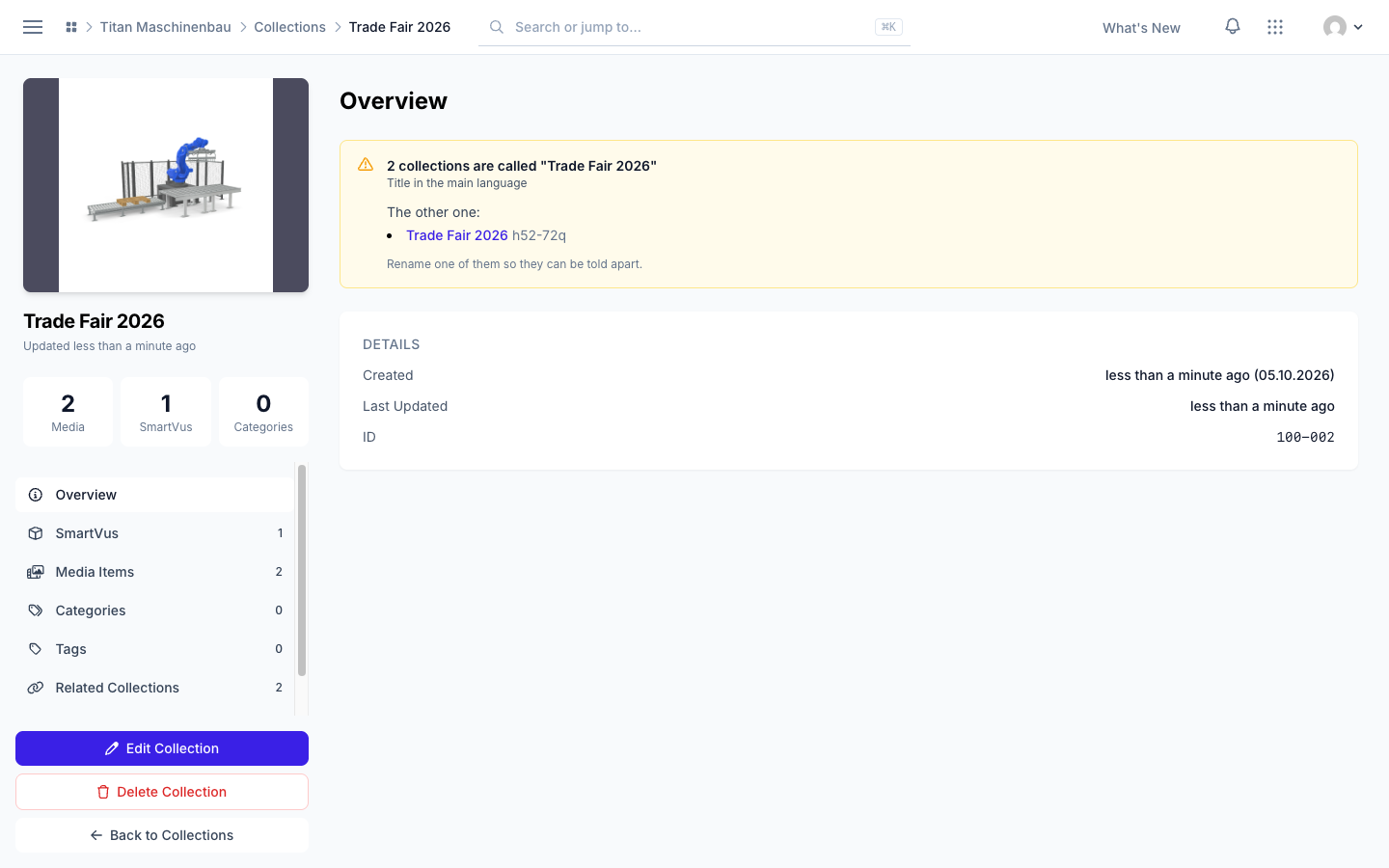
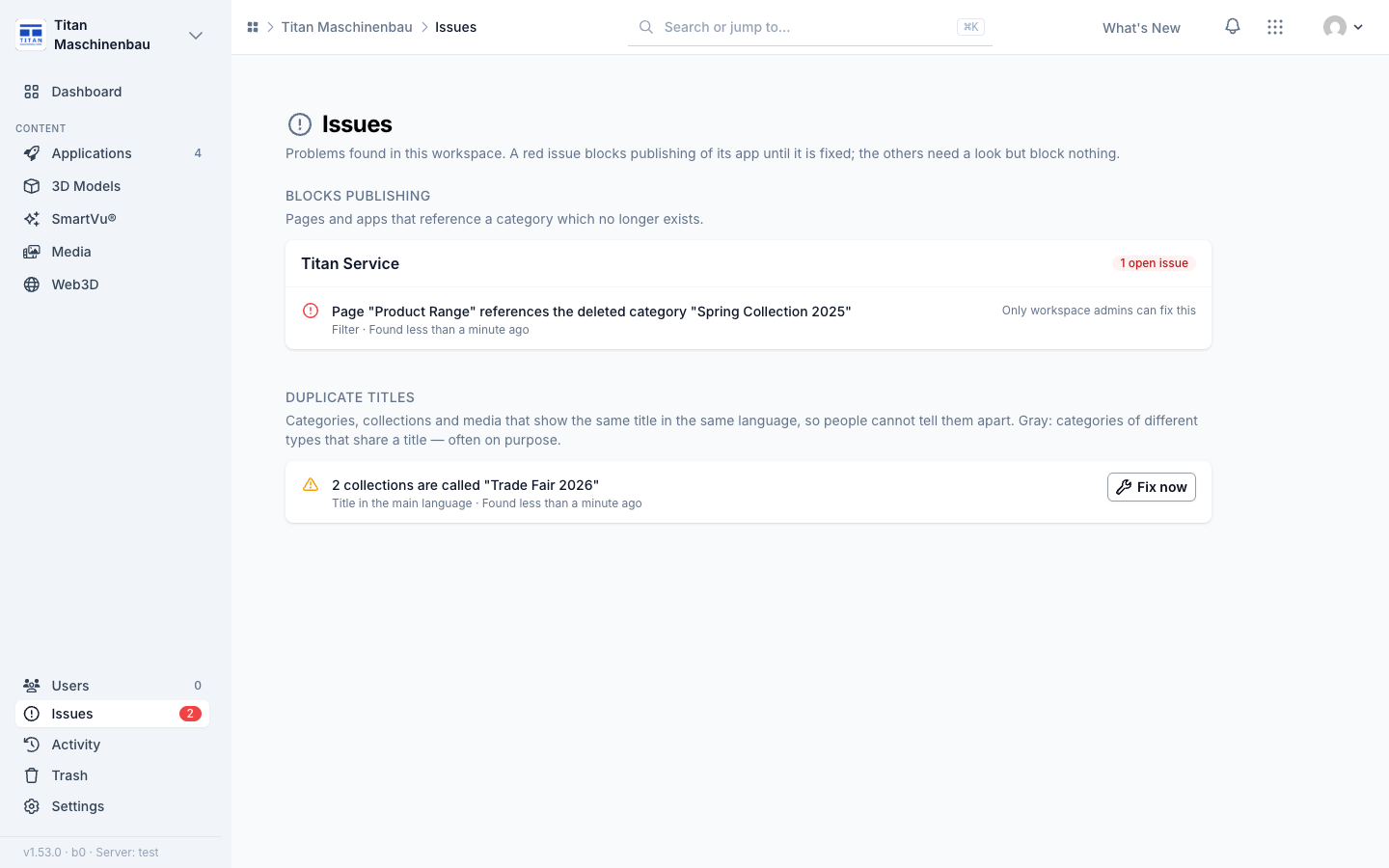
Fix now. Every open issue has a Fix now button on the Issues page, on the home page and on the app page. It opens what needs the change.
Improved
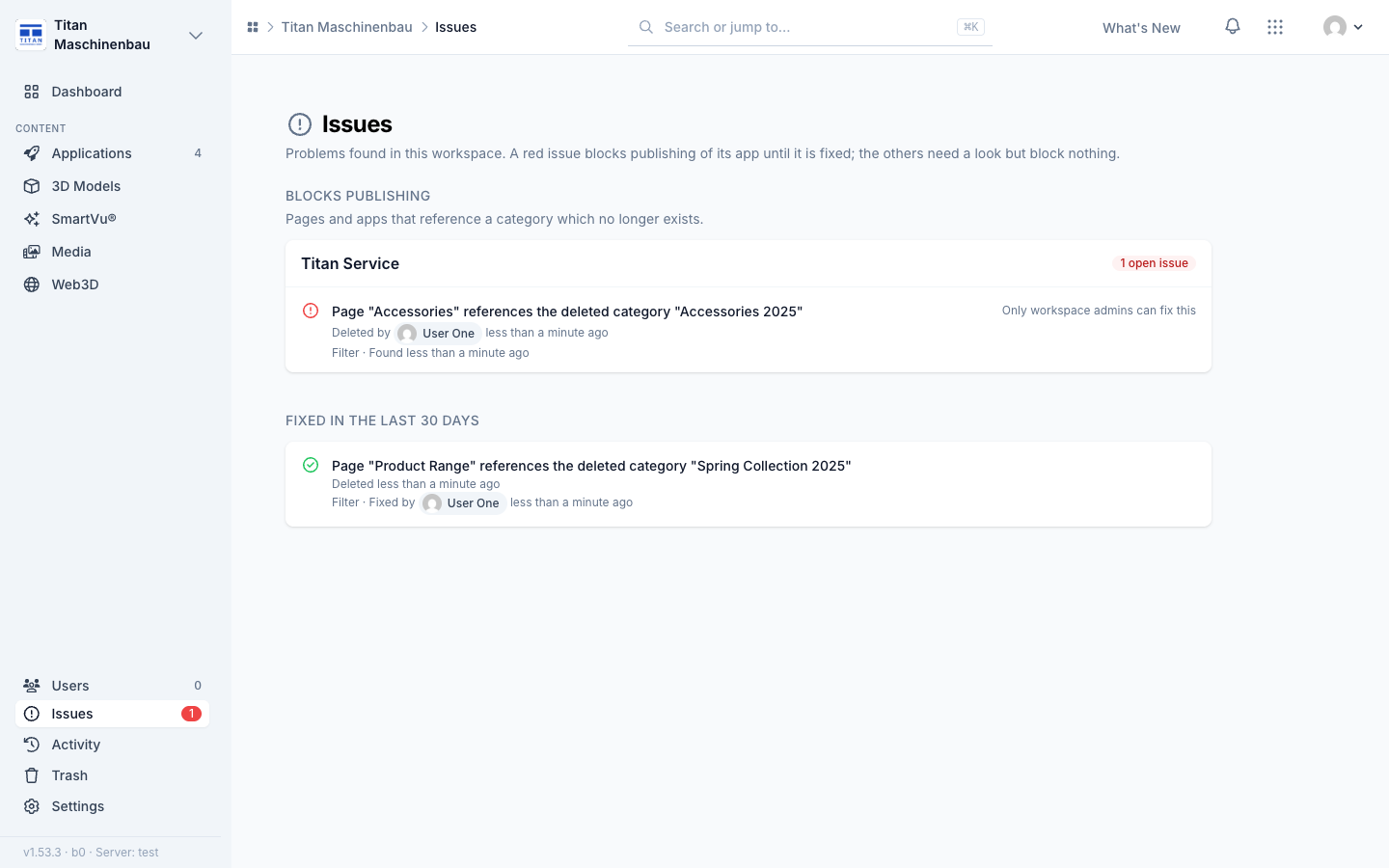
Who deleted and who fixed. An issue about a missing category says who deleted it or which category it was merged into. Under Fixed in the last 30 days, every issue names who fixed it.
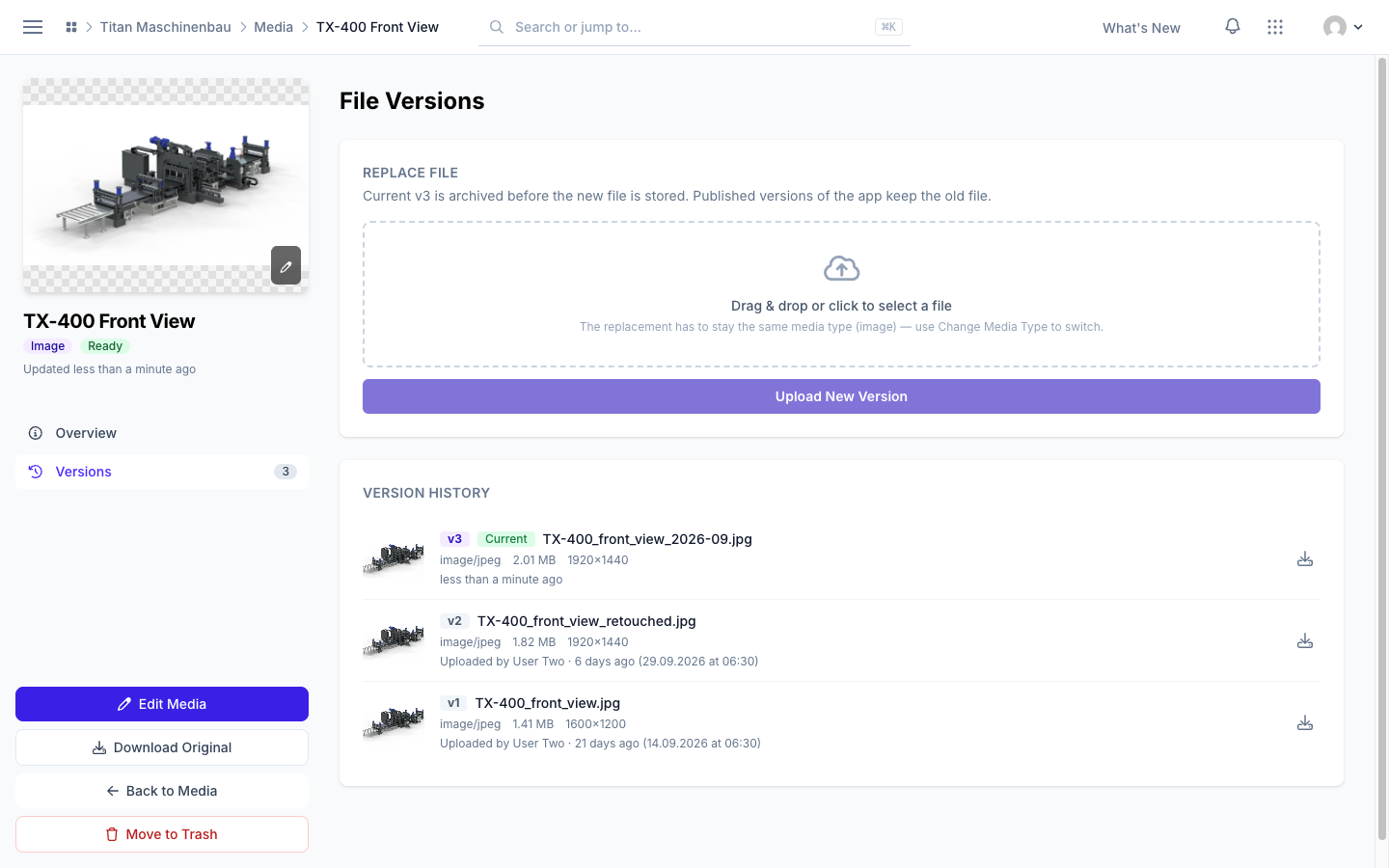
Media version history with previews. Each version in File Versions shows a preview, the original file name, size, dimensions, who uploaded it and when, with a download button.
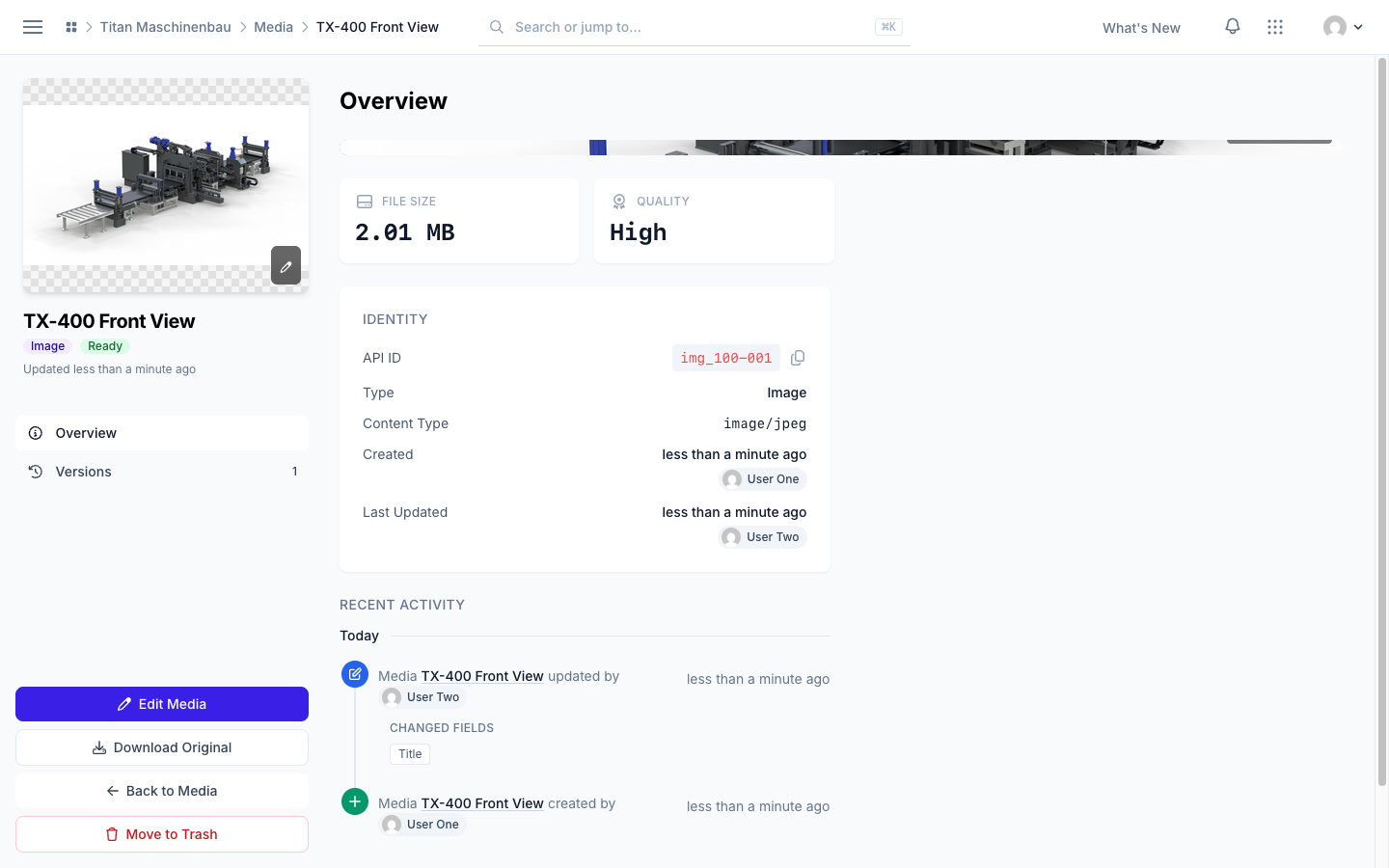
Who is behind a media item. The Identity card names who created and who last changed the file, and Recent Activity below lists what happened to it.
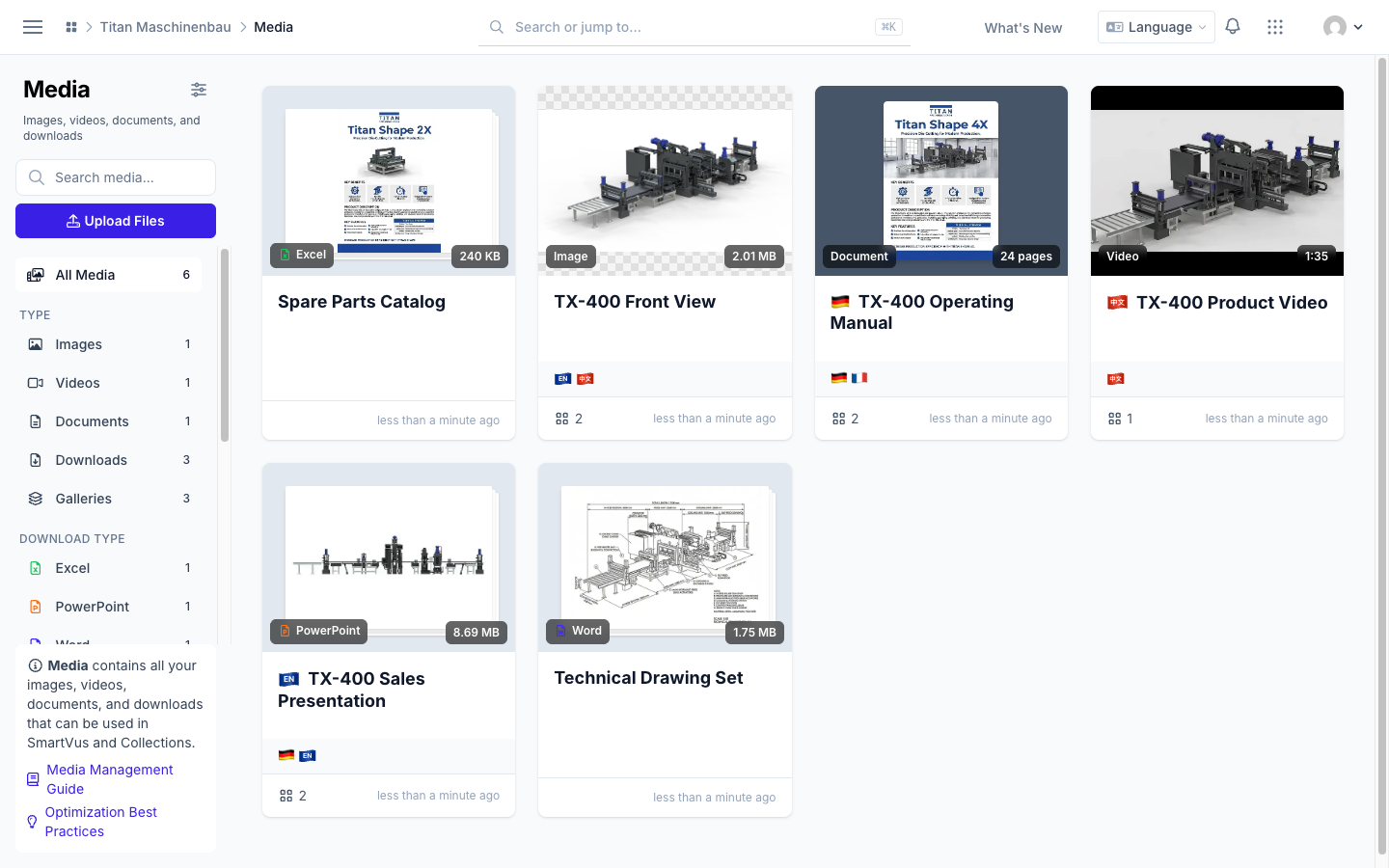
Media cards in one row. Languages on the left; gallery, categories, tags and the number of user groups on the right. The trash button is no longer covered.
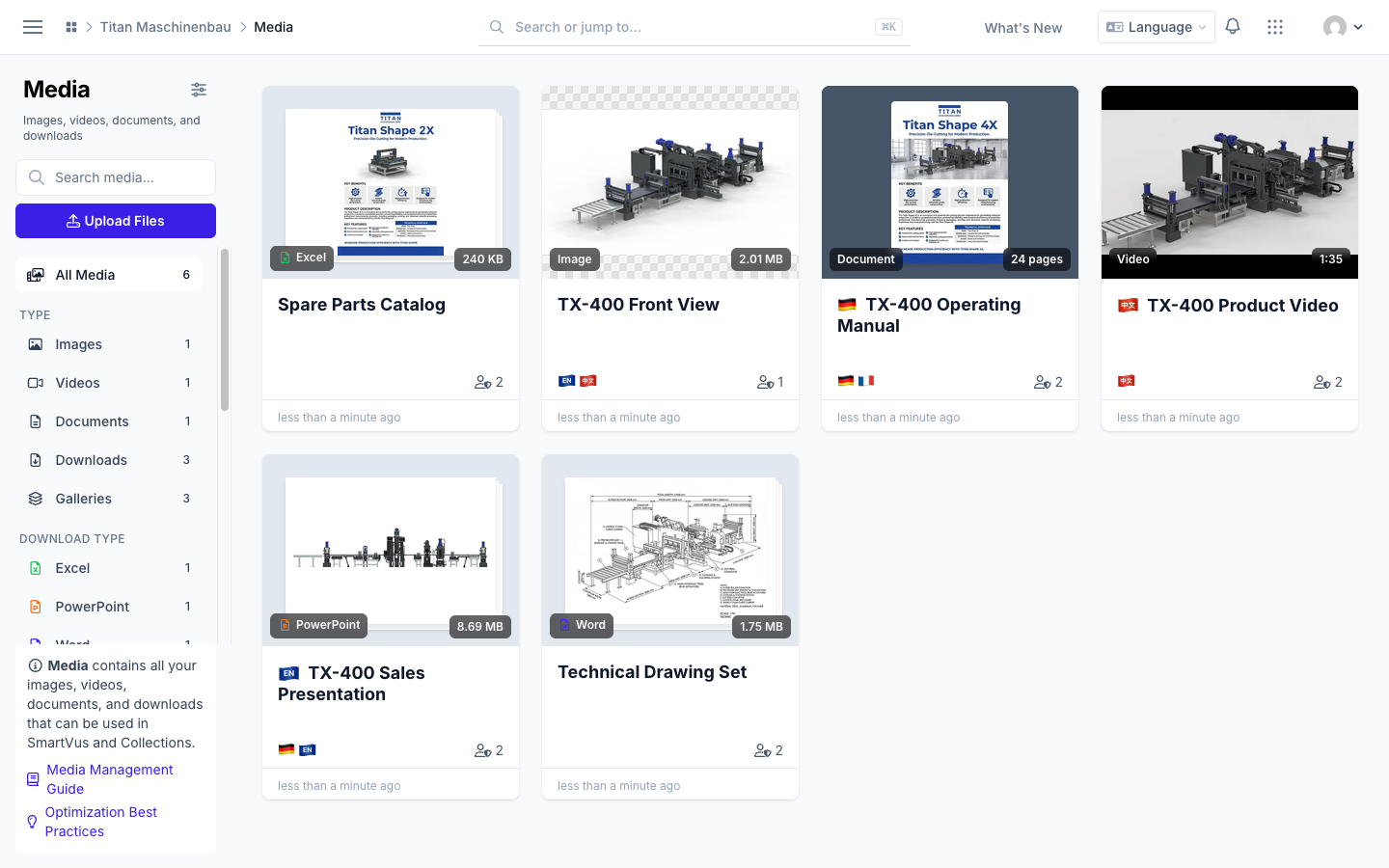
English and Chinese have their own flag: an EN and a 中文 badge.
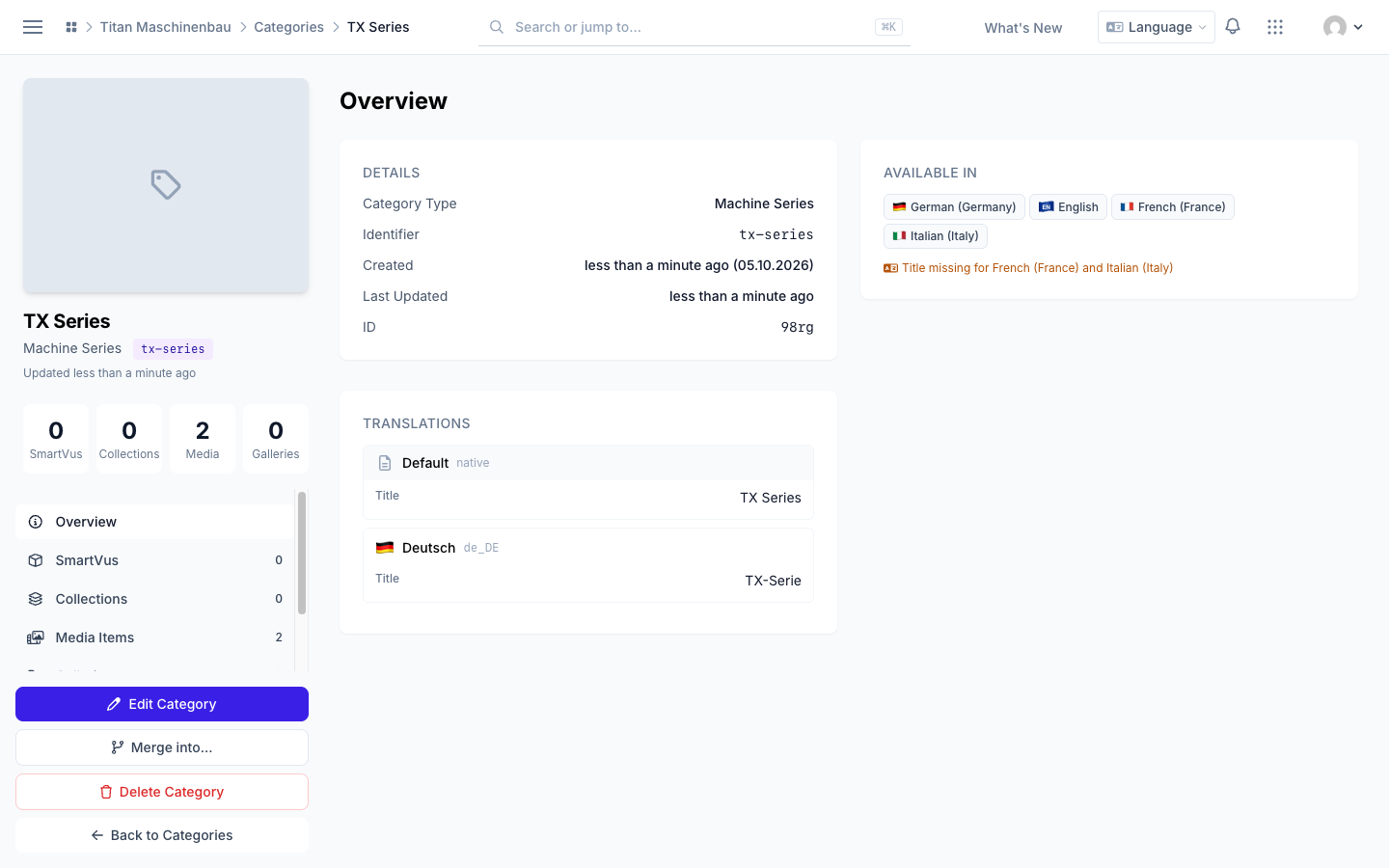
Category page in two columns. The Overview shows details, languages and translations side by side, and "Title missing for …" names only the languages that really have no title.
E-mails name your workspace. The issue e-mail names the workspace in its subject, and every e-mail shows your workspace logo at the top. The Vuframe® Cloud logo in the footer is smaller, and the login-code e-mail has the same footer as all others.
Fixed
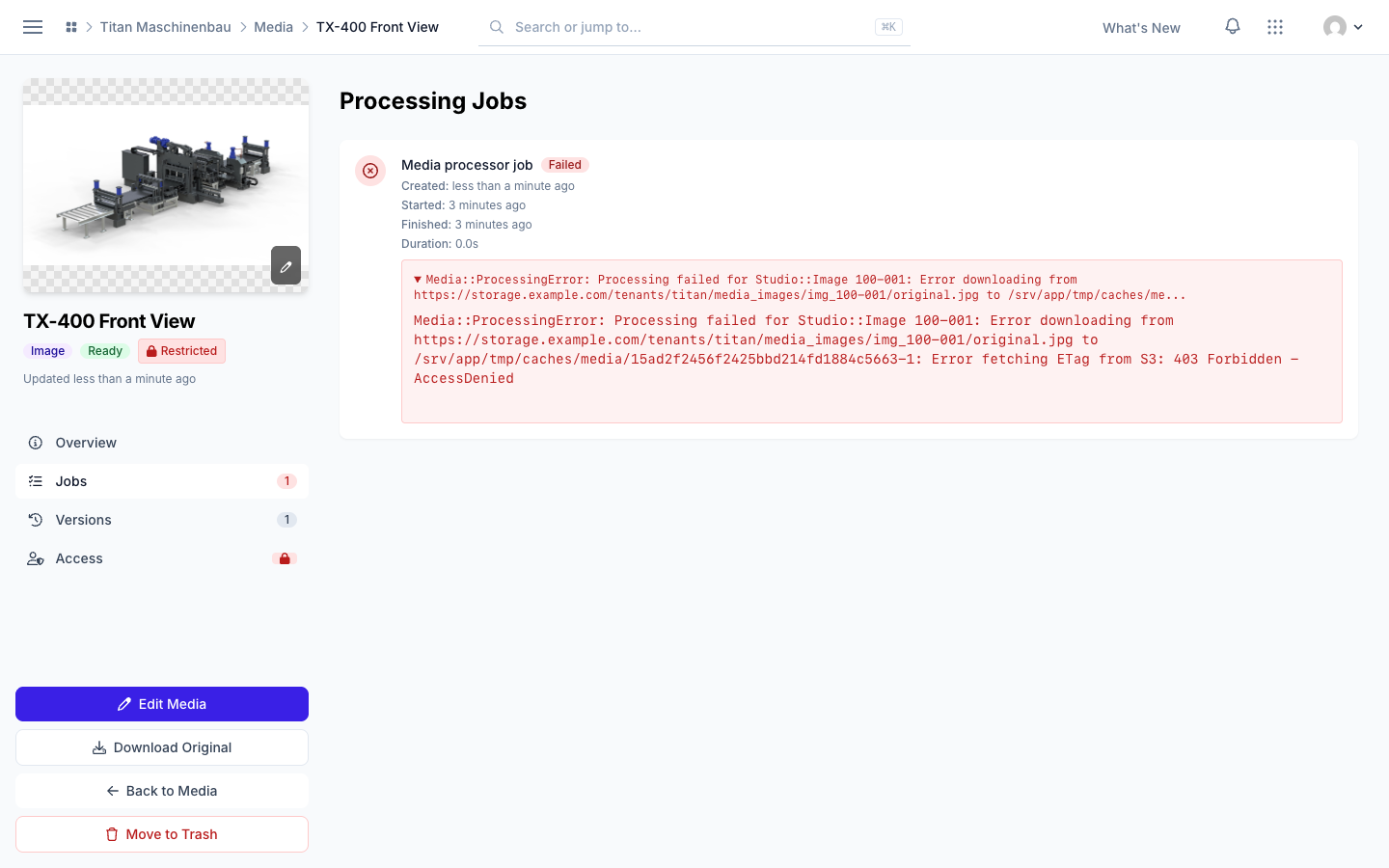
New uploads are processed again. Files that failed show Re-process on their page, and the Jobs section shows the whole error.
The Activity feed lists all edits to pages, media items and categories, with the person who made them.
One issue e-mail per import. An import checks the workspace once, when it has finished.