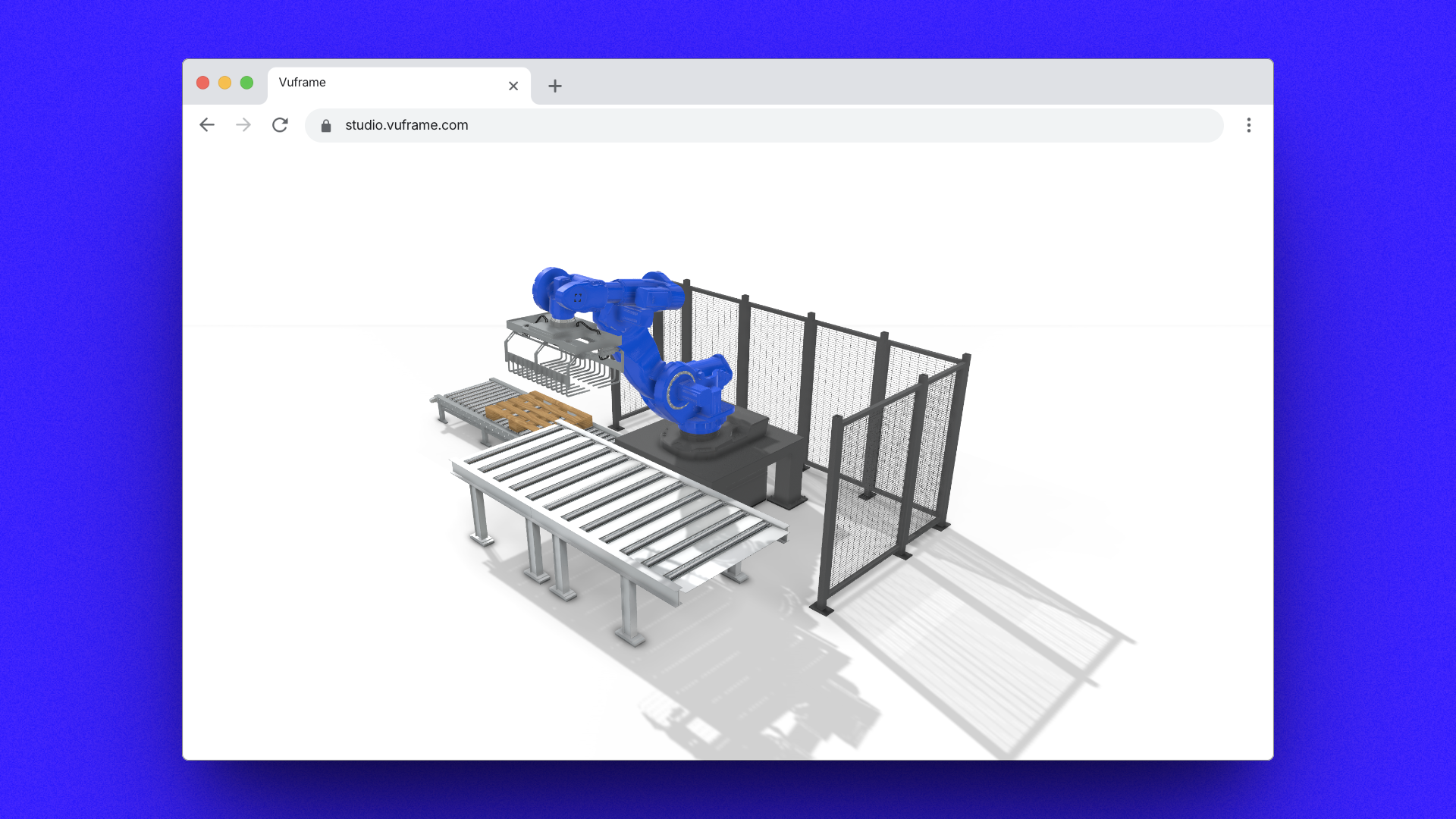
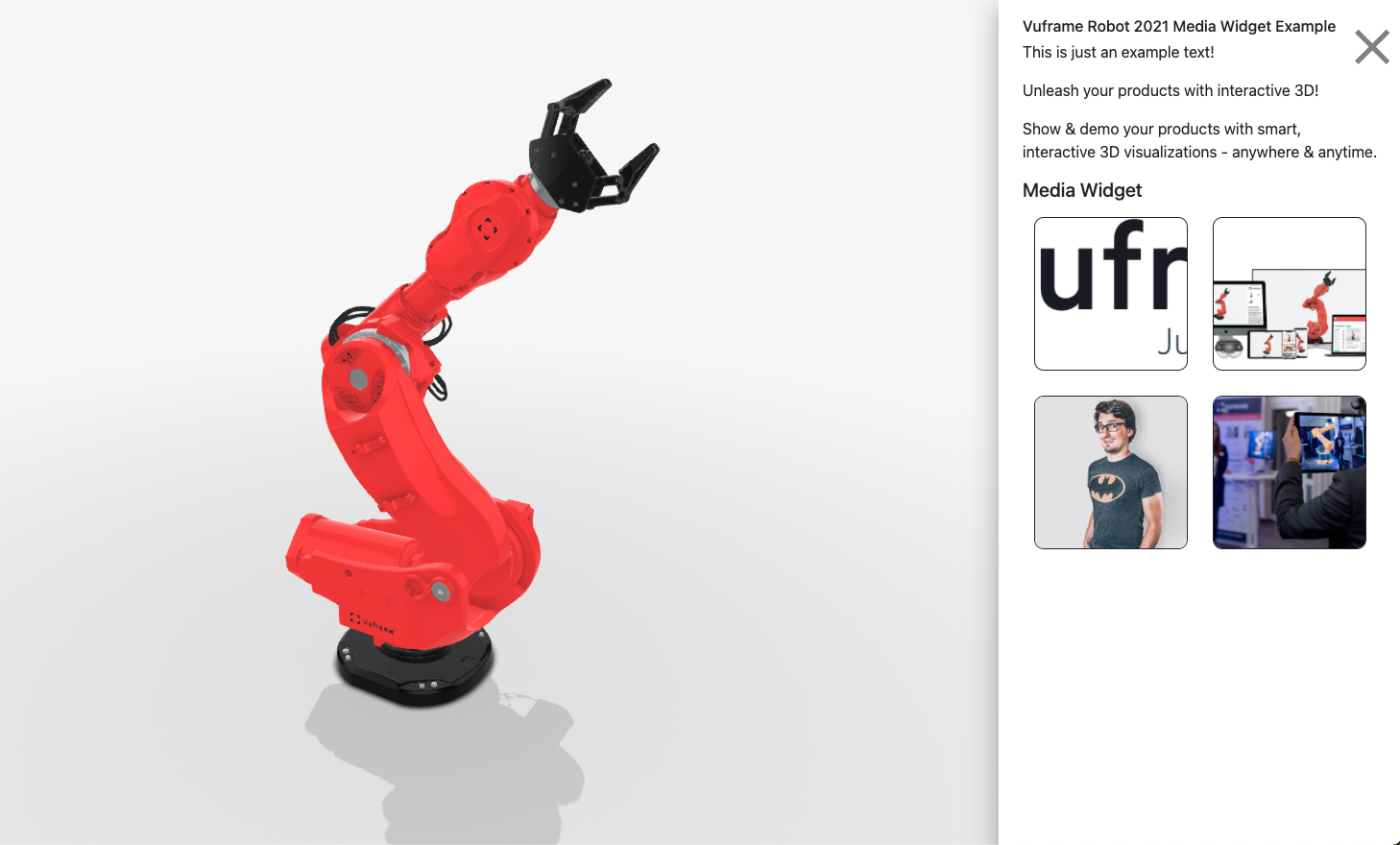
🚀 We've rebuilt share.vuframe.com and embed.vuframe.com on a single, unified next-generation viewer — now running on our new v5.0.0 player delivered straight from our CDN. One viewer, one upgrade path, for every SmartVu® you share or embed.
What's new for you:
🚀 One unified viewer. All previous share and embed viewer variants are consolidated into one next-generation viewer on the v5.0.0 player. Everything you share or embed now runs on the same modern engine.
⚡ Faster loading. An instant loading indicator appears the moment your viewer opens — no more blank screen while it boots.
🔒 Privacy by default (GDPR). Fonts and icons are now served entirely from our own infrastructure. Your viewers no longer make third-party requests to Google, keeping visitor data on Vuframe systems.
🔒 Hardened access. We tightened how password-protected SmartVu® content is handled so protected content stays protected.
Nothing to do on your side — every share and embed link is already on the new viewer. Try it out on our demo robot.
🐞 Fixed a stability issue on iPhone. Smartvus that contained several videos could crash or fall into a reload loop when opened in Safari or Chrome on iPhone (iPad was unaffected).
Videos in the media widget now load only when you actually open them, instead of all at once. This keeps memory well within iPhone's limits — so multi-video Smartvus stay stable — and also makes those Smartvus lighter and quicker to open on every device.
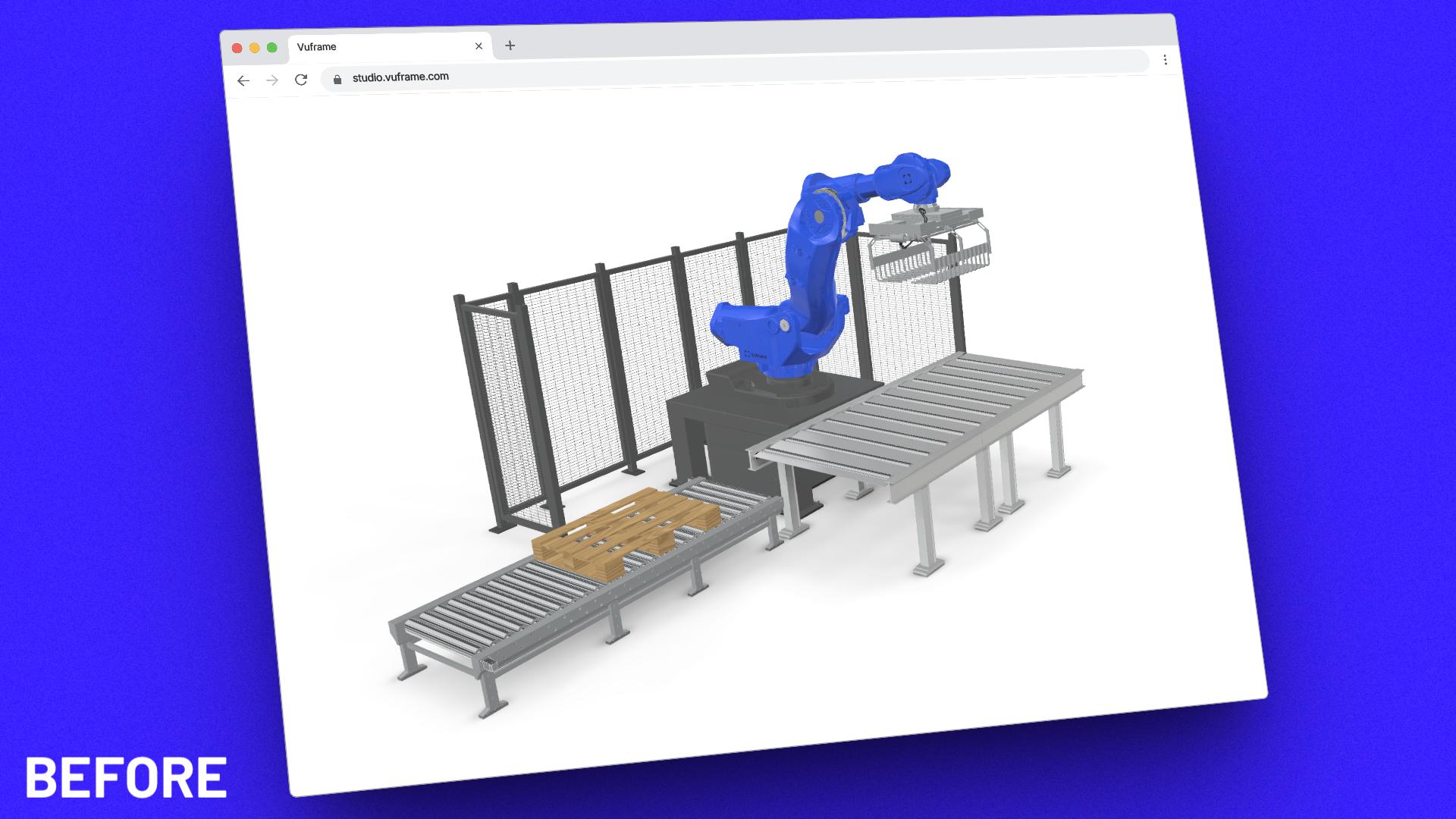
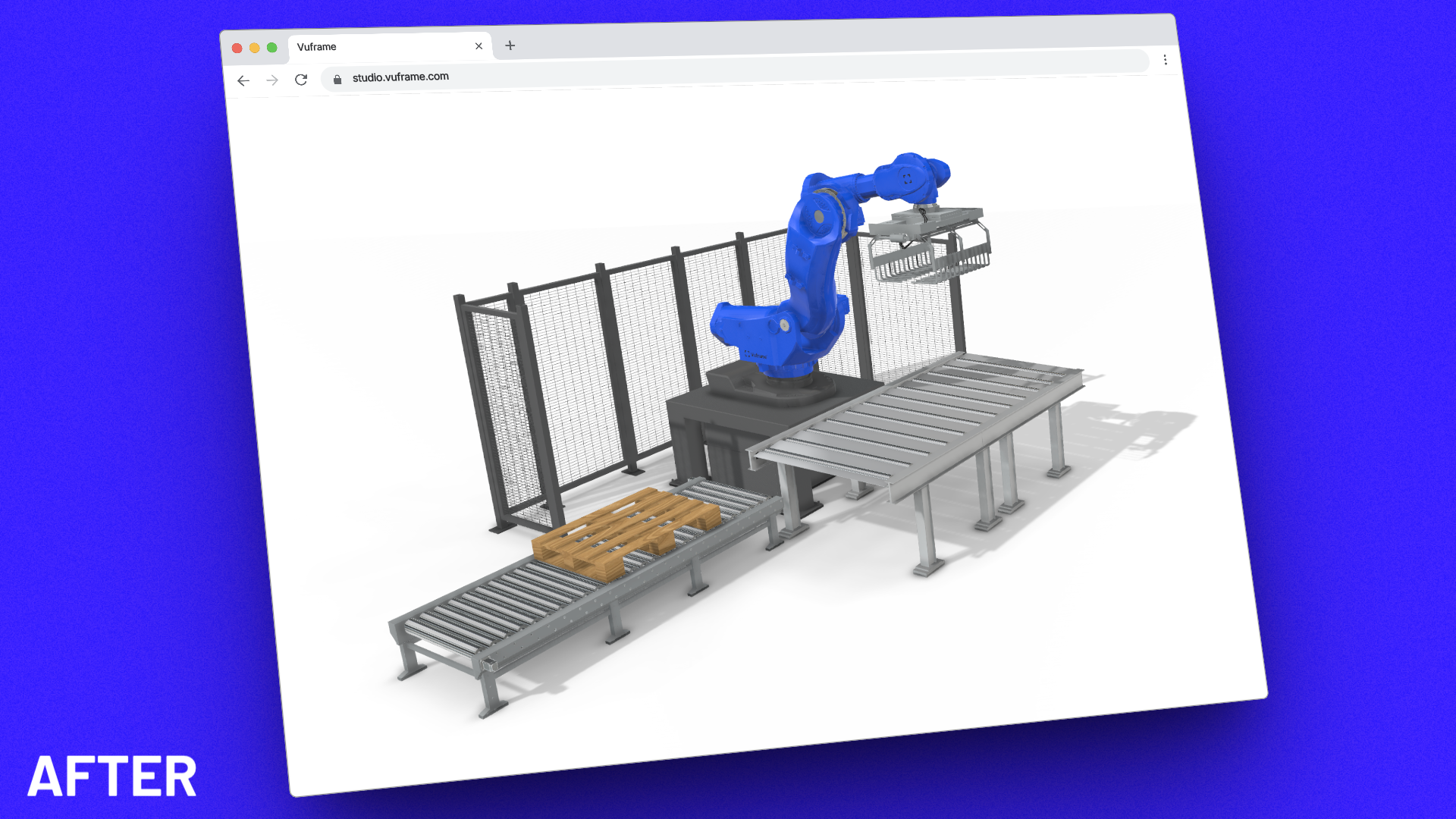
The latest Web Viewer brings photorealistic rendering to your 3D models with real-time shadows and ambient occlusion, delivering visual quality previously only possible in offline renderers.
Real-time shadows - Dynamic shadow casting for all light sources
Ambient occlusion - Enhanced depth perception and realism
Improved material rendering - Better metal and glass surfaces
Zero performance impact - Optimized shaders maintain 60fps on standard hardware
Web Viewer v3.2.0 – No support for Ambient Occlusion or Realtime ShadowsWeb Viewer v4.0.0 – full support for Ambient Occlusion and Realtime Shadows
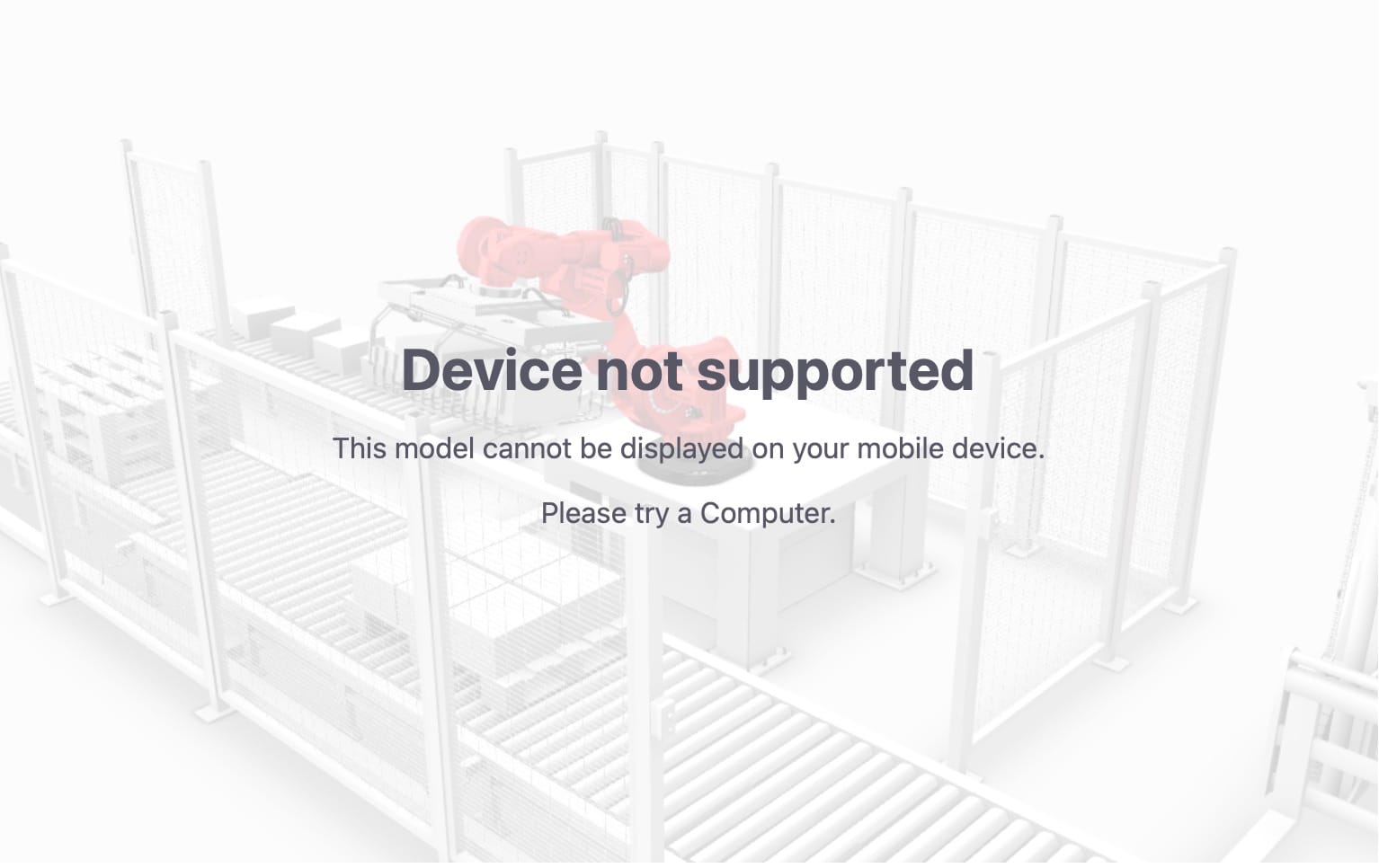
Added: parameter for handling of Smartvu on mobile devices, i.e. tablets and phones (mobile=0, simulate_mobile=1) https://embed.vuframe.com/a11370e8?mobile=0&simulate_mobile=1
Added: parameter for handling of Smartvu on phone devices only (phone=0, simulate_phone=1) https://embed.vuframe.com/a11370e8?phone=0&simulate_phone=1