Changelog

205 release notes, newest first. Page 3 of 21.

Studio v5.3.6

v5.3.6

Bugfix release

- fix: company user revoke invite causes error / does not work
- add: 'all groups' property to projects and api-v5 groups endpoint
- add: api-v5 items endpoint to retrieve groups of models
- fix: set_role_for_user causes error and does not work

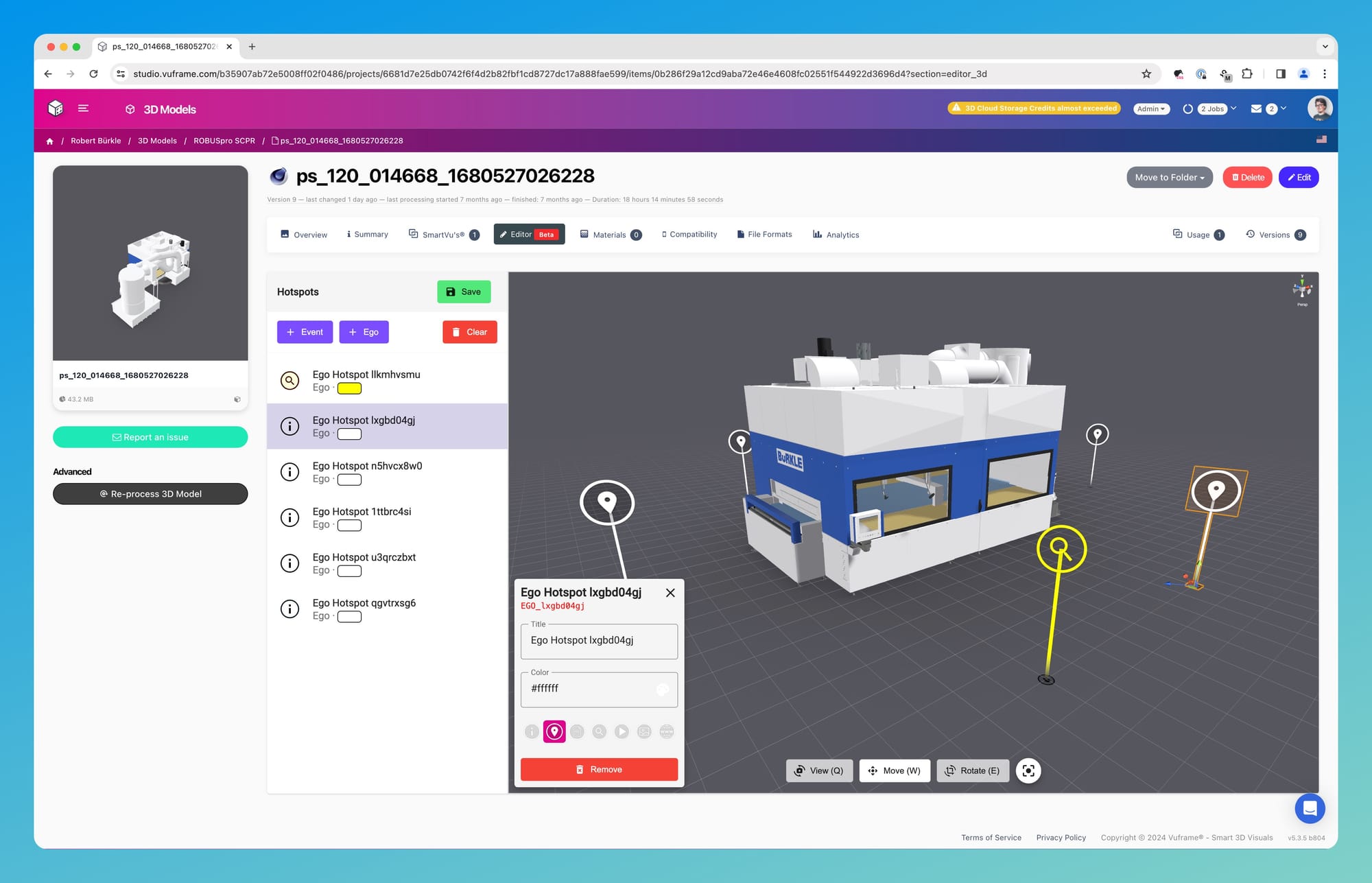
Hotspot Editor ​

Our new WYSIWYG Hotspot editor makes it easy to add hotspots to models.

Image

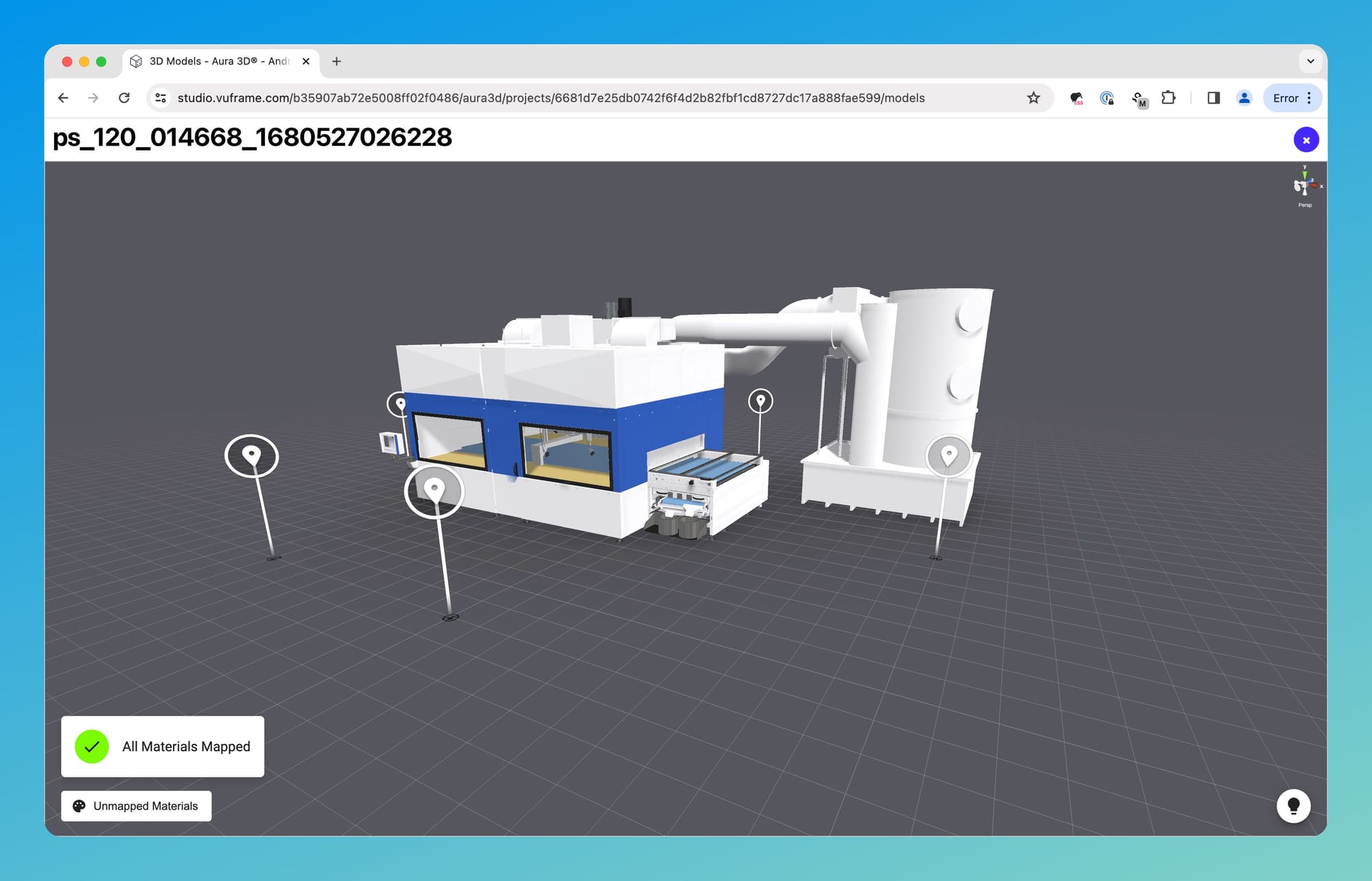
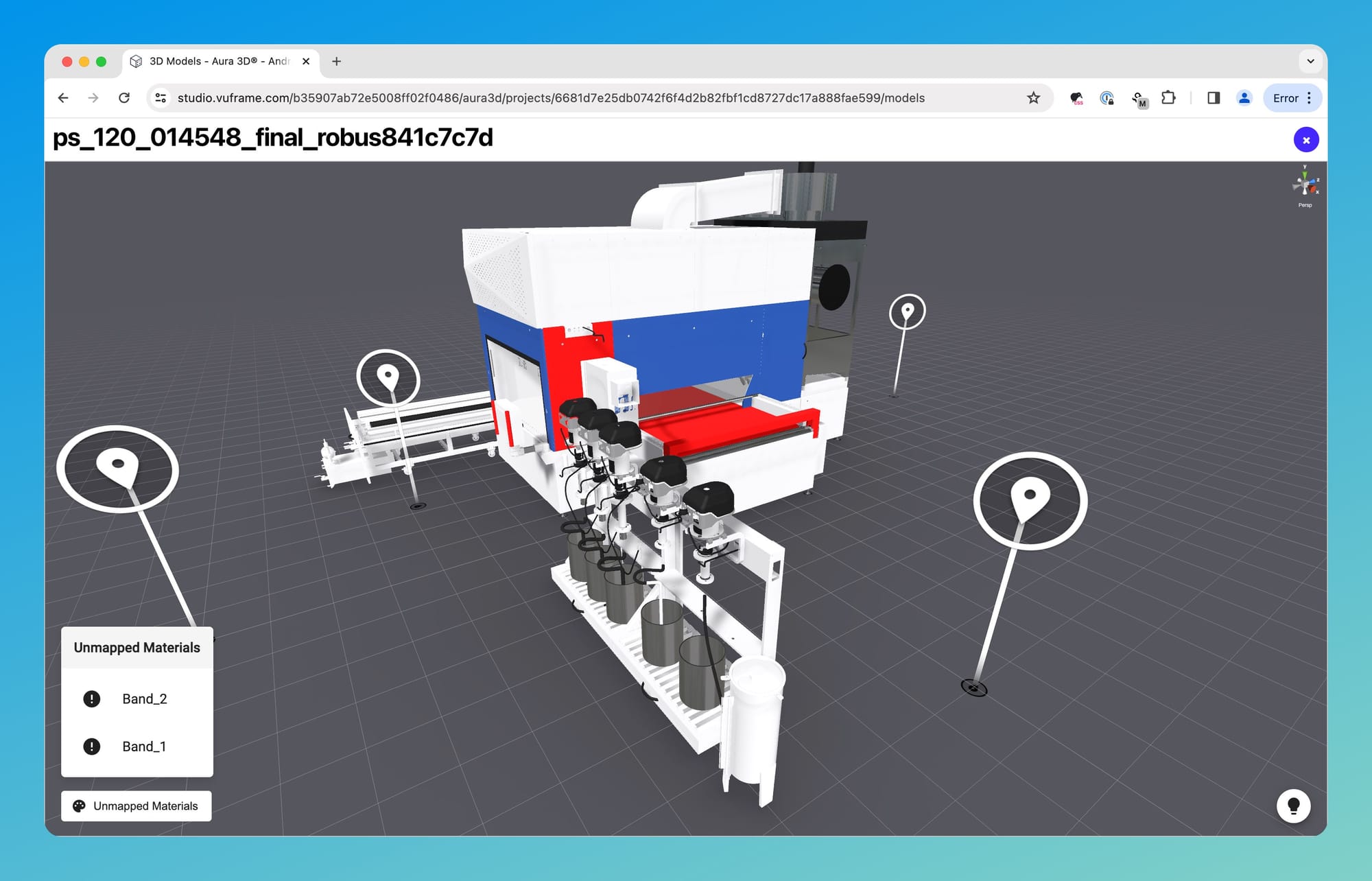
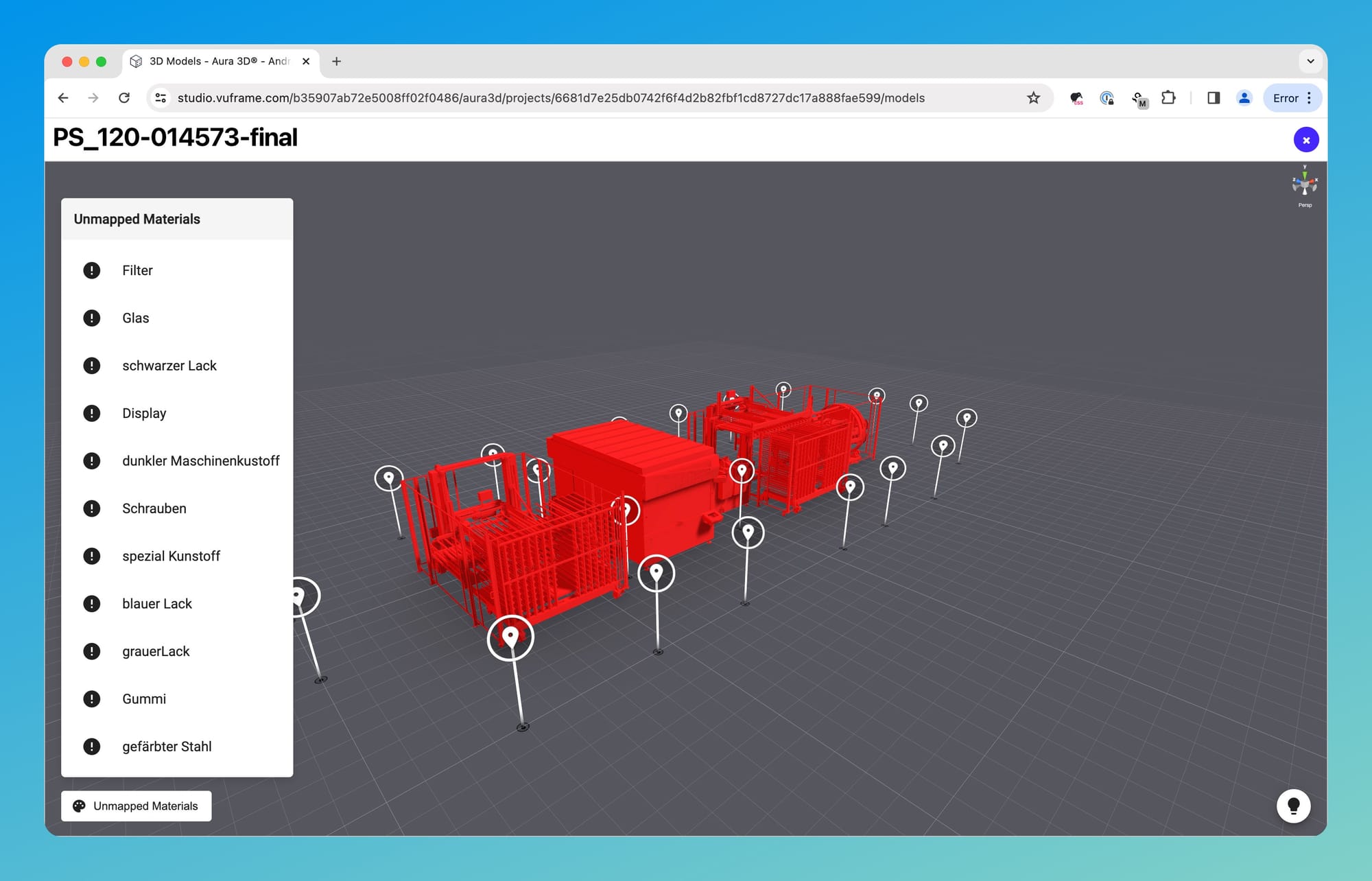
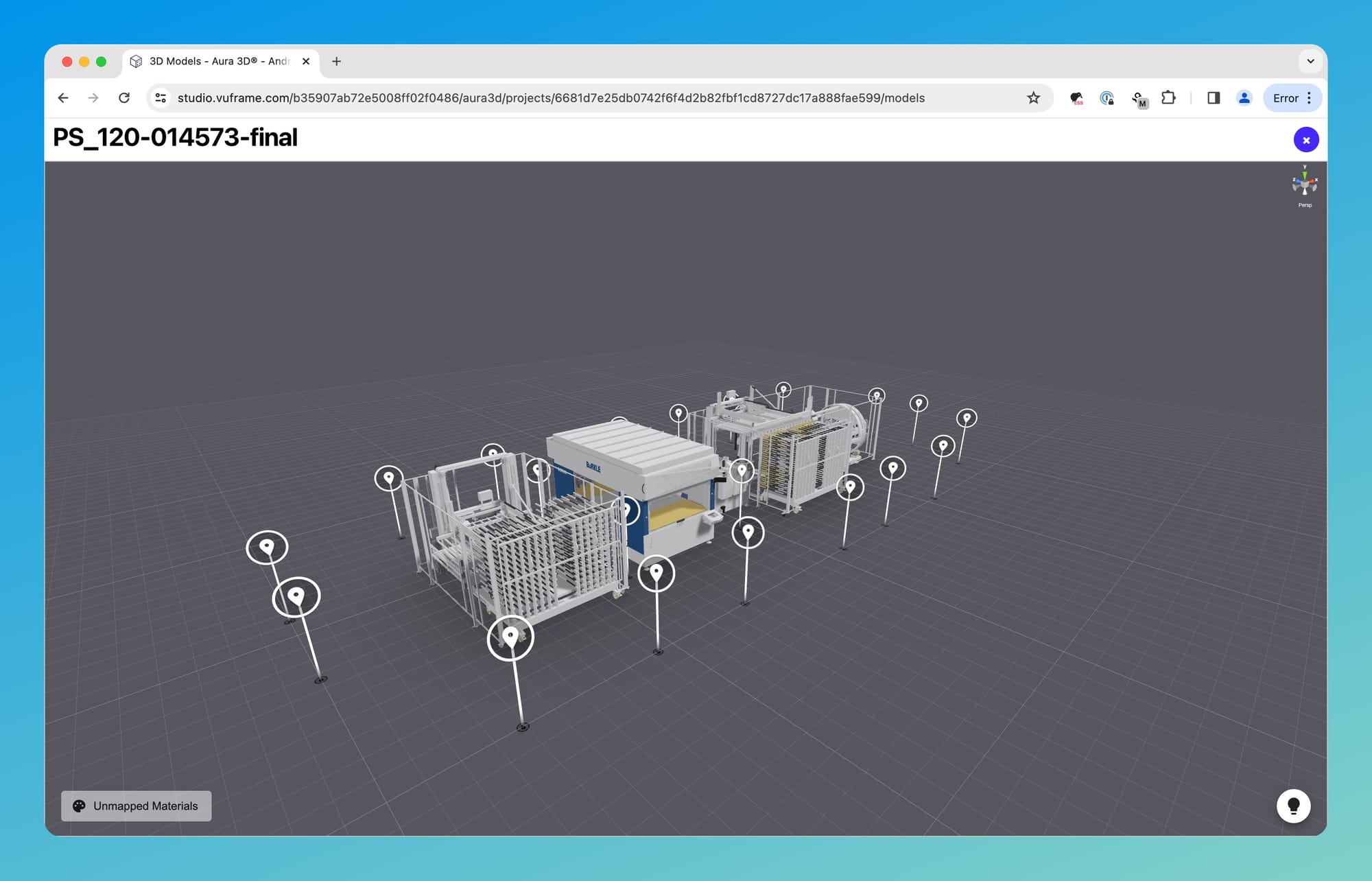
Material Mapping Preview ​

You can now easily visualise what's already been mapped properly.

Image

Image

Image

You will now see a preview of the latest draft of your Smartvu directly on the Smartvu details page. This is a huge productivity boost 🎉 No more "share, viewer app, update, view, make changes, repeat" craziness.

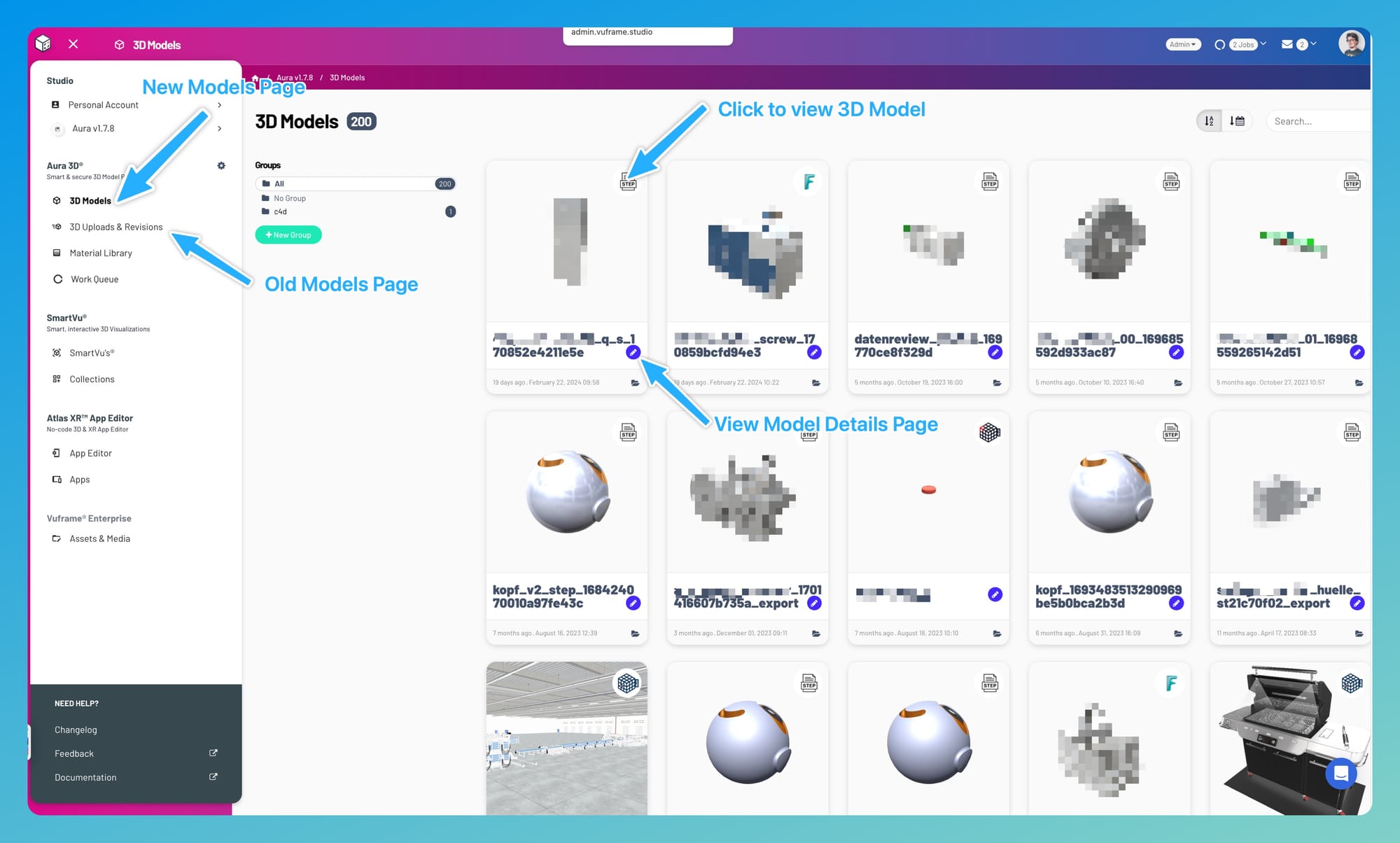
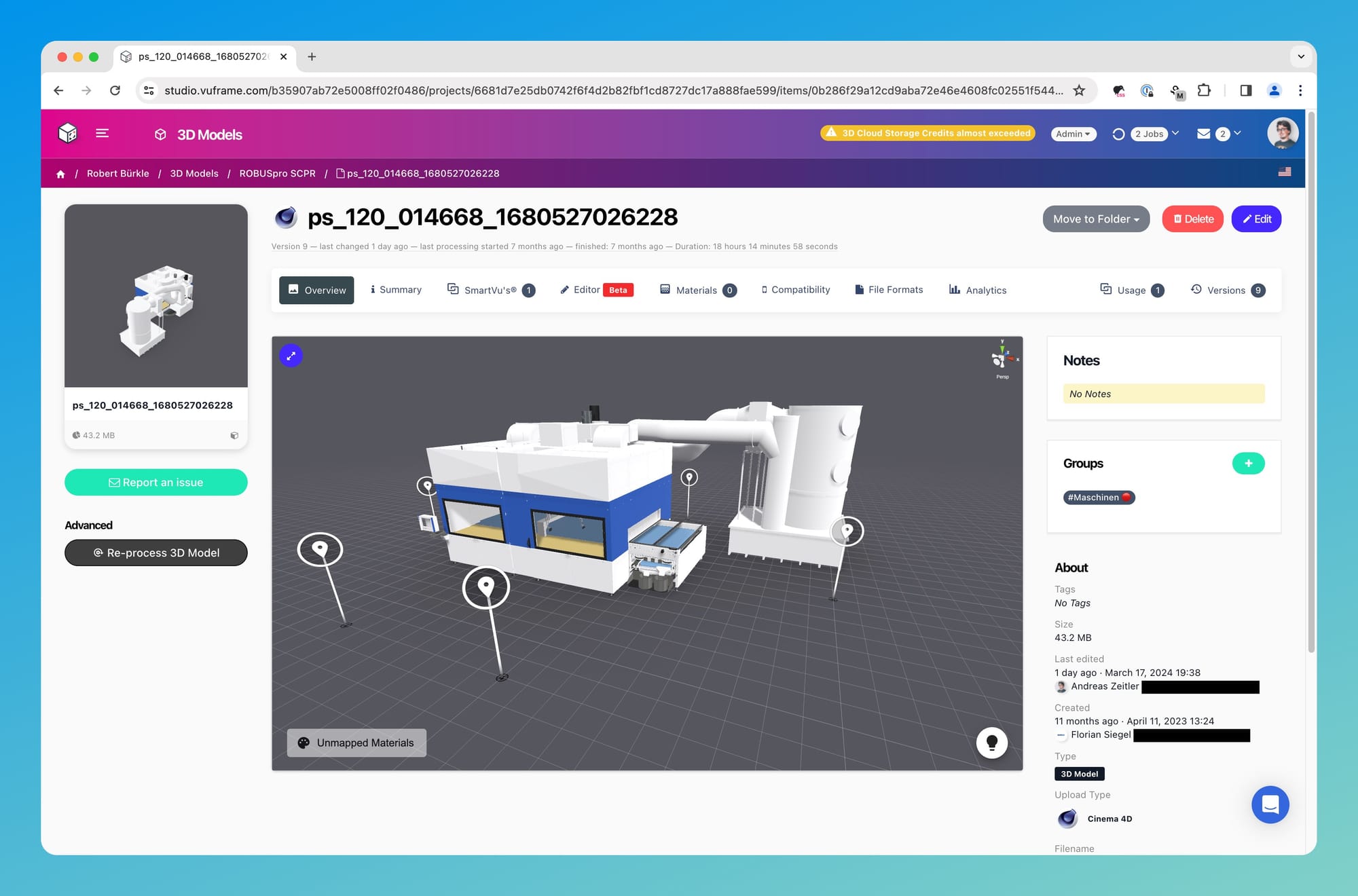
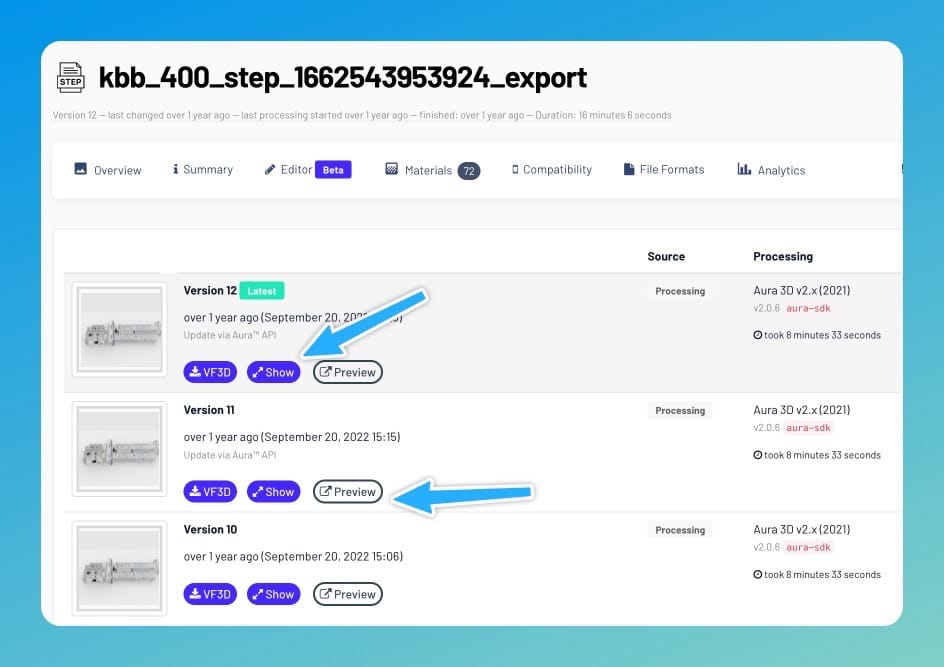
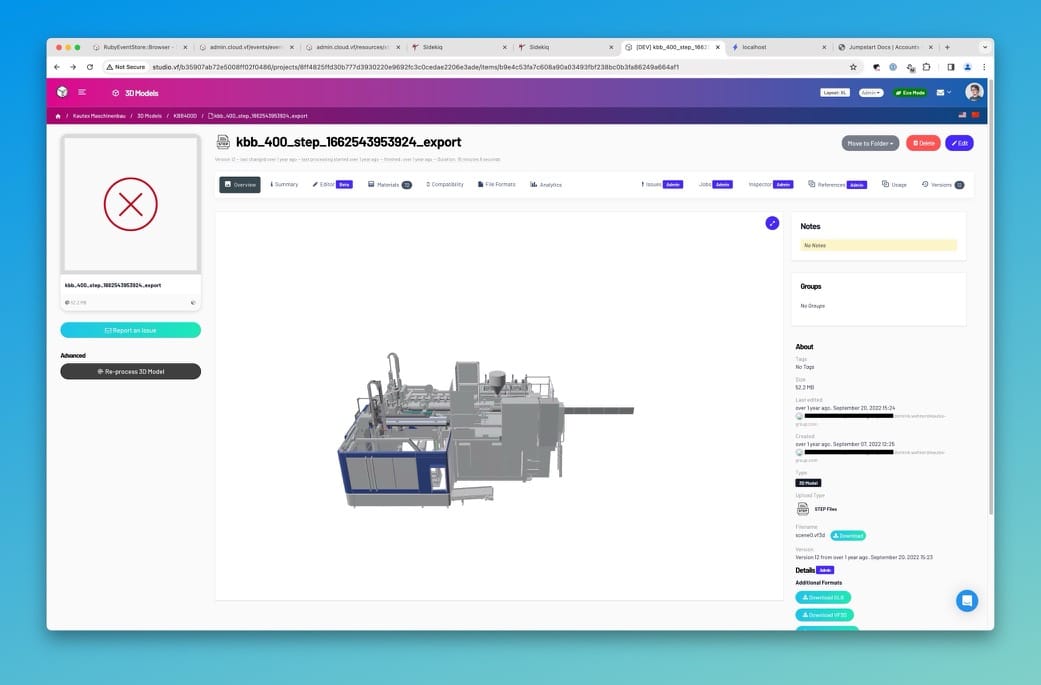
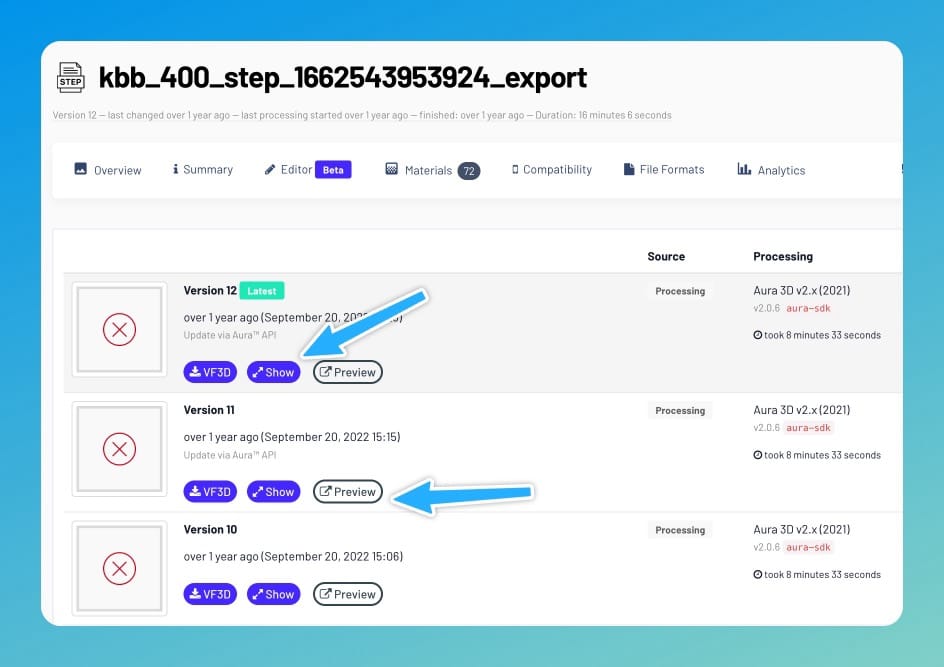
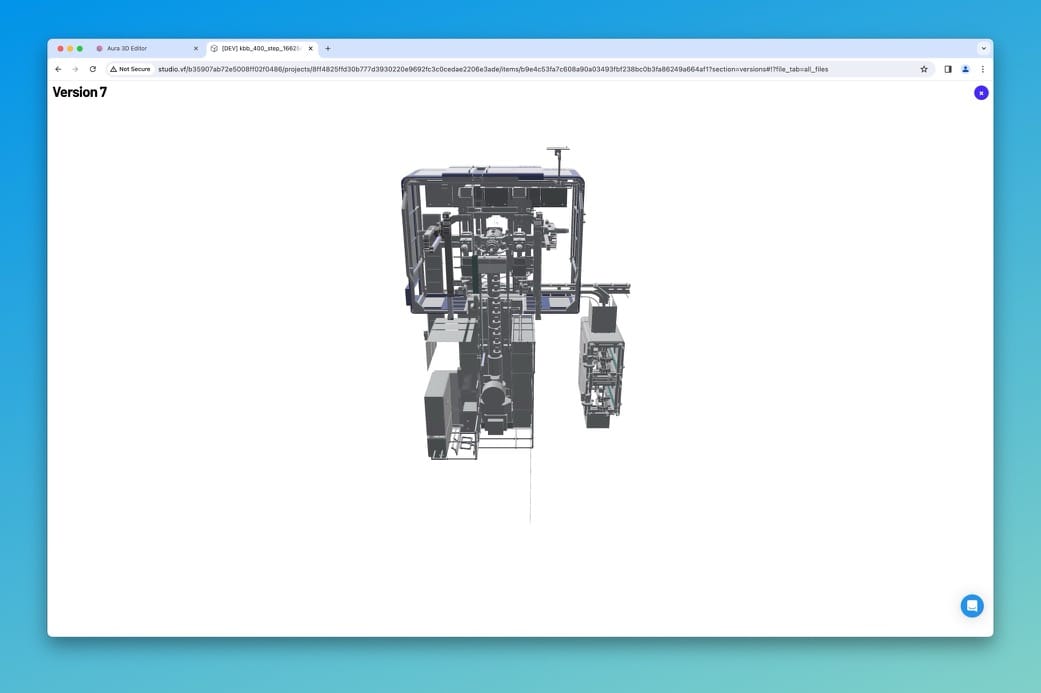
You can now preview all 3D Models directly in studio. The 3D Preview has also been added to the 3D Model Details page and to the 3D Model version history so you can visually check for changes.

Image

Image

Image

Image

Our no-code App Editor now is WYSIWYG. Other than being a really cool acronym for "what you see is what you get" this means that we are abolishing DRAFT apps once and for all. You can now create, edit and preview apps for Smartphone, Tablet and Desktop right in our studio. Awesome right? 🚀

Studio v5.2.3 New 3D Preview

v5.2.3

You can now get live previews of any 3D model version directly in the Studio:

1. Model Preview ​

Just visit the model detail page:

Image

2. Model Version Preview ​

Browse versions to see how your model changed over time. You can preview each version directly in studio or in a separate tab:

Image

Image

As the first minor release of this year Studio v5.2.0 brings something for the environment: Eco Mode. On top of that Studio has been patched with many bugfixes and refreshed for the new look of Vuframe® Smart 3D Visuals.

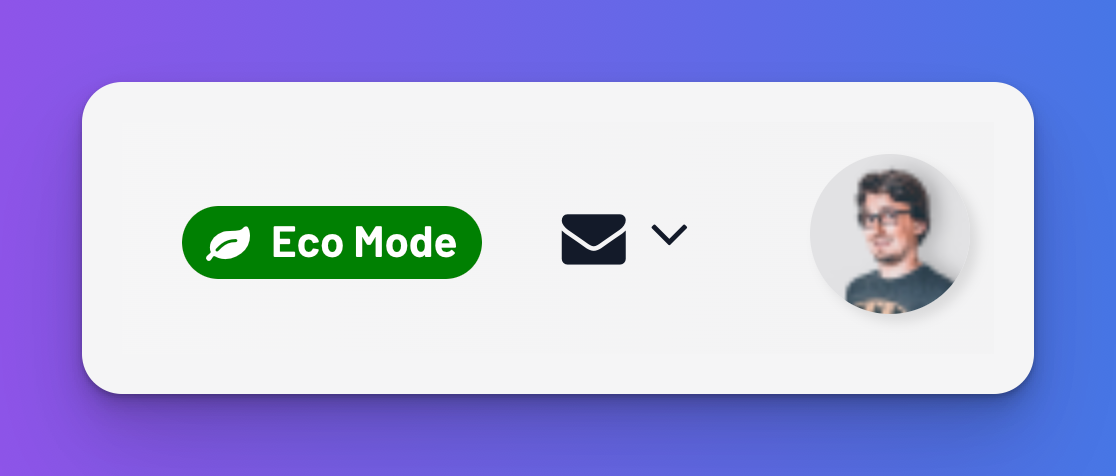
🍃 Eco Mode ​
Image

Running a 3D cloud requires large data centers with GPU-enabled servers – and a lot of energy. In our goal to become carbon-neutral we're introducing our brand new 🍃 Eco Mode. It's a very simple but powerful new feature: Your workspaces will now hibernate outside of your regular business hours – thus reducing the required computing power by 60% 🎉. This reduces the carbon footprint of our cloud significantly. "Power Mode" is enabled during business hours or when you enter your workspace during eco mode and perform.

🎨 Refreshed Look ​

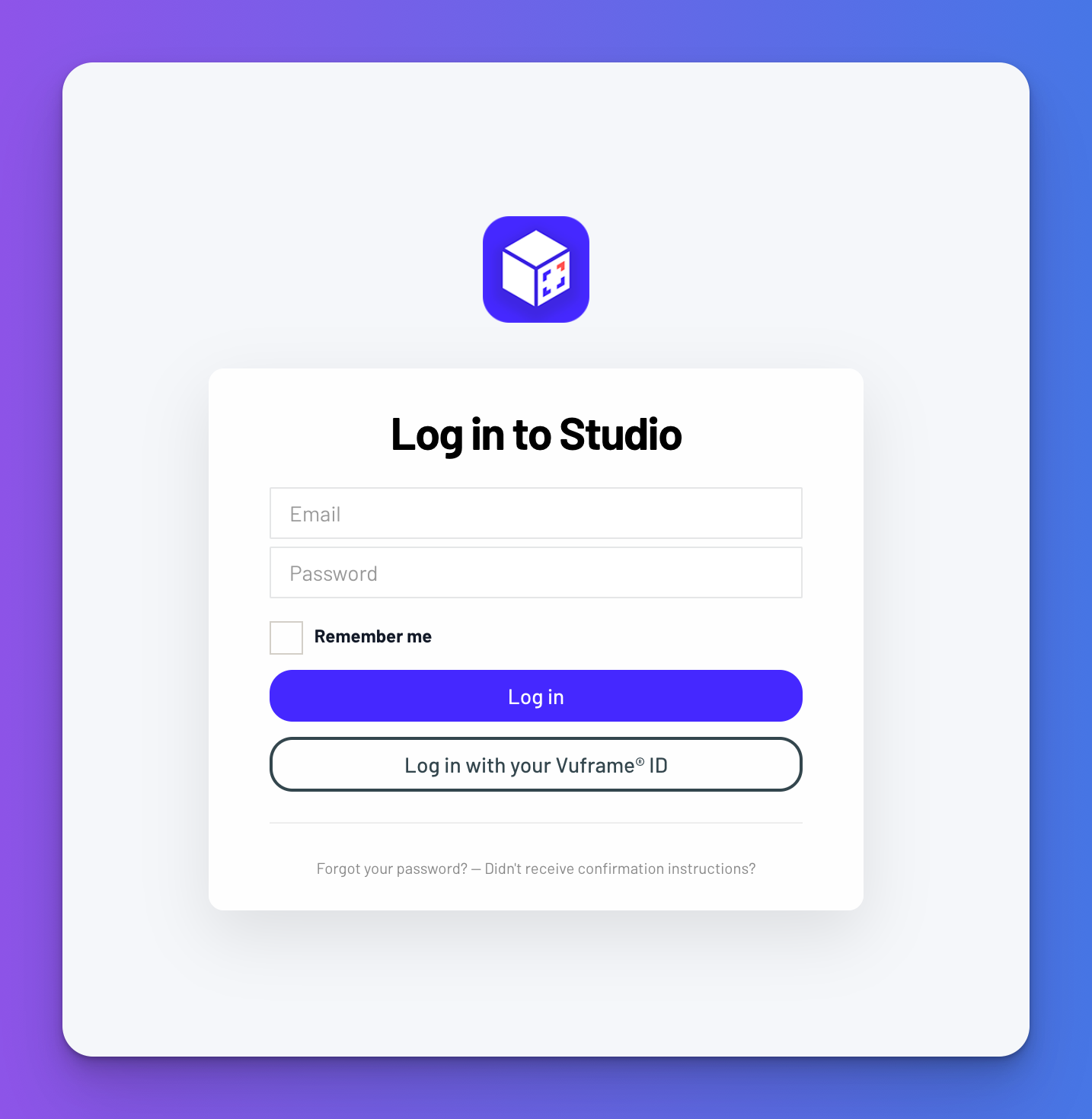
The new color scheme and logo graphic for Vuframe® by Vu3D has been applied to Studio now.
Image

Image

🐞 Bugfixes & Patches ​

  • We fixed and patched a lot of minor issues.
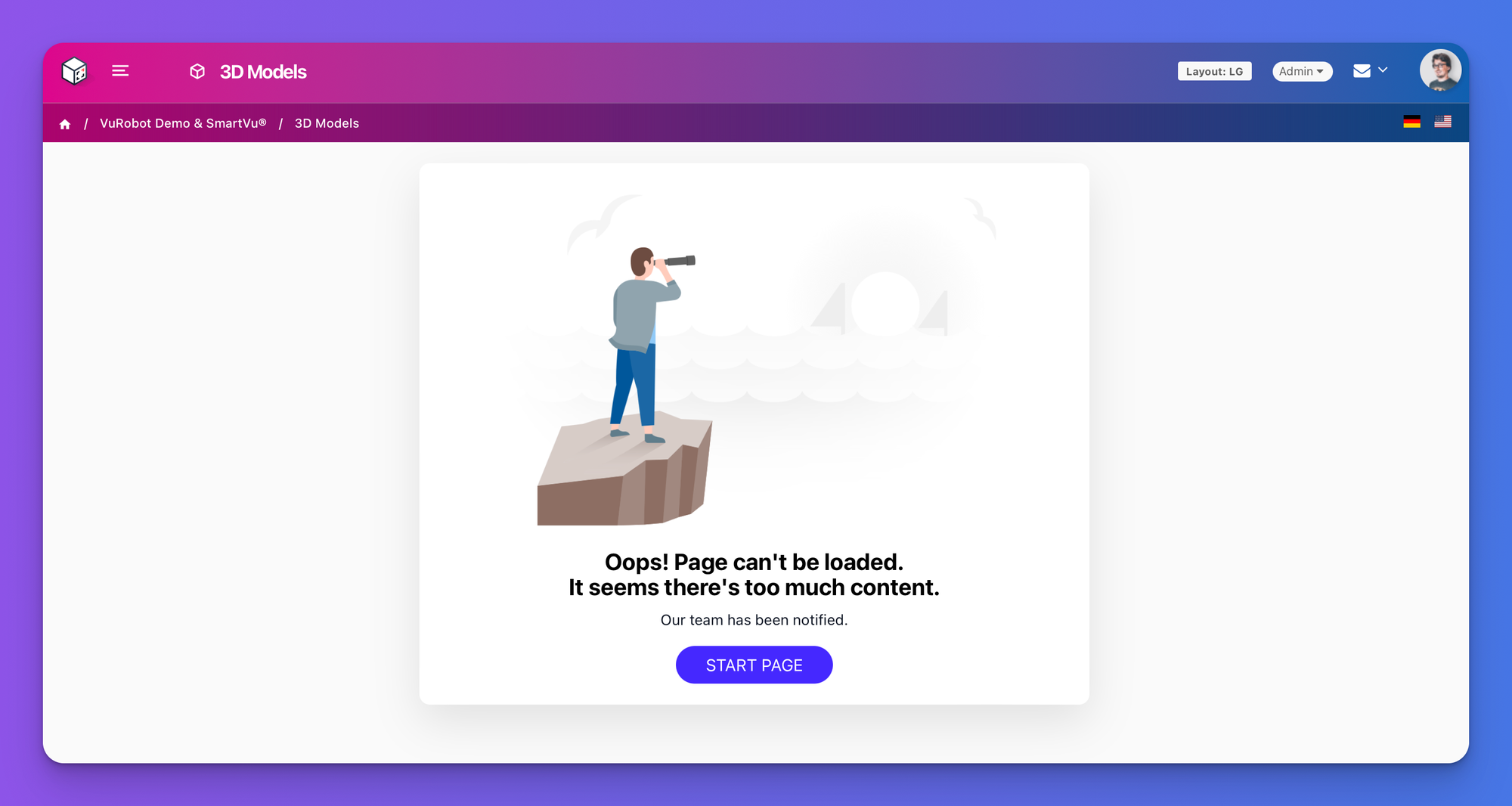
  • We also added a new error page in case a very large workspace cannot be loaded.
Image