Changelog
205 release notes, newest first. Page 11 of 21.
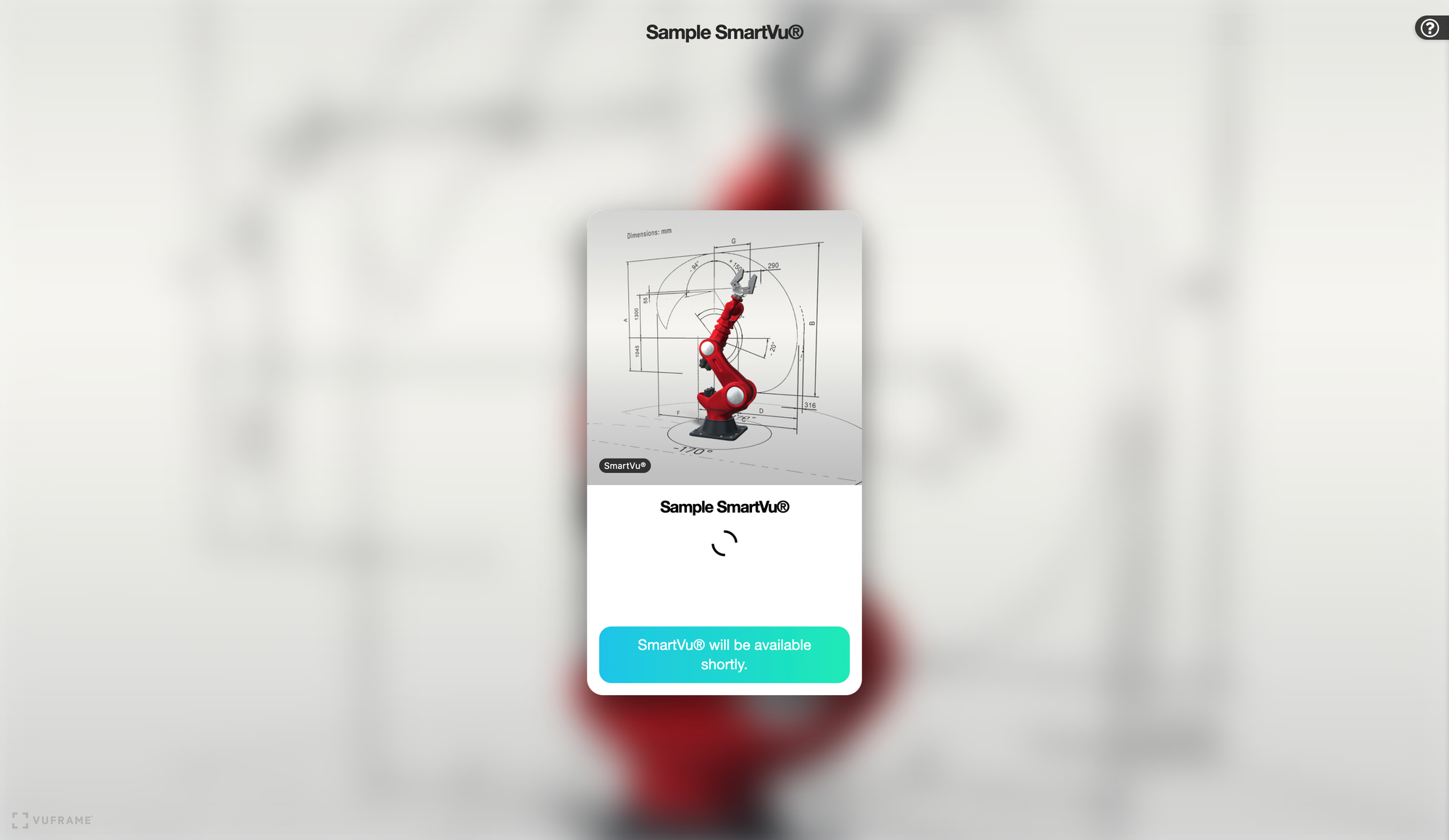
Our SmartVu® Sharepage displayed 'Page not found' after using our SmartVu® API to create a SmartVu® with the sharing option. We enhanced the view with our Sharepage styling, added a loading spinner and an automatic page reload, when the content is accessible.
- fixed preview images on Smartvu picking modal in Basic Start Page are empty
- fixed VF-2390 - After Smartvu API call, Item is not linked to Smartvu anymore
- Resolved Incident #18 - Changes in Preview Image behavior lead to disappeared images of Smartvus
- Added Smartvu API v1.1.3: Actions endpoint to manipulate SmartVu® actions like opening a popup with a PDF
Bugfixes
New API
- Added SmartVu® API v1.1.3: Widgets endpoint to manipulate all sidebar items of a SmartVu®
Bugfixes
- fixed Aura™ 3D Settings for Import and Export visible to all users -> changed to Admin View
- fixed Material Library: outdated Material can't be selected in Grid View
- fixed inconsistent "needs update"-color in Material Library
- fixed a regression that lead to empty custom preview images
- fixed Material Editor: save button is not visible
- fixed Smartvu Custom Preview Image disappears with new Version
- Added Workspace-wide Setting for Rotation (📚See Documentation of Import Settings)
- Fixed Android Deep Linking Support
- Added Positioning, Ground Shadow and Offset Settings for 3D Model Editor – 📚See Documentation of Import Settings
- Added Workspace-wide Settings for Positioning and Ground Shadow – 📚See Documentation of Import Settings