Touch Screens
Touch Input
The application responds to standard Windows touch gestures including tap, swipe, pinch-to-zoom, and multi-touch rotation. All interface elements are optimized for finger input with appropriate touch target sizes.
Display Technology
We strongly recommend using projected capacitive (PCAP) touch screens over infrared (IR) based solutions. PCAP displays offer:
- Significantly higher touch accuracy and responsiveness
- Better multi-touch gesture recognition
- No false inputs from ambient light or reflections
- Superior palm rejection capabilities
- More durable surface without exposed sensor bezels
☝️
IR touch screens often struggle with precise interactions and can register false touches from lighting conditions or nearby objects, impacting the user experience.
Wall-Mounted Displays
Wall-mounted touch screens require specific considerations for optimal performance:
- Mount height should allow comfortable interaction for the average user
- Consider viewing angles when positioning interactive elements
- Enable Windows auto-rotation for flexible mounting orientations
- Adjust Windows display scaling for optimal UI visibility
Touch Tables
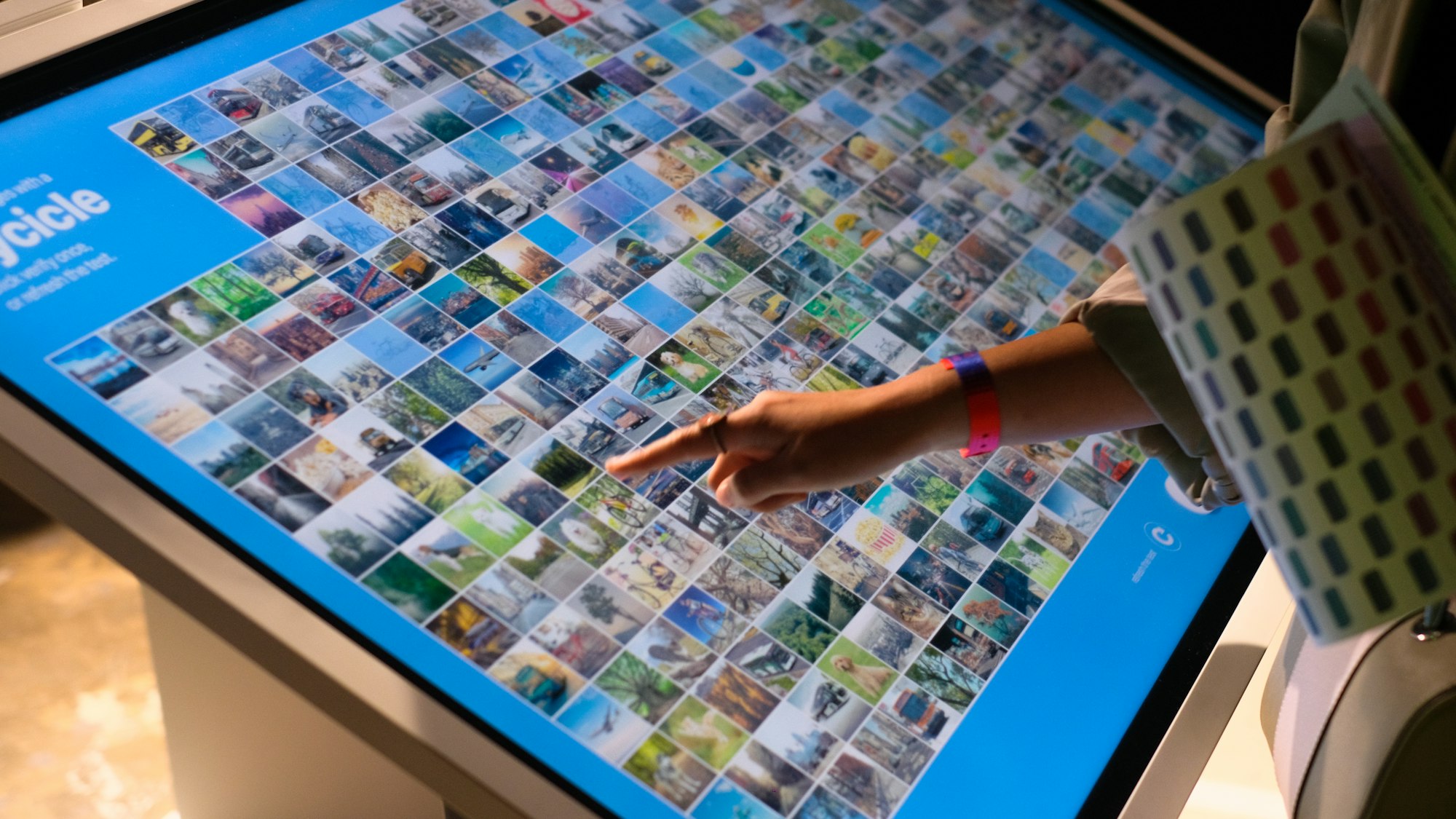
Touch tables provide unique interaction opportunities through their horizontal orientation. Vuframe supports:
- Multi-user interaction from different angles
- Content rotation for proper orientation around the table
- Palm rejection to prevent accidental input
- Custom touch gesture configurations for table-specific use cases
Performance Requirements
☝️
Important: Built-in touch display computers (on-board PCs) typically lack the graphics performance needed for smooth operation.
For optimal performance:
- Use an external PC with dedicated graphics
- Minimum 60 FPS is recommended for fluid touch response
- Connect display via DisplayPort or HDMI for best refresh rates
- Consider heat management for enclosed display setups
The graphics requirements match our standard desktop specifications. Attempting to run on integrated graphics or low-power processors will result in poor performance and reduced usability.