Changelog
205 Versionshinweise, neueste zuerst. Seite 7 von 21.
🚀 Features
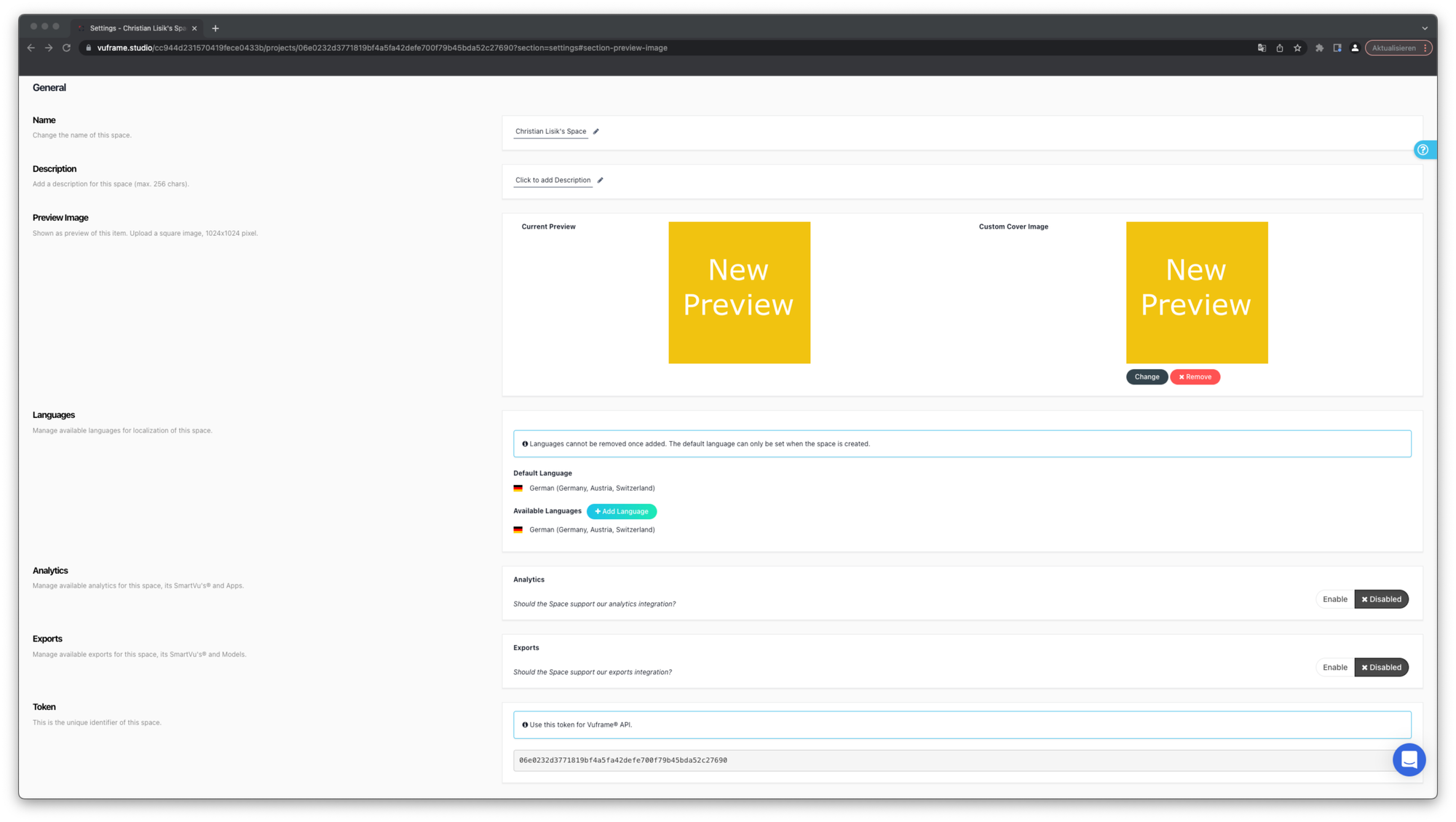
Custom space preview image Find in your space-settings the possibility to change the space preview-image by yourself.
Jobs queue is sorted (updated) In the menu of the header where the pending jobs are shown, the jobs are ordered ascending in the way you triggered it firstly. In addition to that, the SmartVu® Jobs and App Processing jobs are shown divided.
🐞 Bugfixes
- Share only for newly created Smartvu in processing
- Set share serializer caching to 1 day
- Work queue is misleading
🚀 Features
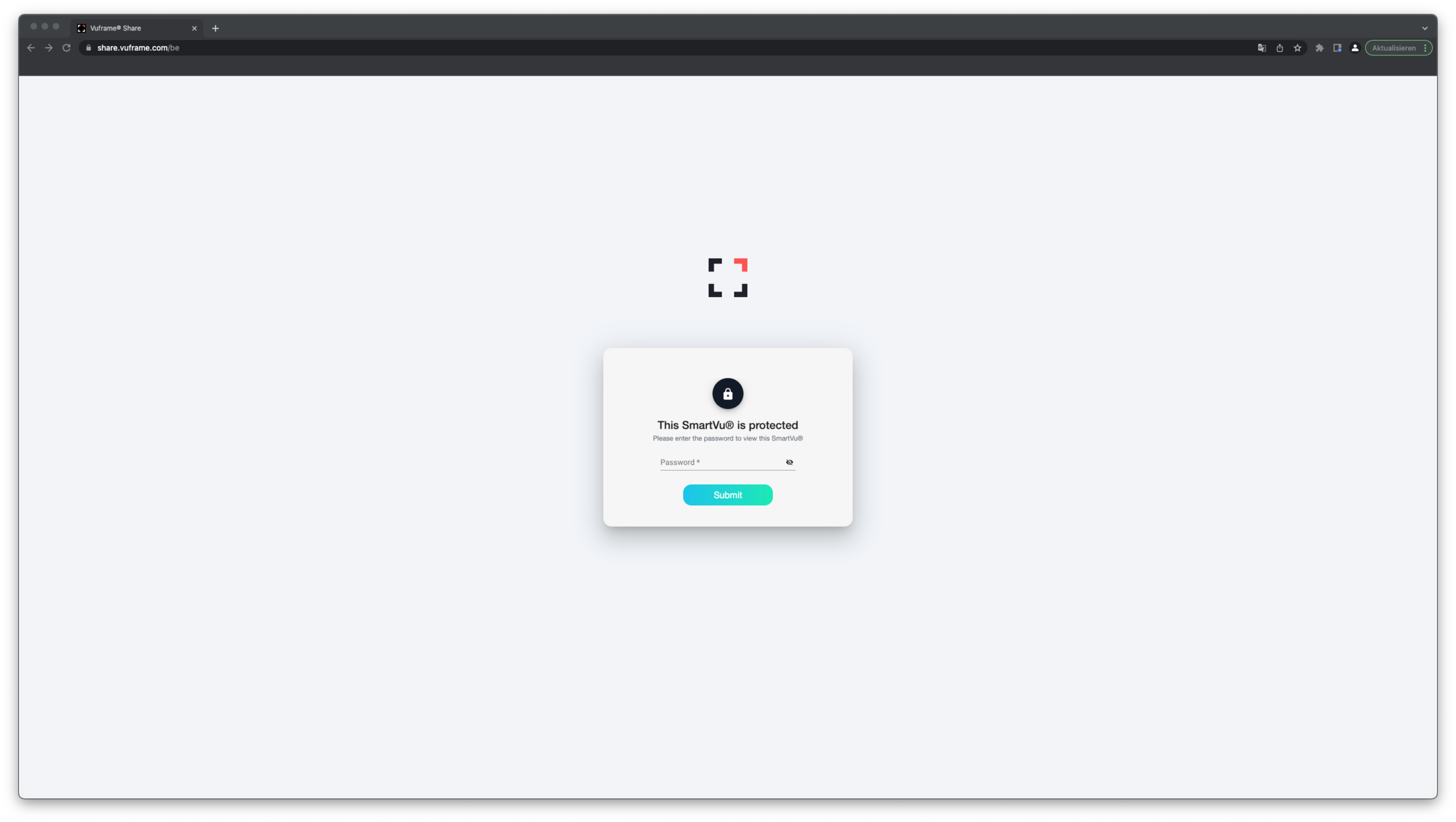
** SharePage v2.0.0** The new SharePage v2.0.0 is included in our SmartVu® for Web v2.0.0 release and provides the following new functionalities: - Password Protection (Share your SmartVu® only for certain people with a password)
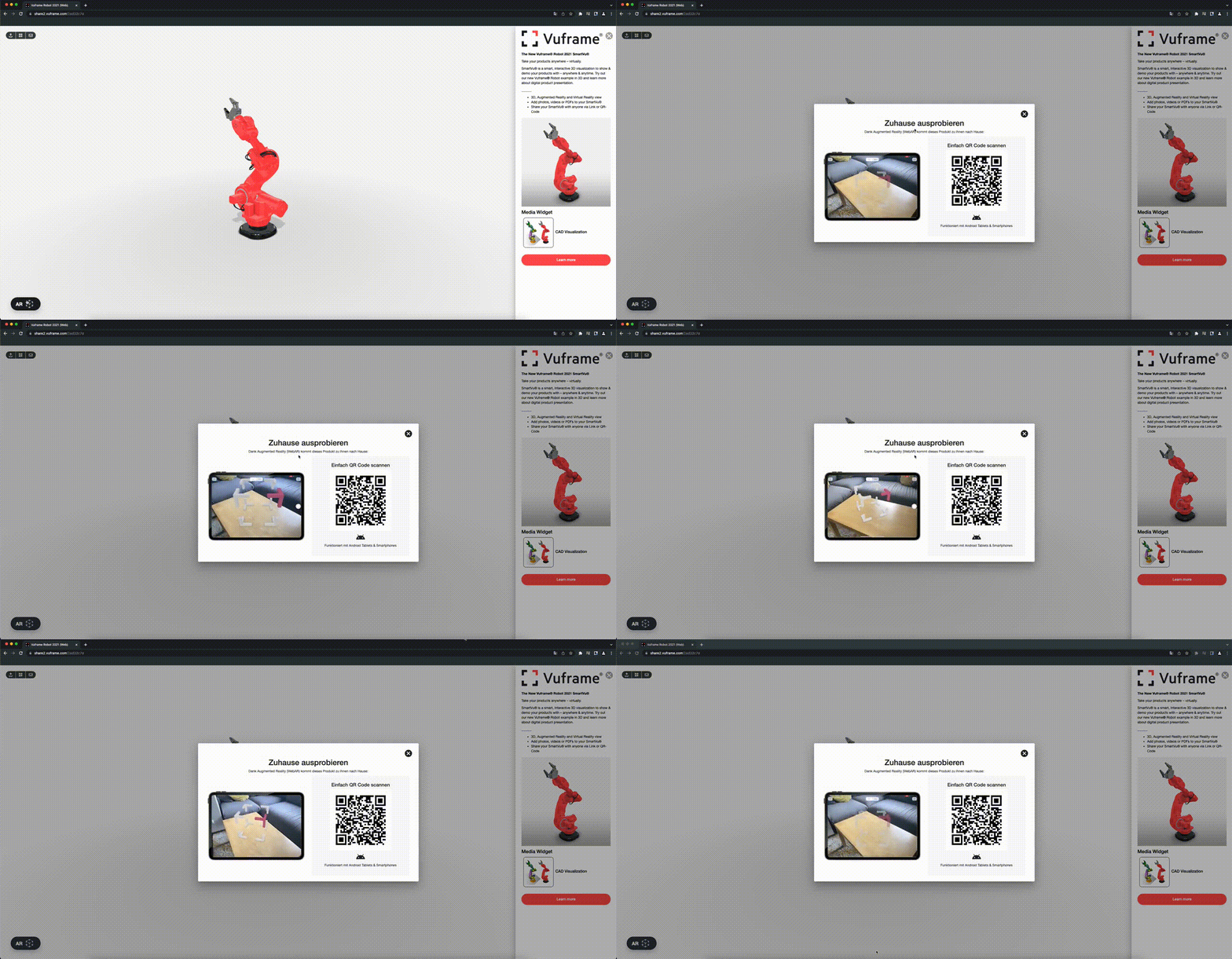
- WebAR (Demonstrate your SmartVu® live on your phone in Augmented-Reality)
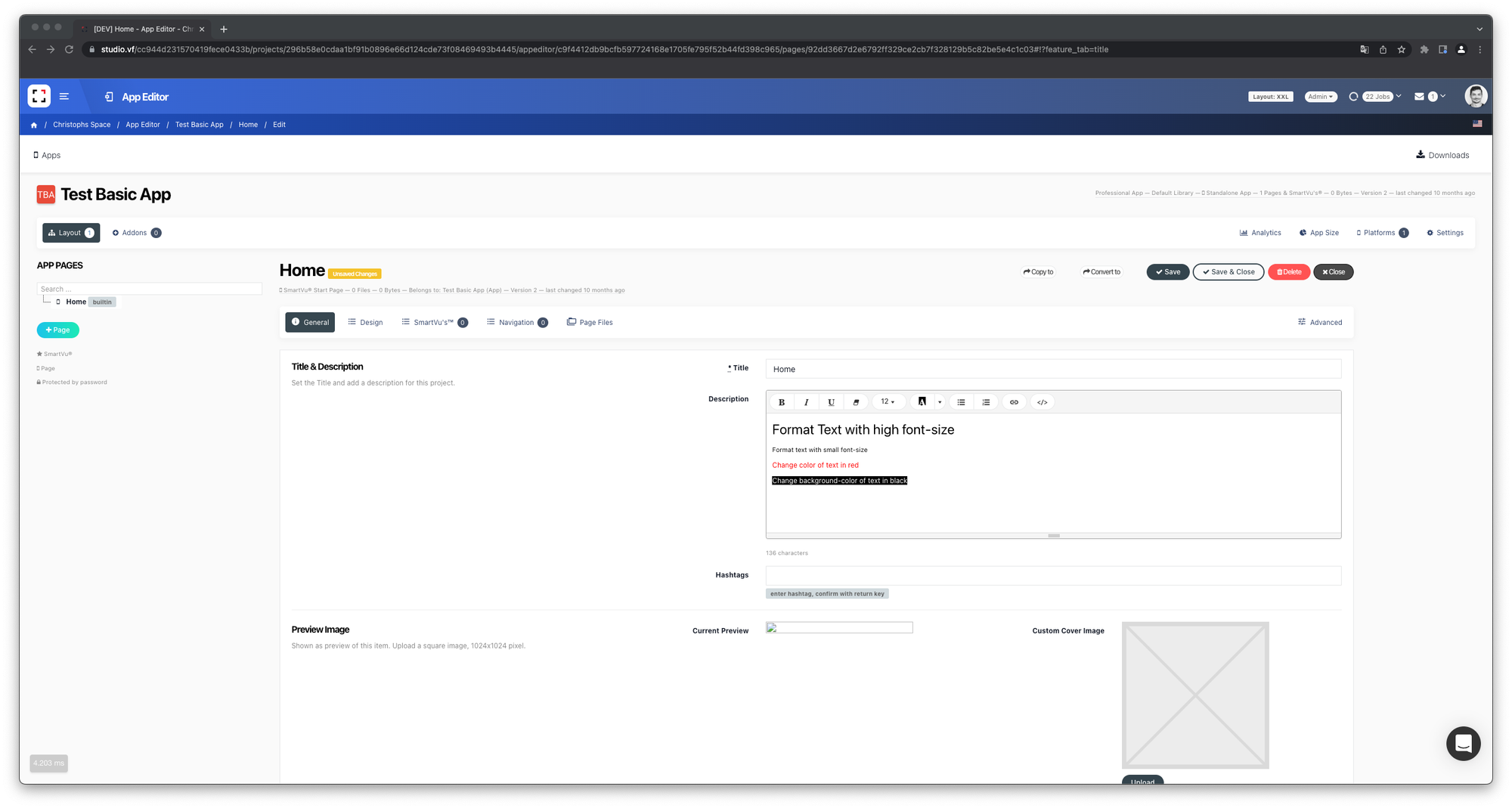
** Formated text for app sidebar** The font-text formatting group was extended. Highlight the text for your app with new formatting possibilities.
🐞 Bugfixes
- Wrong preview image for Smartvus
- Upload pdf files with large page count
- Original file type in summary
- Sorting pending jobs correctly
🐞 Minor bugfixes
- Duplicate item, when processing failed
- Share API were extended
🚀 Features
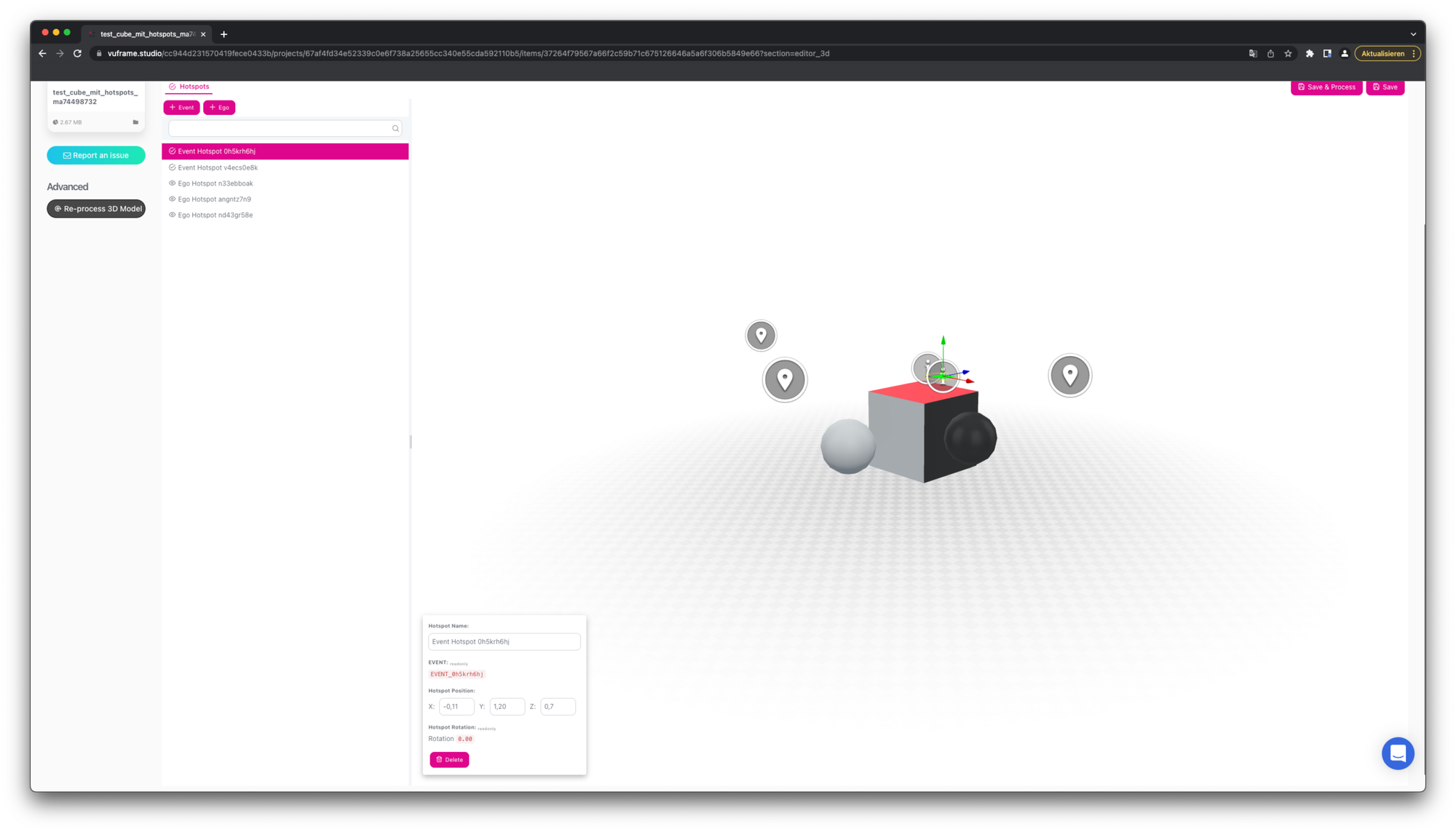
** Editable Hotspot-Editor for x, y & z coordinates ** The Hotspot-Editor is now editable on the x, y & z coordinates. This allow are more specific placement for the hotspots.
** Consumer API were extended ** Additional information can be sent or received for consumers from beyond
🐞 Bugfixes
- User notification are sorted by newest information
- PDF files upload are optimized for larger files
🚀 Features
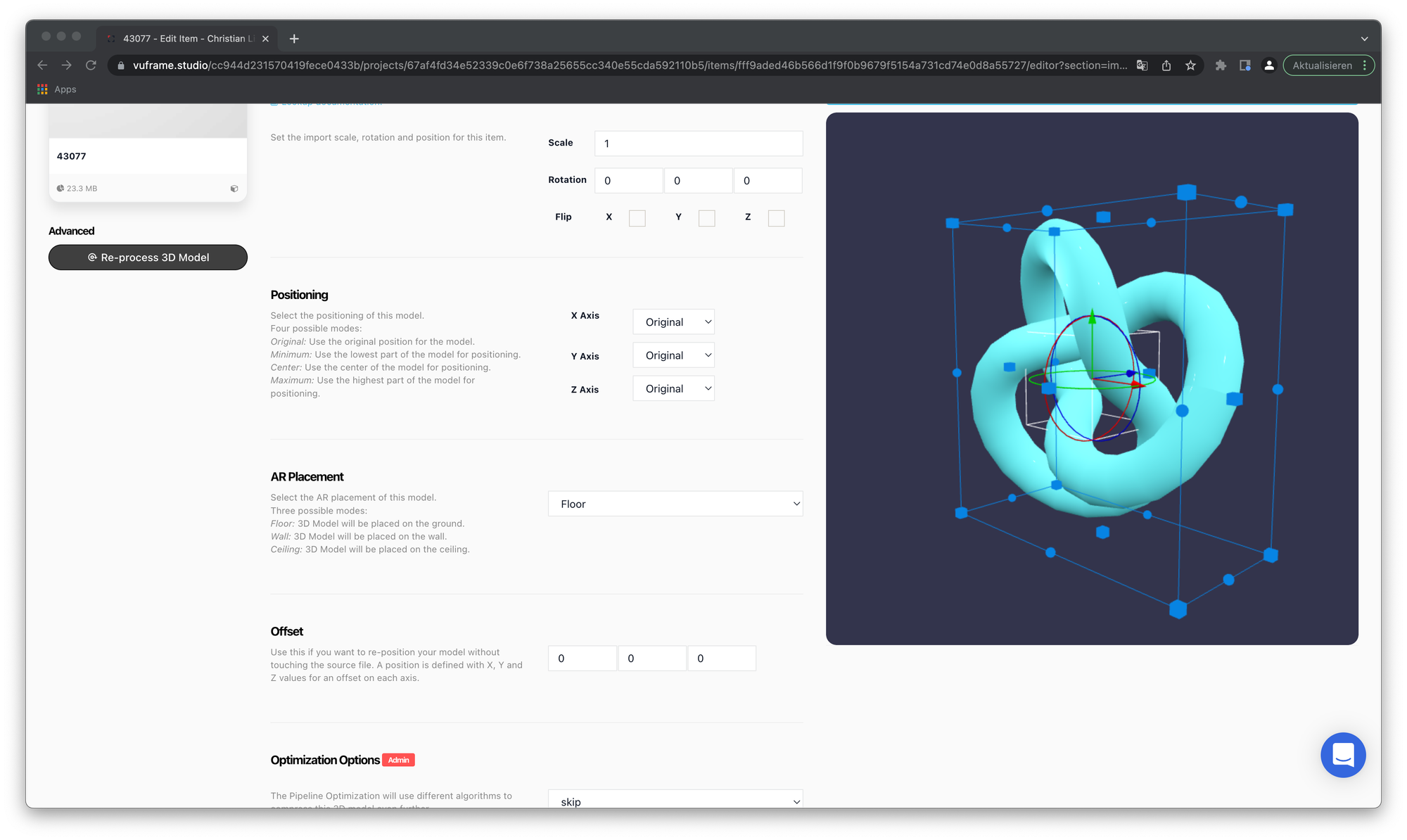
**Aura 3D Model AR Placement Setting: Floor, Wall & Ceiling ** Some 3D models have different purposes as real live object. For example, lamps hanging on ceilings or air conditioner are placed on walls. In the 3D settings in our studio, you are now allowed to adjust these functionality for your 3D models in AR.
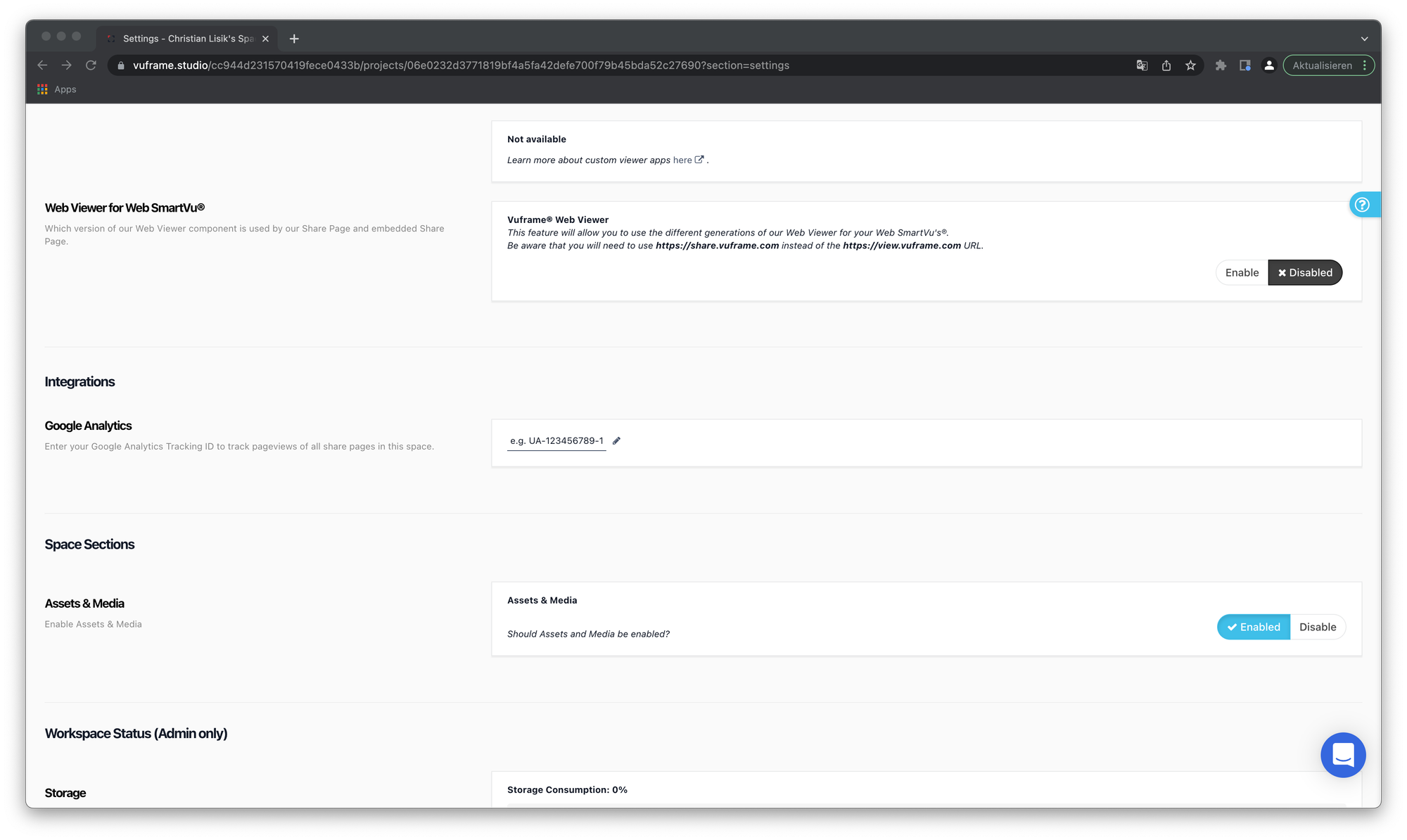
Asset & Media functionality in workspace settings adjustable for admins As studio enterprise user you are by default allowed using the Asset & Media functionality. This functionality is no adjustable for admin user. Admin user can decide whether the Asset & Media functionality can be used by the space-user or not.
🐞 Bugfixes
- Changing the app name in the settings is now possible
🚀 Features
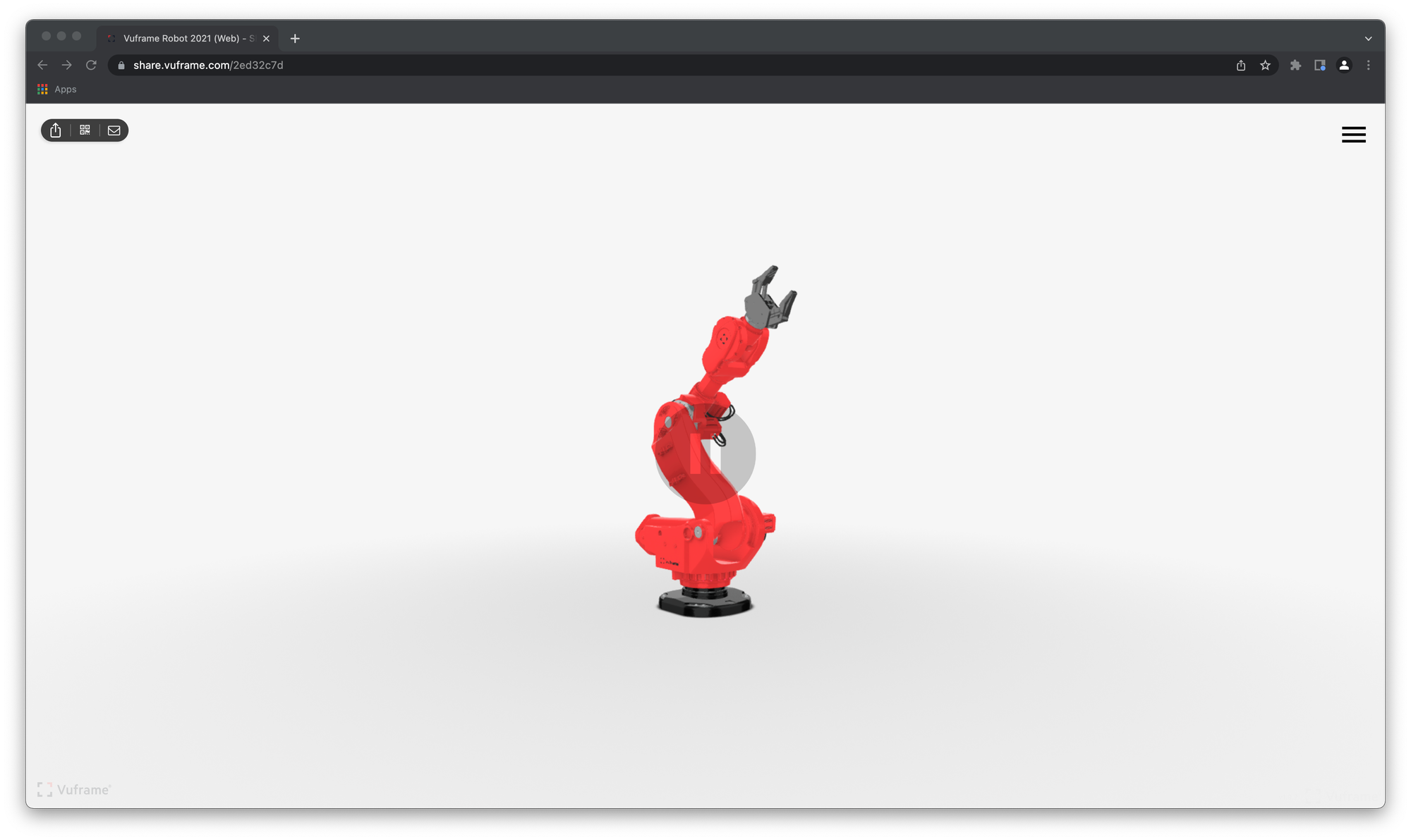
New position for Share Action Buttons For a better usability of our Sharepage, we moved the action buttons to the left side. Sidebar is now easier to use on share.vuframe.com.
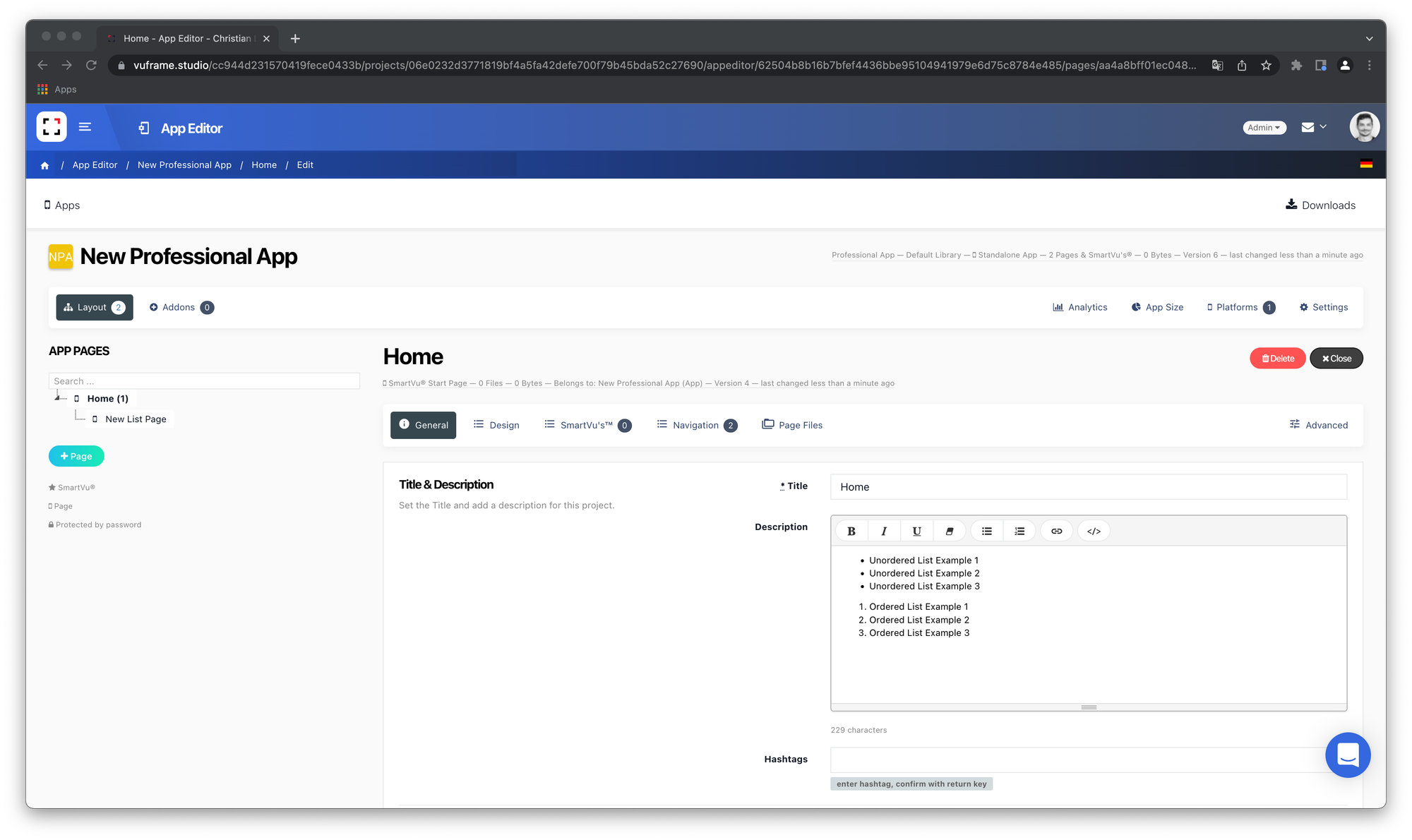
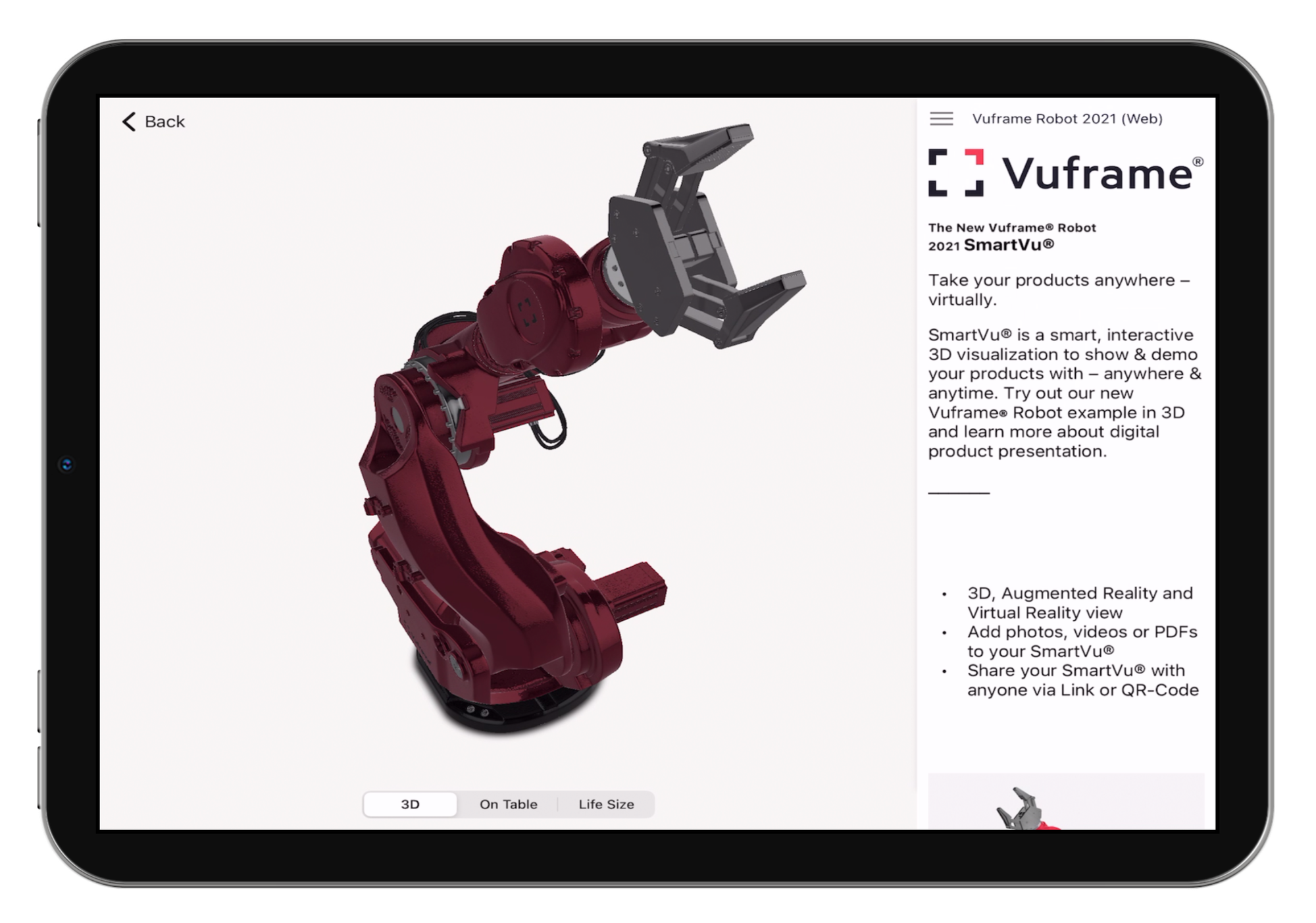
List support for Descriptions Our Smartvus and App Pages support unordered and ordered lists. You are now able to further structurize and highlight your texts!
- CSV and ShareCode Images Export (customer only)
- Material Mapping Setting -> Turn off or Enable Material Mapping for customers
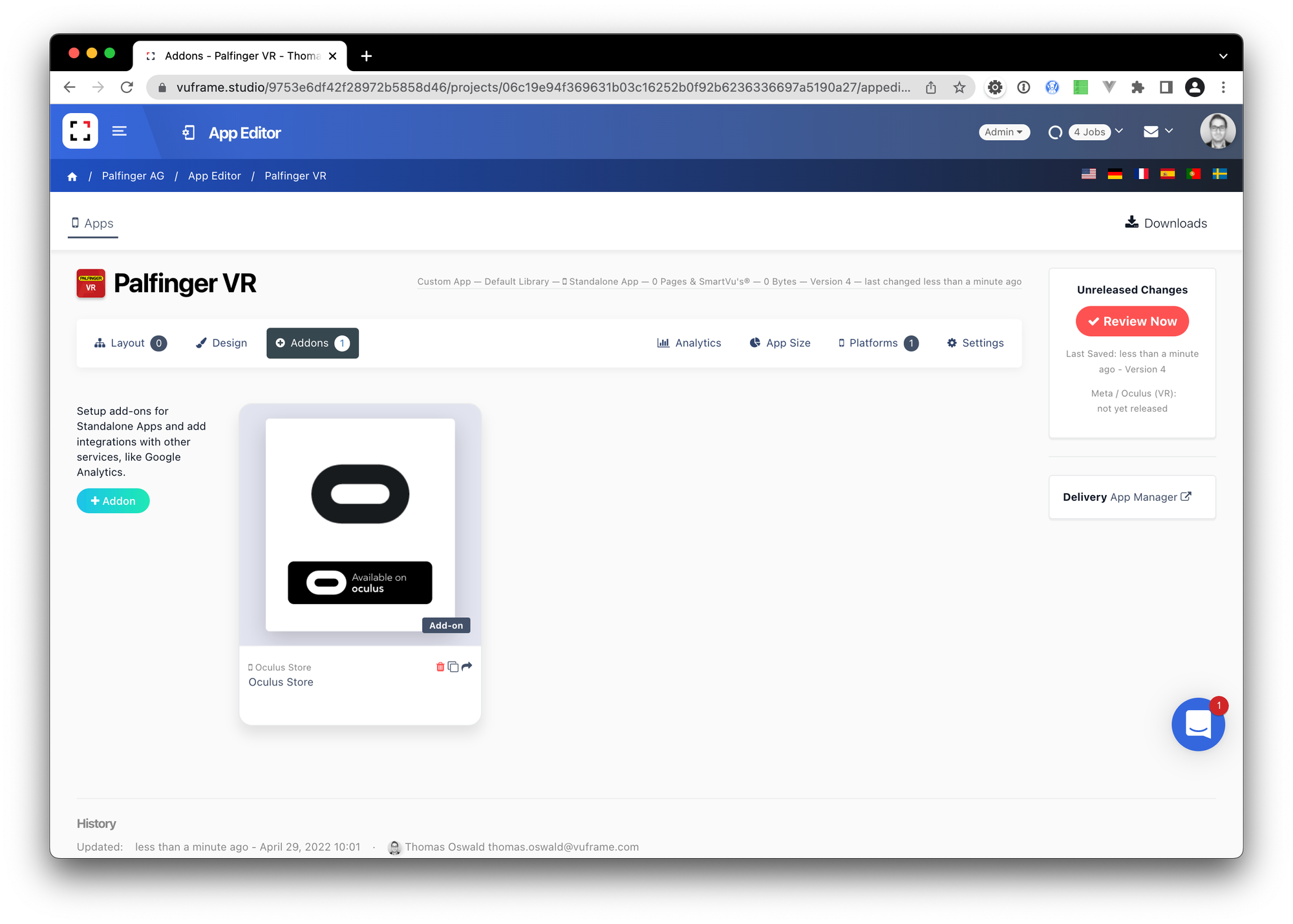
Oculus Store Addon
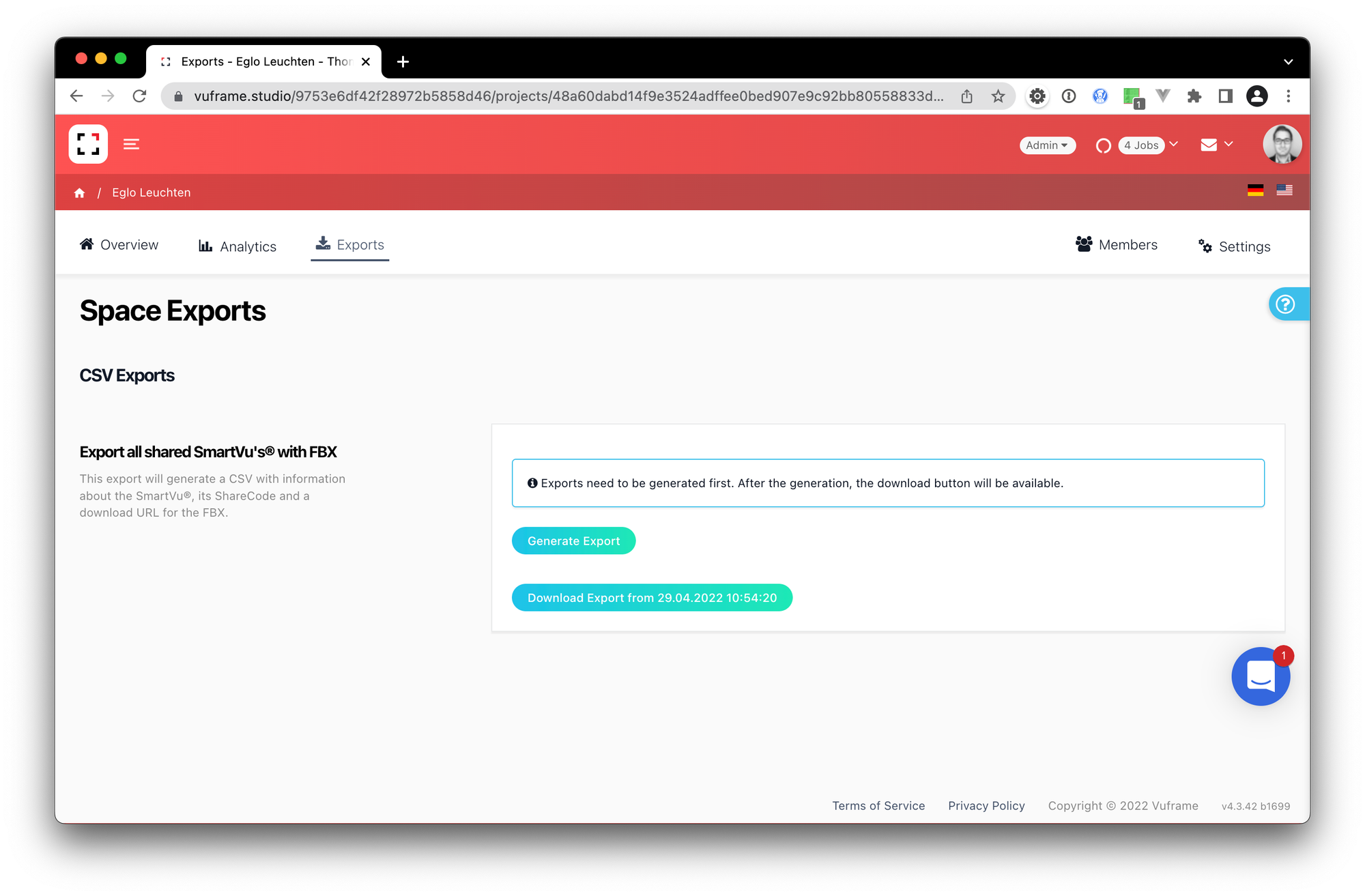
Export Section for specific Enterprise Customers